Add places to your days
Every place you add becomes a card on one day of your trip, with a photo and how long it usually takes.
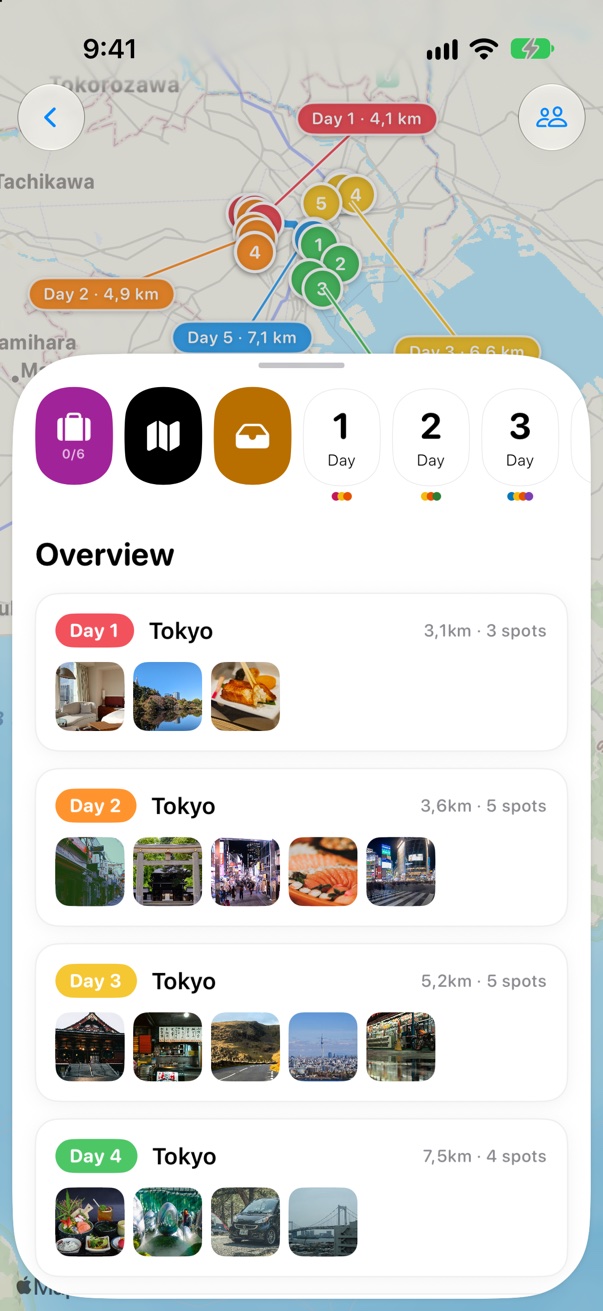
Open a day, then tap Add
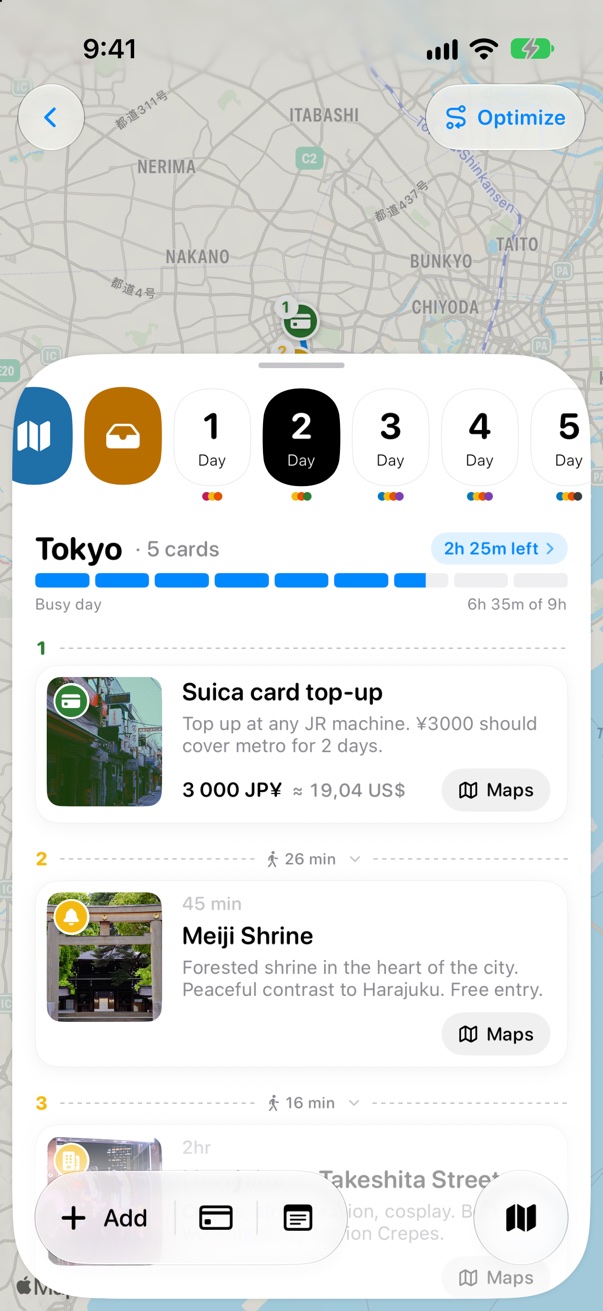
Open your trip and tap a day in the strip at the top. Then tap + Add at the bottom of the screen.
 1
2
1
2
Search for the place
Type its name or address. Results come from Apple Maps, near your trip’s city. Not there? Tap Search farther away.
 1
2
3
1
2
3
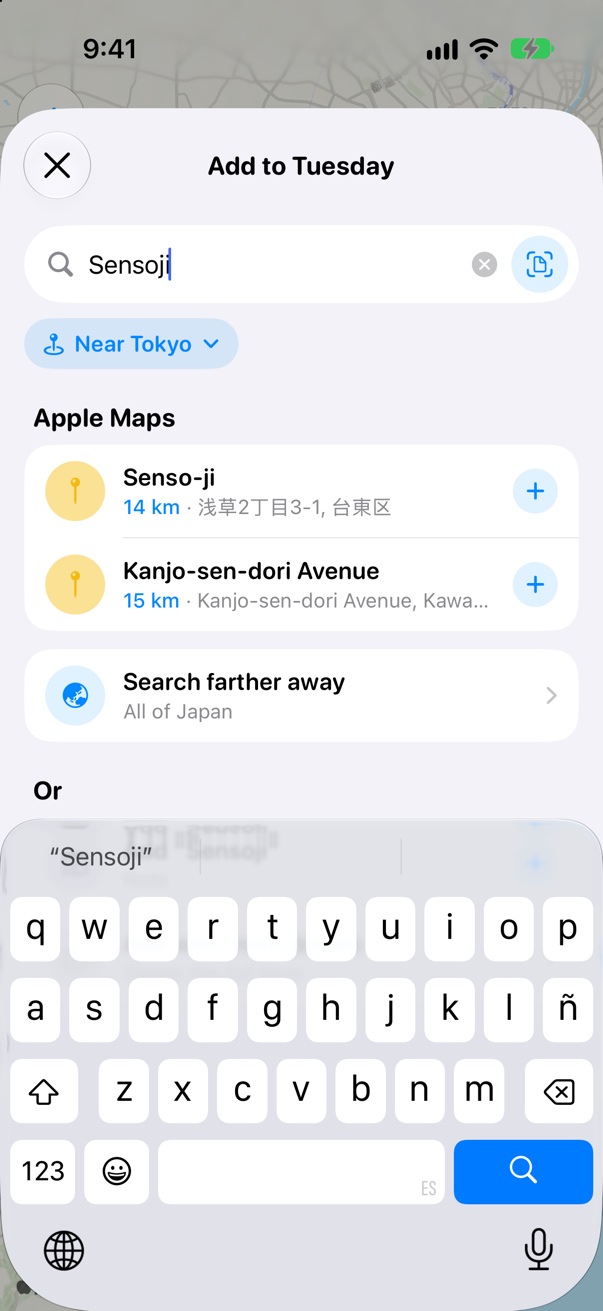
Tap +, and it’s in
Tap + next to the place. It turns into a green check, and the row tells you which day it’s on.
 1
2
1
2
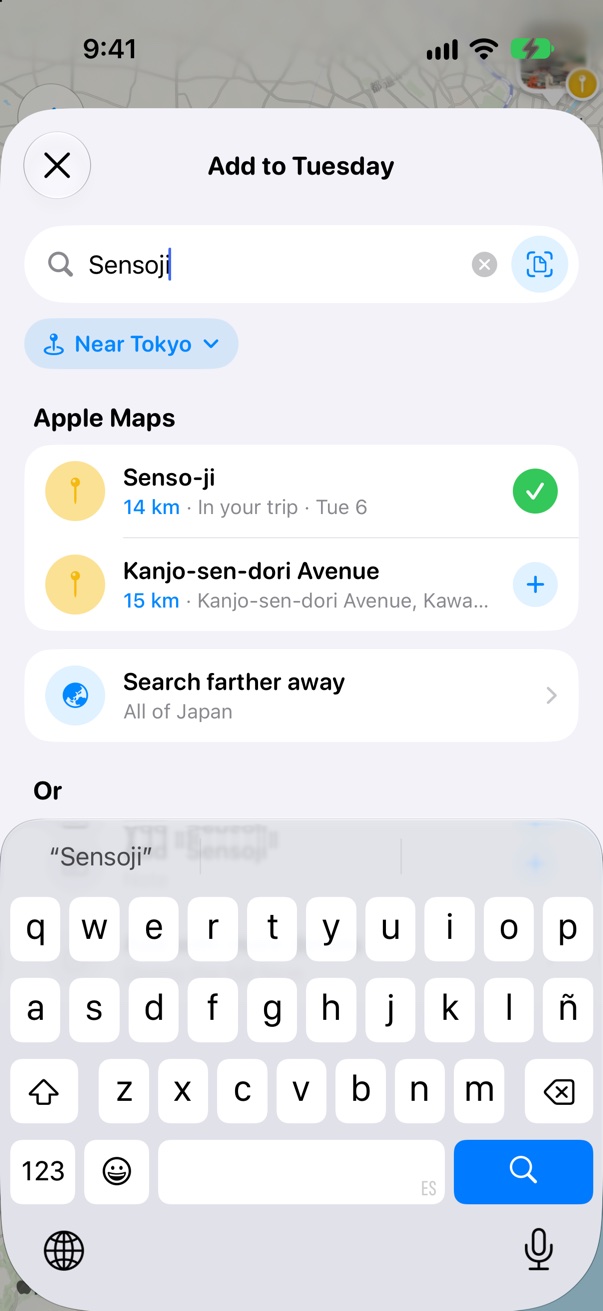
Find it on your Board
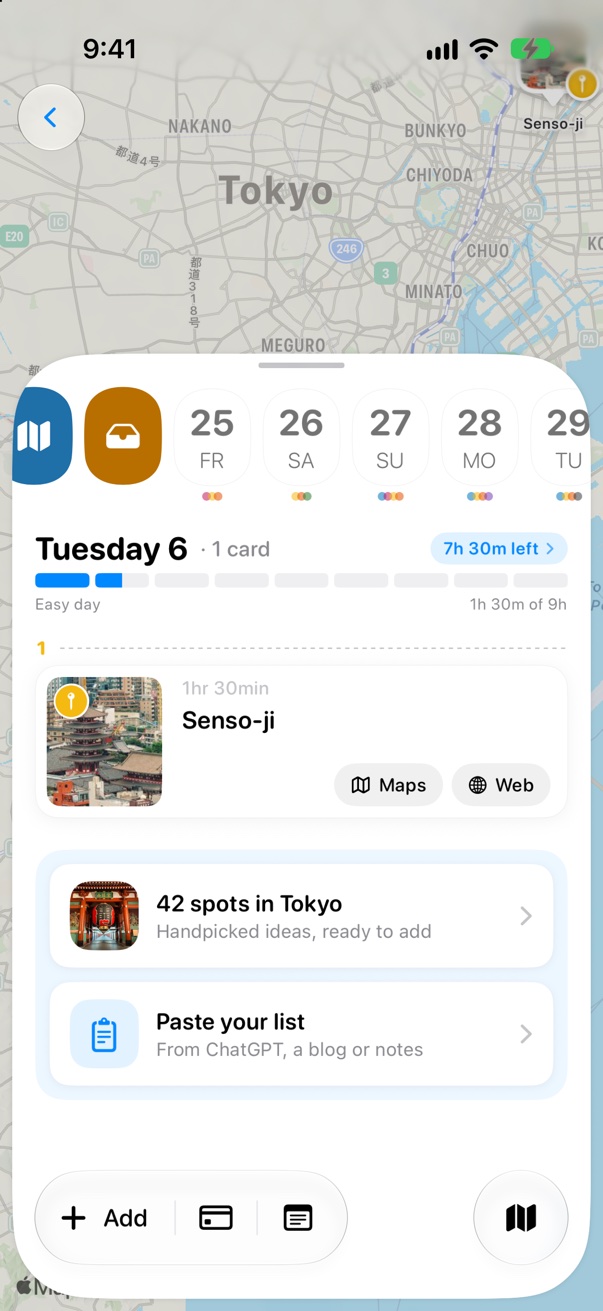
The card lands on your day with a photo and how long it usually takes. The bar on top shows how full the day is.
 1
2
1
2
Change it any time
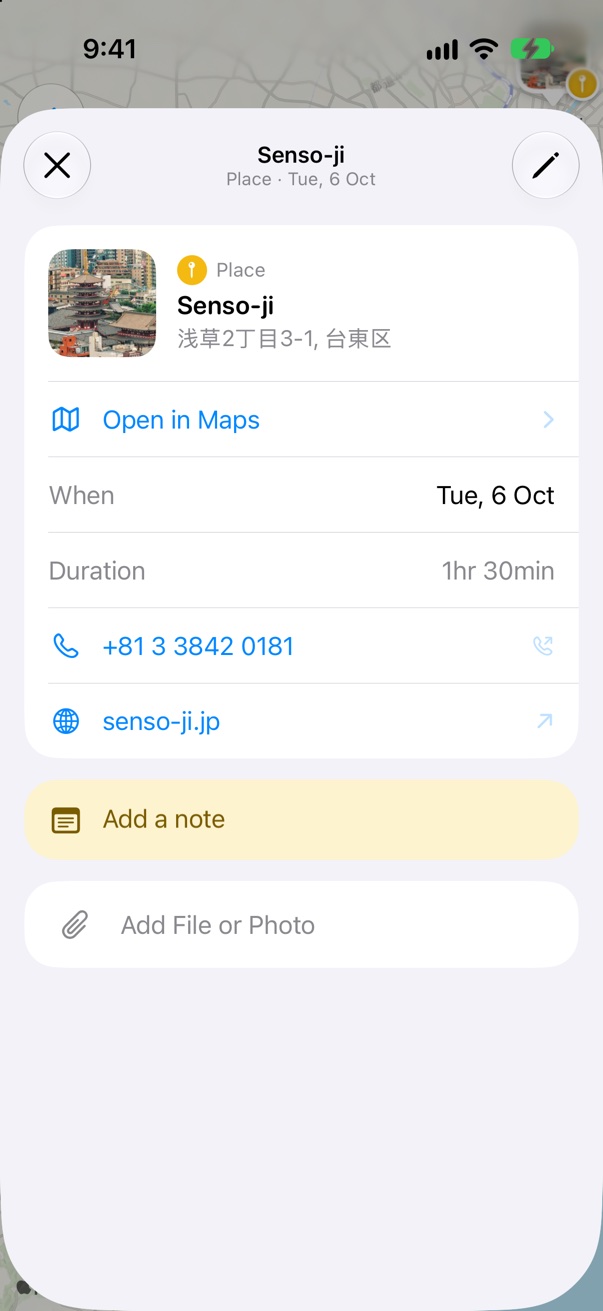
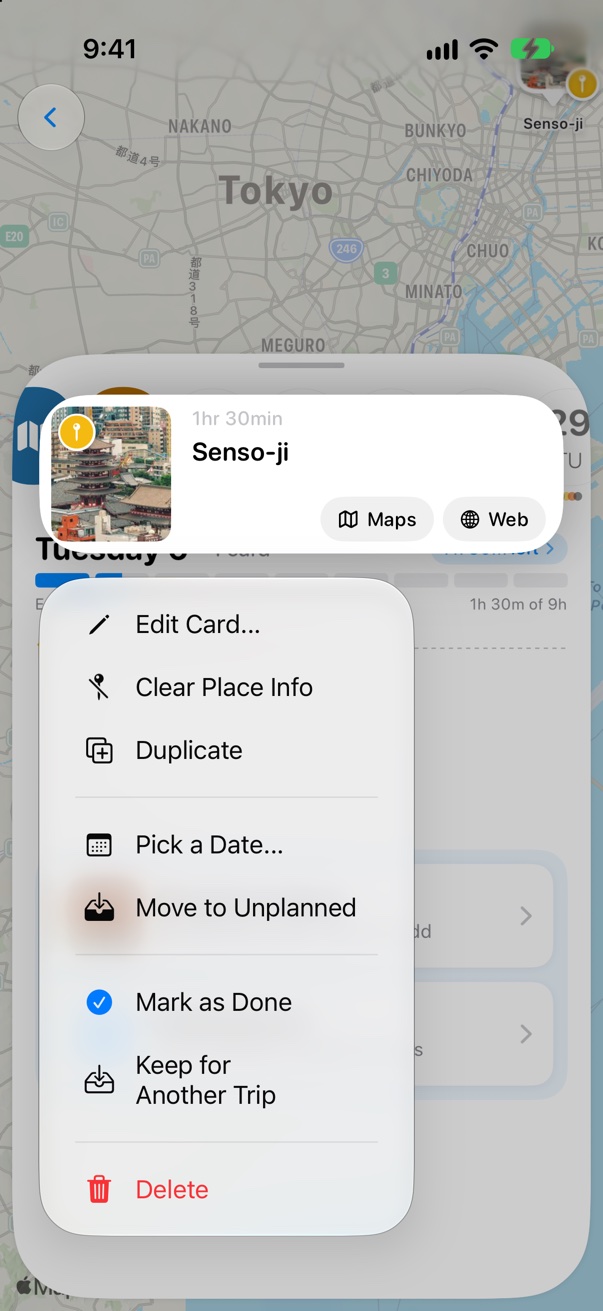
Tap a card to open it and add a note, a file or a photo. Touch and hold it to move it: Pick a Date… sends it to another day, and Move to Unplanned keeps it for later.
 1
1
 2
3
2
3
Click Add card
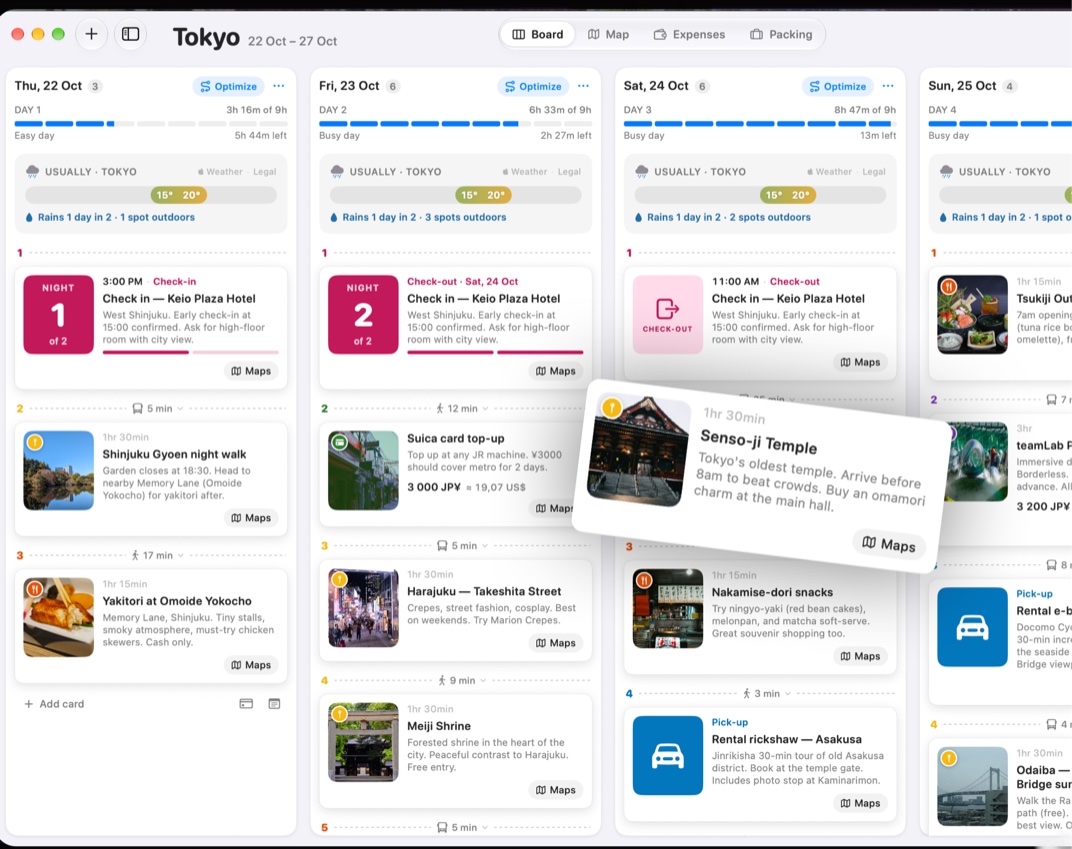
In the Board, click + Add card at the bottom of a day’s column.
 1
1
Search and pick the place
Type its name or address, then click + next to the place. It goes straight into that day. Rather use the keyboard?
Drag cards between days
Drag any card to another column to change its day, or up and down to change the order.
1
Good to know
An empty day offers handpicked spots for your city, ready to add.
Got a list from a blog or ChatGPT? Tap Paste your list on an empty day.
Not sure which day yet? Keep it in Unplanned, the tray next to the days.



Was this helpful?
Great, thanks! Happy travels.
Sorry about that. Tell me what was missing on r/trovelo and I’ll fix this page.
Keep going