TROVELO HELP CENTER

HELP

Real screens.
Clear steps.

Start here

New to Trovelo? These three cover the basics.
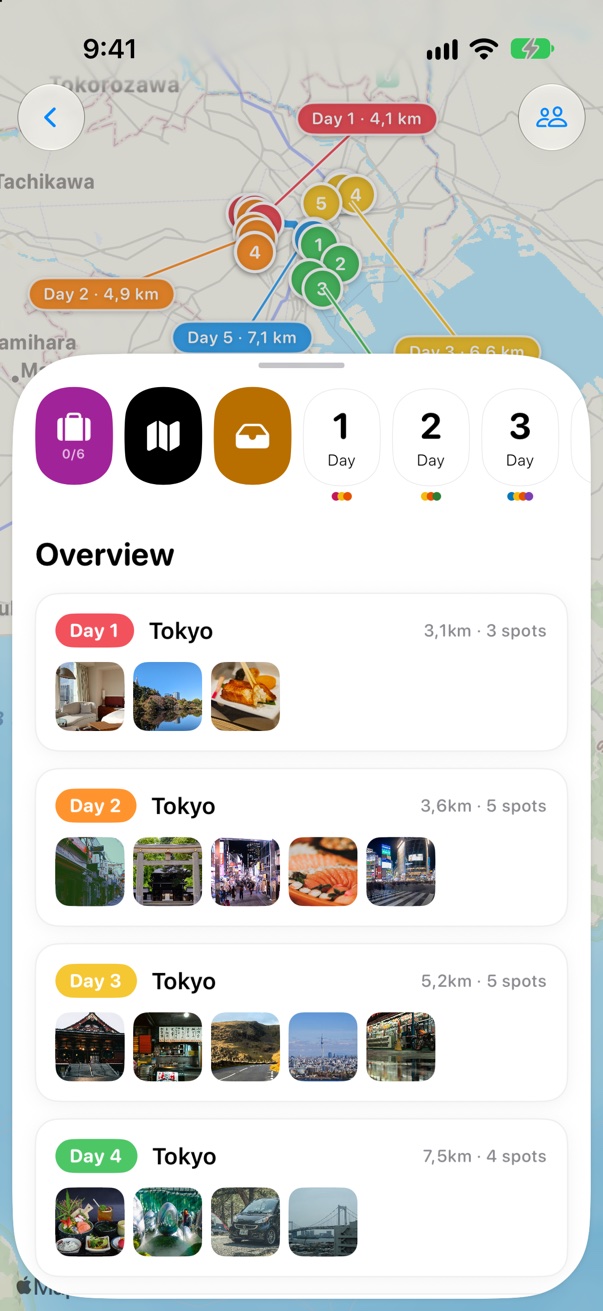
A trip’s Overview in Trovelo
GETTING STARTED Create your first trip Coming soon
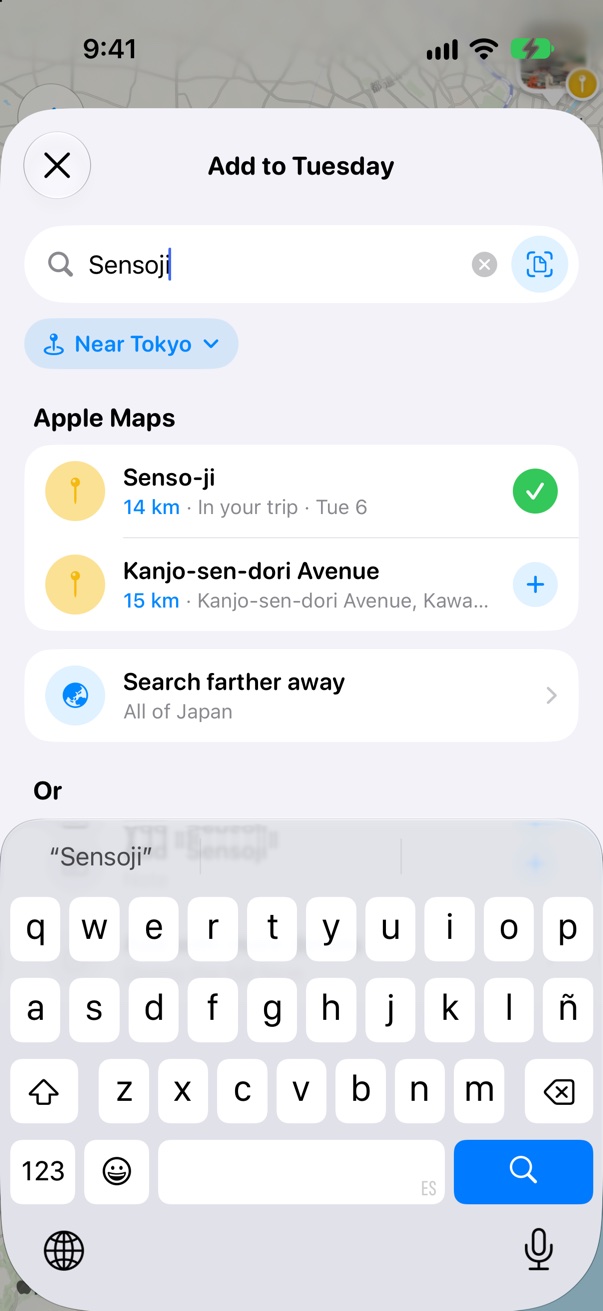
Senso-ji added to Tuesday
1
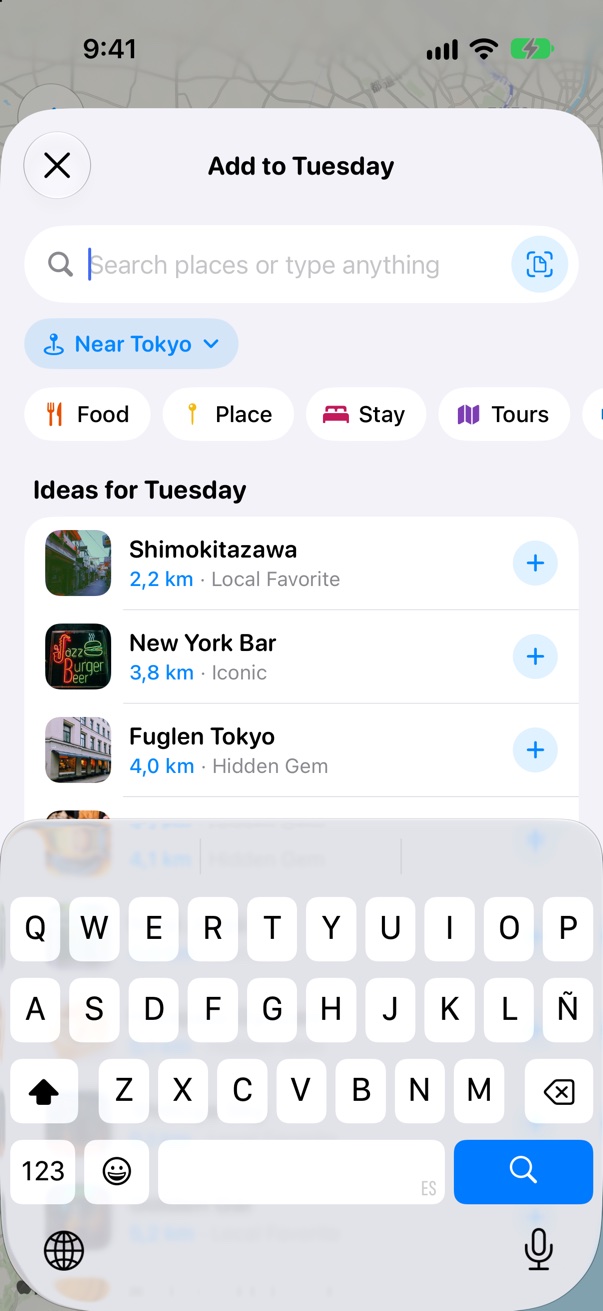
BOARD & CARDS Add places to your days 5 steps · 2 min
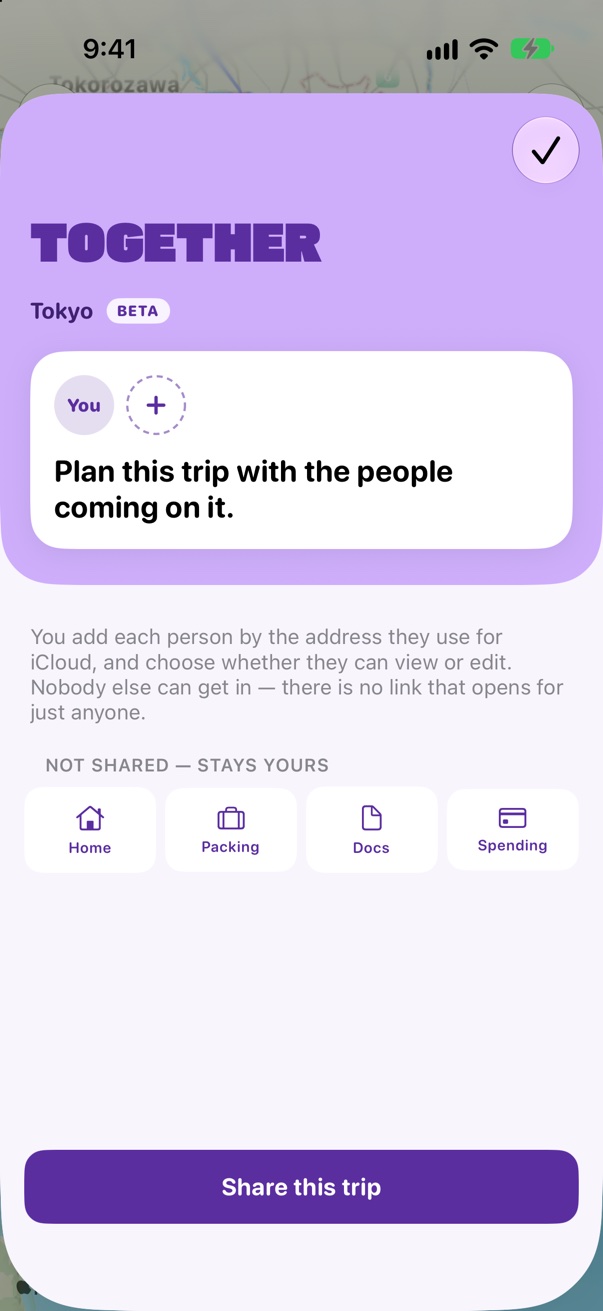
The Together sheet
PLAN TOGETHER Invite your crew Coming soon

Browse by topic

Answers for iPhone, iPad and Mac.

Map & routes

  • Optimize a day’s routeSoon
  • What’s nearbySoon
  • Drop a pin on the mapSoon

Flights & transport

  • Add a flight, with layoversSoon
  • Trains, buses and ferriesSoon
  • Import a booking from an emailSoon

Expenses

  • Log an expenseSoon
  • See costs in your own moneySoon
  • Split costs with your groupSoon

Plan together

  • Invite someone to your tripSoon
  • Can view or can editSoon
  • What stays privateSoon

Weather & packing

  • Typical weather and live forecastSoon
  • Your packing listSoon
  • Plugs and voltageSoon

Guides & Someday

  • Start a trip from a guideSoon
  • Save places for SomedaySoon
  • Paste a list from a blogSoon

My Spots & medals

  • Add places you’ve beenSoon
  • Find past trips in your photosSoon
  • Medals, from First Stepper upSoon

Widgets, Watch & Calendar

  • Your flight on the Lock ScreenSoon
  • Trovelo on Apple WatchSoon
  • Your trip in CalendarSoon

Mac & AI Plan

  • Trovelo on MacSoon
  • Plan with your AI assistantSoon
  • Drag cards between daysSoon

iCloud, privacy & Pro

  • How iCloud sync worksSoon
  • Back up all your tripsSoon
  • What Trovelo Pro includesSoon

New in Trovelo

Recent things worth knowing.

NEWImport bookings

Flights, hotels and rental cars, read from a screenshot or a PDF of the email.
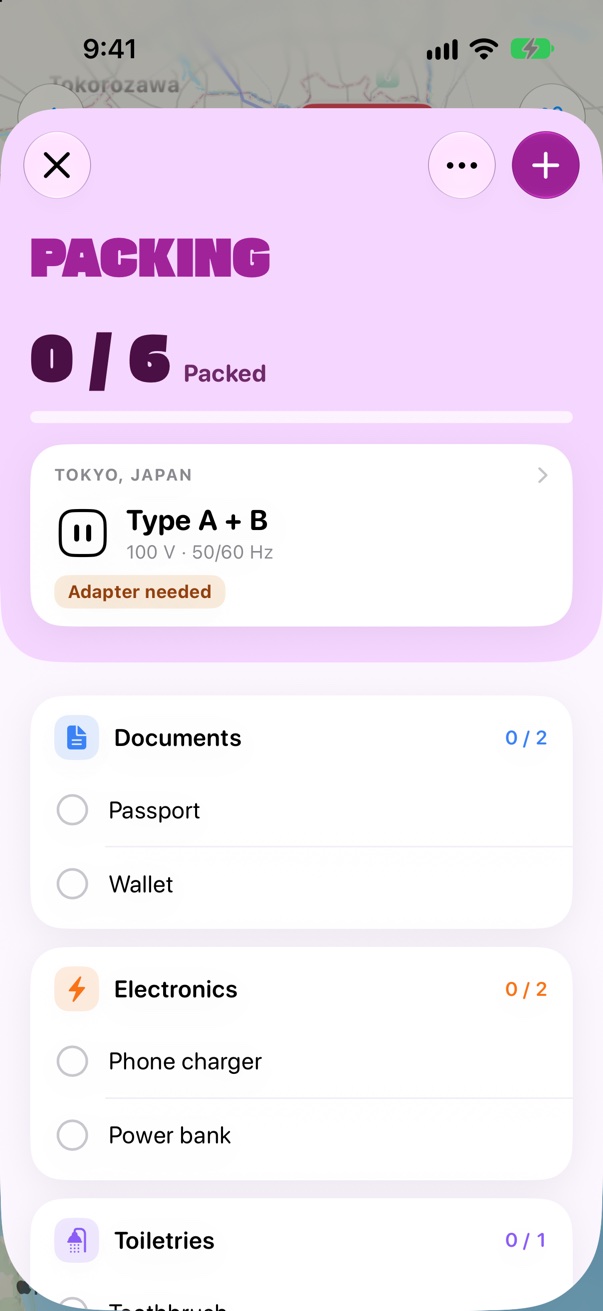
NEWPlugs and voltage

Your packing list shows the plug and voltage where you’re going.
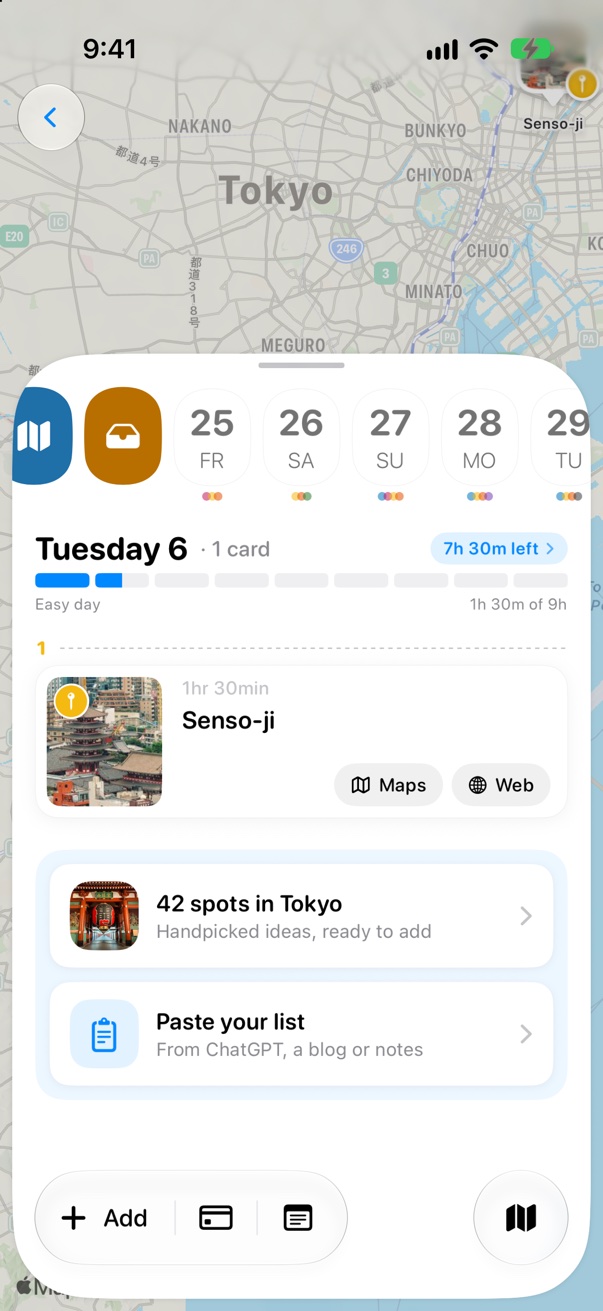
NEWIdeas for an empty day

Handpicked spots for your city, ready to add.

Still stuck? Ask me.

Trovelo is made by an independent developer, and a real person reads every message. r/trovelo is where I answer fastest.