Back up all your trips
Download one file with everything you keep in Trovelo. Restore it later, on this iPhone or on a new one.
Open Backup & Restore
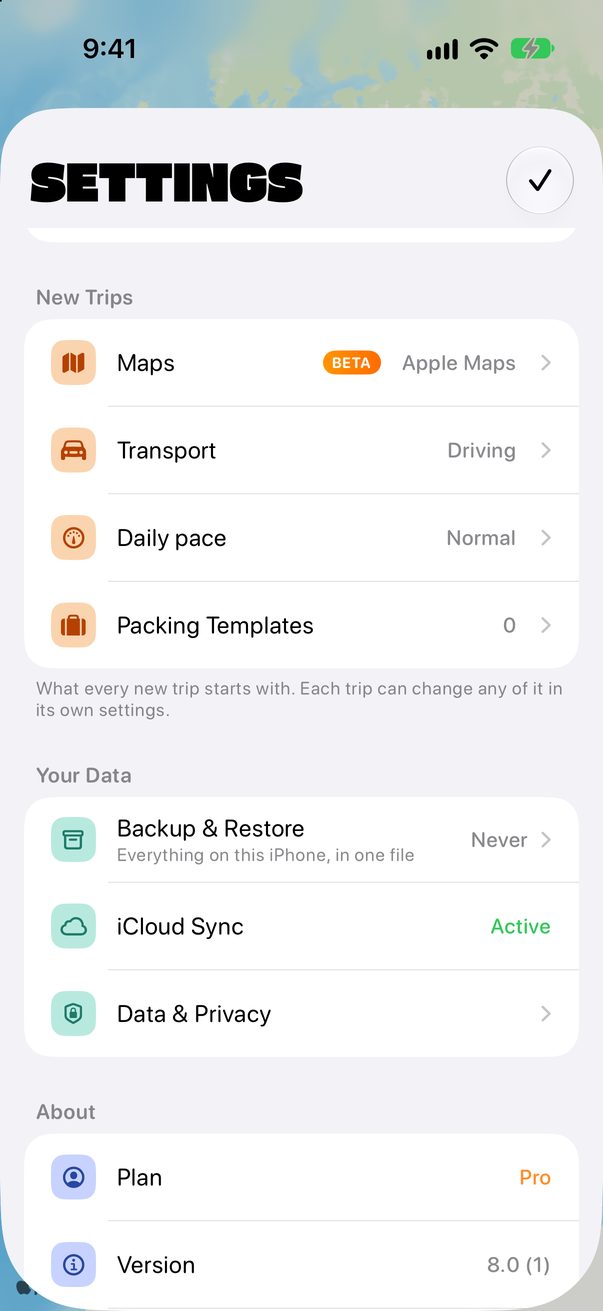
Tap the round profile button at the top right. Under Your Data, tap Backup & Restore. It shows when you last made one.
 1
1
Download a Backup
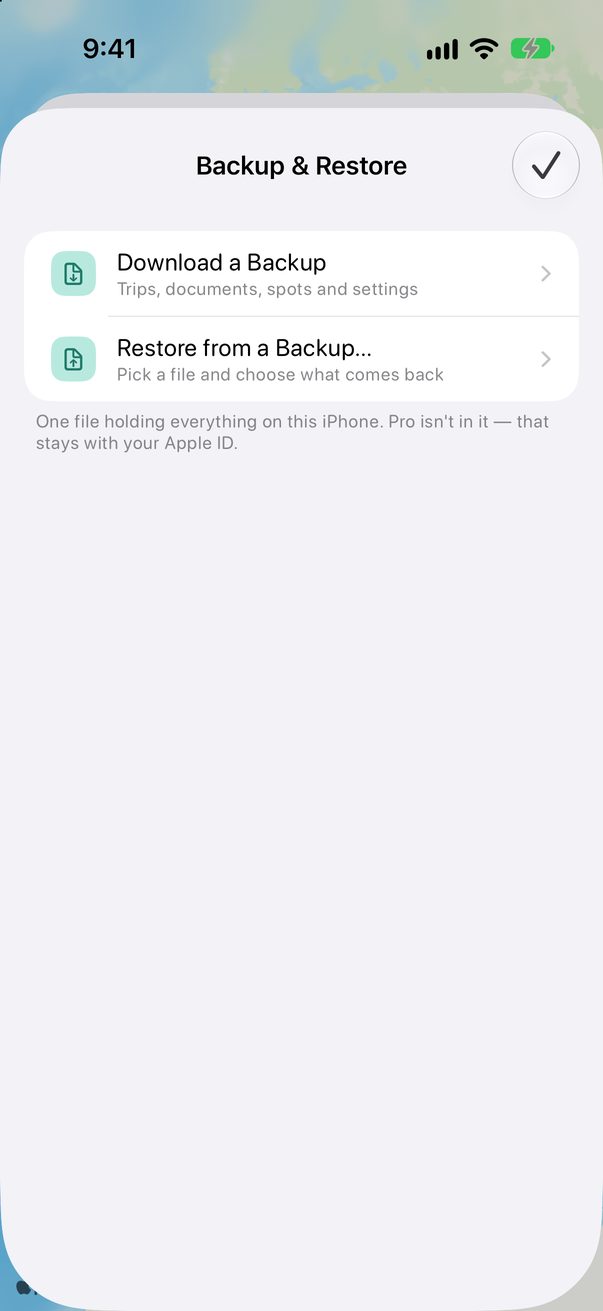
Tap Download a Backup and choose where to keep the file, like Files or iCloud Drive. It holds your trips, documents, spots and settings.
 1
1
Restore from a Backup
Tap Restore from a Backup…, pick the file and choose what comes back. It adds what’s missing and never deletes what you already have.
1
Good to know
Trovelo Pro isn’t in the file: it goes with your Apple ID.
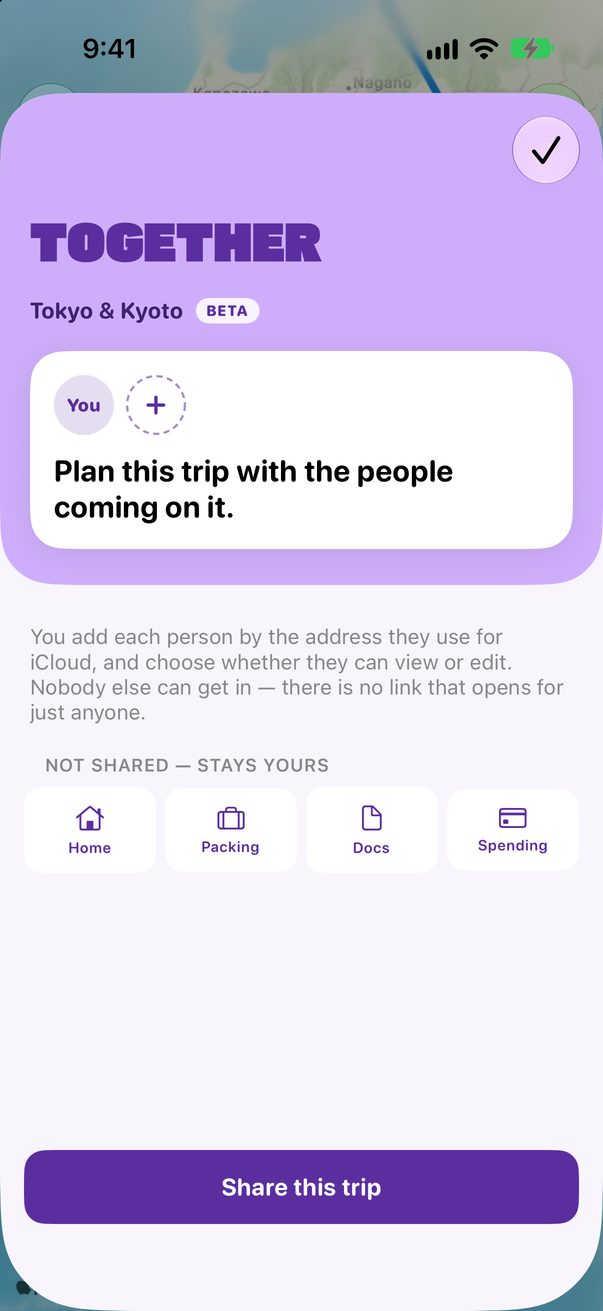
Shared trips come back unticked, because restoring one would change the plan for everyone in it.
Backups are free, with or without Pro.



Was this helpful?
Great, thanks! Happy travels.
Sorry about that. Tell me what was missing on r/trovelo and I’ll fix this page.
Keep going