How iCloud sync works
Trovelo keeps your trips in your own iCloud, so they’re the same on your iPhone, iPad and Mac. There’s no account to create.
Use the same Apple ID
Sign in to iCloud with the same Apple ID on each device and install Trovelo. Your trips appear on their own.
Check it’s working
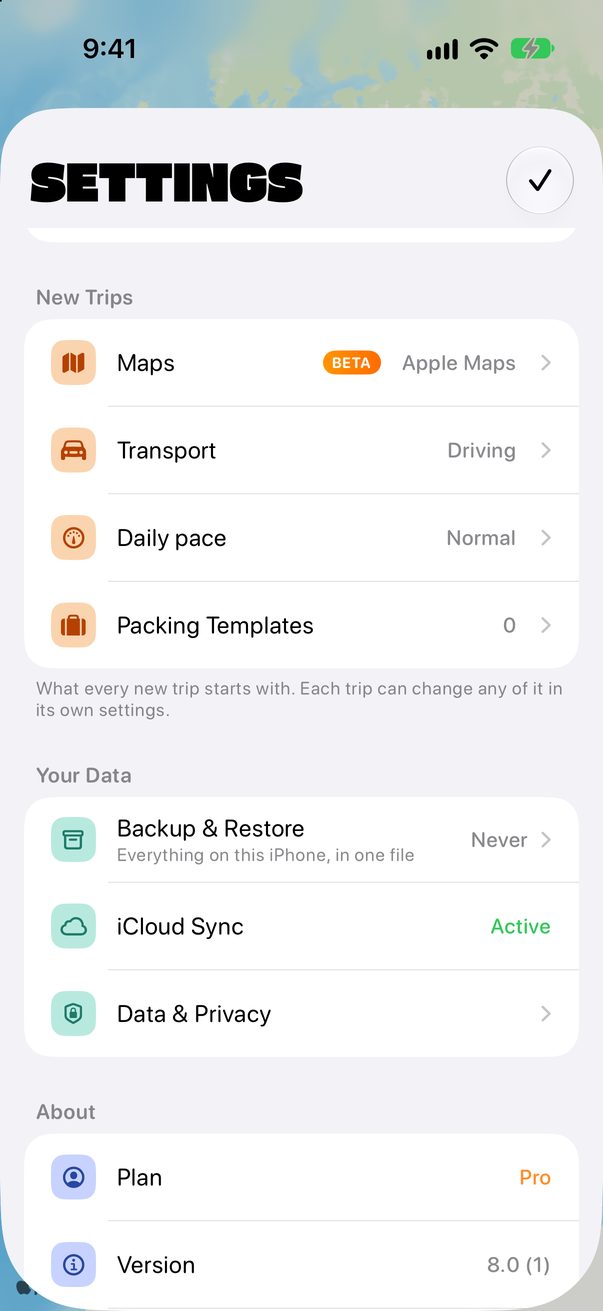
Tap the round profile button at the top right. Under Your Data, iCloud Sync says Active when Trovelo is syncing with iCloud.
 1
1
When iCloud is full
It says Full, and your changes stay on this iPhone for now. Nothing is lost. Free up space in iCloud, or get more, and Trovelo syncs again on its own.
Good to know
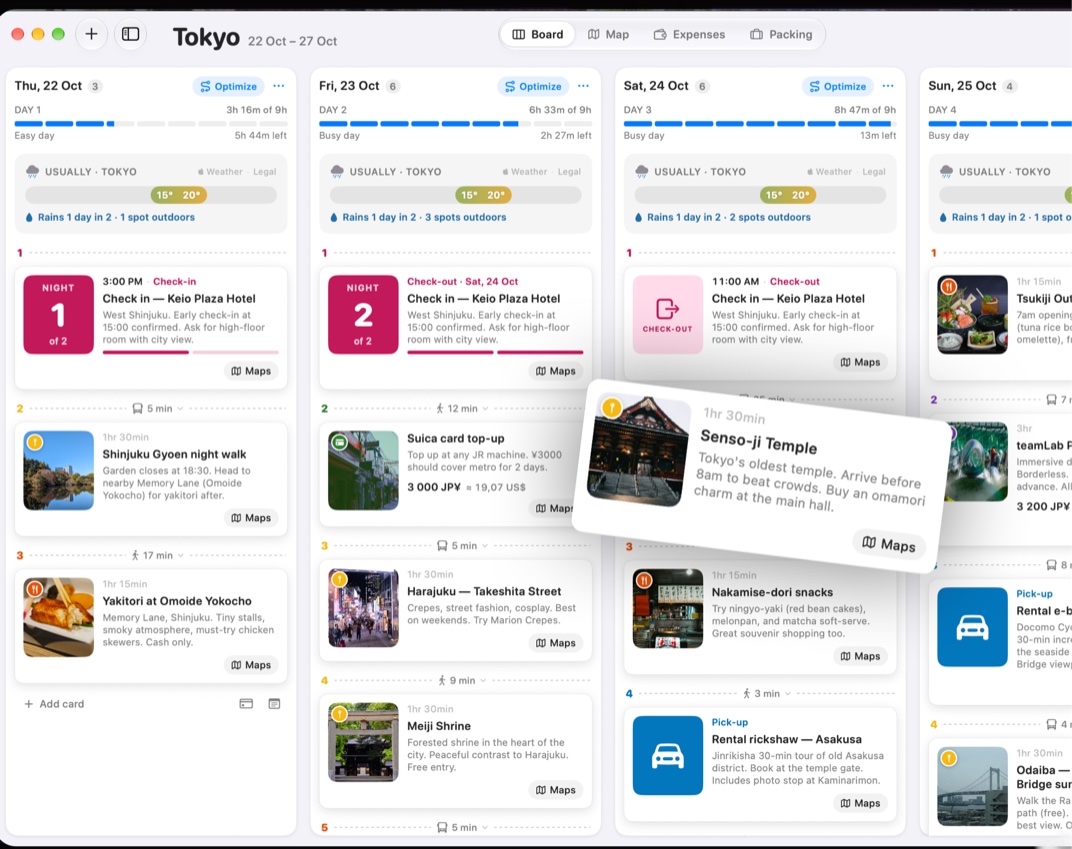
On the Mac, changes from your iPhone arrive when you open Trovelo or come back to its window.
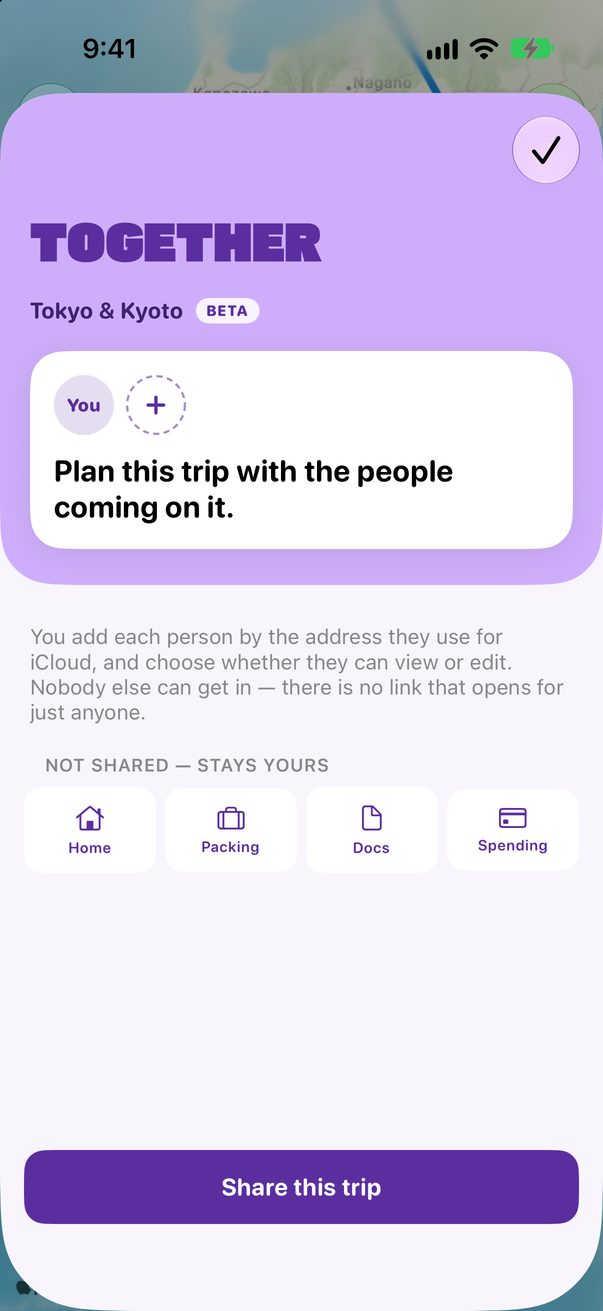
A trip you share is kept in the iCloud of the person who shared it.
Trovelo has no servers of its own: your trips stay between your devices and your iCloud.



Was this helpful?
Great, thanks! Happy travels.
Sorry about that. Tell me what was missing on r/trovelo and I’ll fix this page.
Keep going