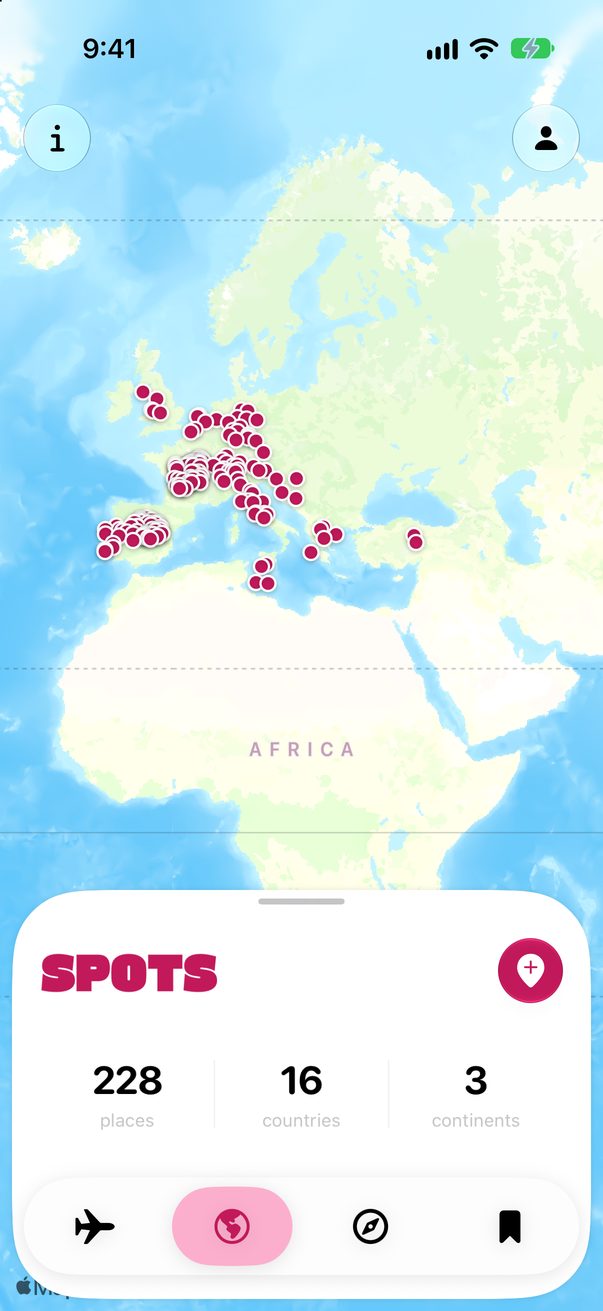
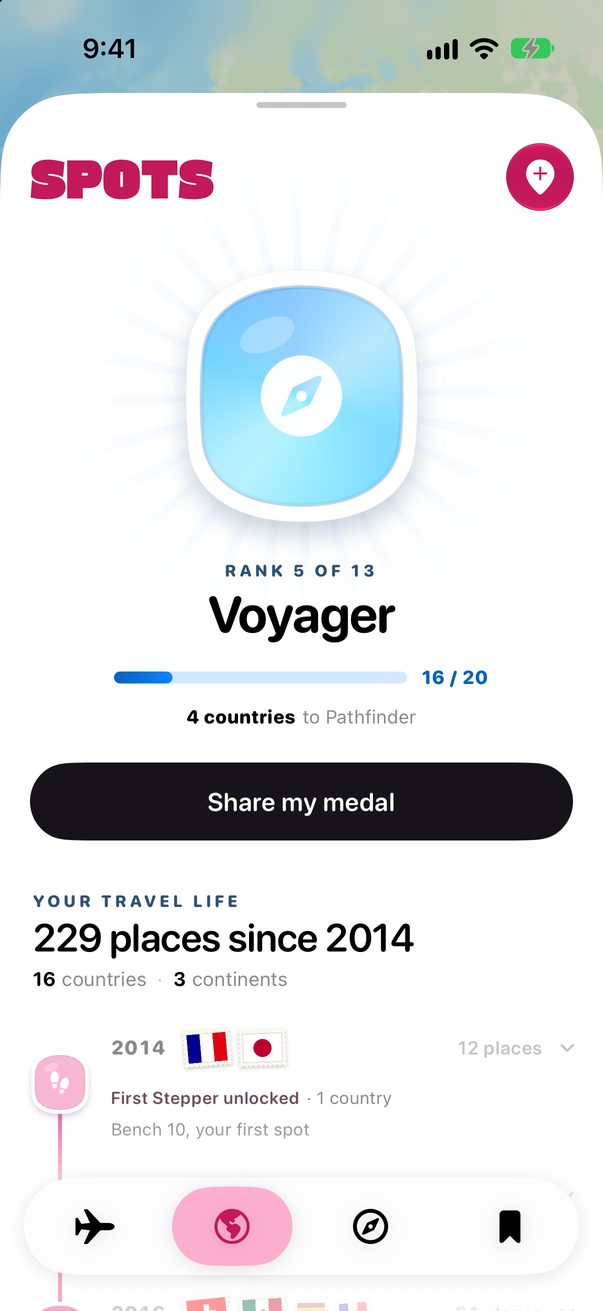
Find past trips in your photos
Your photos know where you’ve been. Trovelo reads where and when they were taken, and adds those places to your map, each with its year.
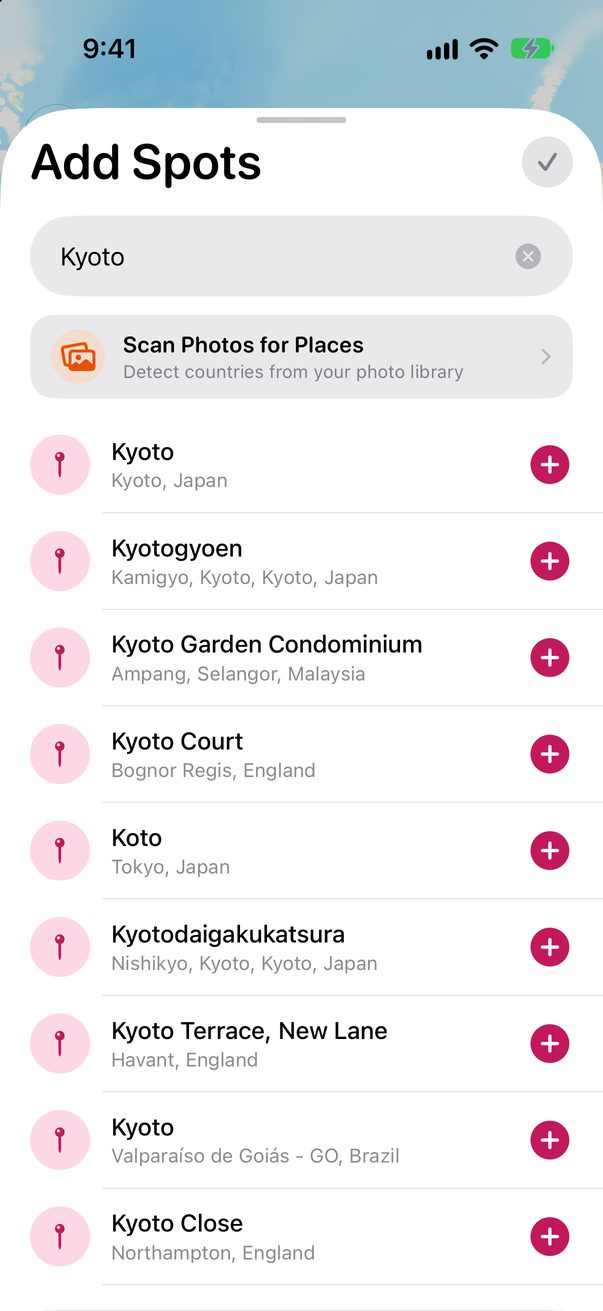
Tap Scan Photos for Places
In Spots, tap the pink +, then Scan Photos for Places.
 1
1
See how it works
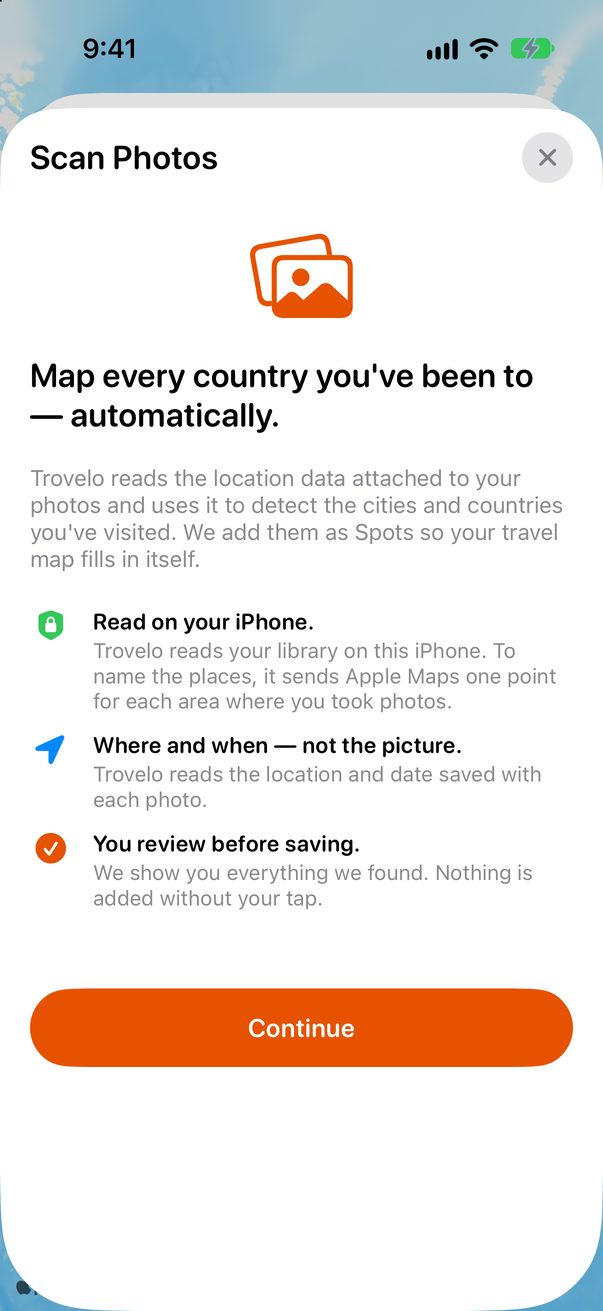
It reads the place and date saved with each photo, never the picture itself. To name the places, it sends Apple Maps one point for each area. Tap Continue and allow access to your photos.
 1
2
1
2
Review before saving
You see every place it found, with the year of its first photo there. Nothing is added until you tap.
Many years of photos?
Apple Maps looks up 50 places a minute, so a first scan of a big library can take a few minutes. Keep Trovelo open. Later scans are quicker.
Good to know
Your photos stay on your iPhone. Only one map point per area goes to Apple Maps.
Places without a year? Drag Spots all the way up, tap Add dates at the end of your travel life, then Find dates in my photos.



Was this helpful?
Great, thanks! Happy travels.
Sorry about that. Tell me what was missing on r/trovelo and I’ll fix this page.
Keep going