Plan with your AI assistant
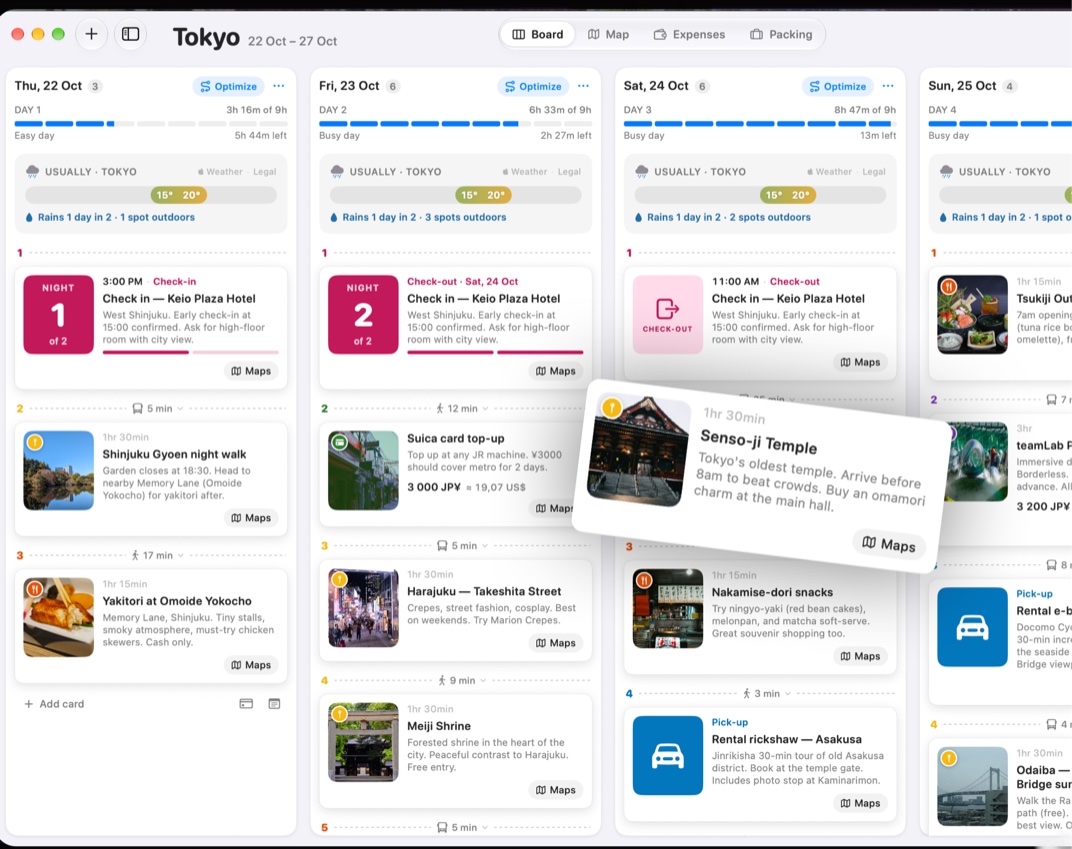
Connect Trovelo on your Mac to Claude, or another AI assistant, and ask for a trip in plain words. It appears on your Board, then on your iPhone.
Open AI Assistants
On your Mac, open Trovelo › Settings… and choose AI Assistants. Four steps take you through it.
Turn on the connection
Read what it means and click Turn On. It stays off until you do, and you can turn it off at any time.
Choose your assistant
Pick Claude app, which suits most people, Claude Code, or Other apps such as Codex or Cursor.
Add Trovelo to it
For the Claude app, click Add Trovelo to Claude, then quit Claude with ⌘Q and open it again. Claude Code sets itself up from a message you copy and paste. Other apps take Trovelo’s address as an MCP server.
Ask for a trip
Try Create a 4-day Rome trip with the must-see sights, or Add a dinner near my hotel on day 2. Watch it land on your Board.
Good to know
Connecting an assistant is part of Trovelo Pro.
Turn off AI can create & edit trips and your assistant can look at your trips, but not change them.
The connection runs on your Mac. What your assistant reads goes to its provider, like Anthropic for Claude, under their privacy policy.



Was this helpful?
Great, thanks! Happy travels.
Sorry about that. Tell me what was missing on r/trovelo and I’ll fix this page.
Keep going