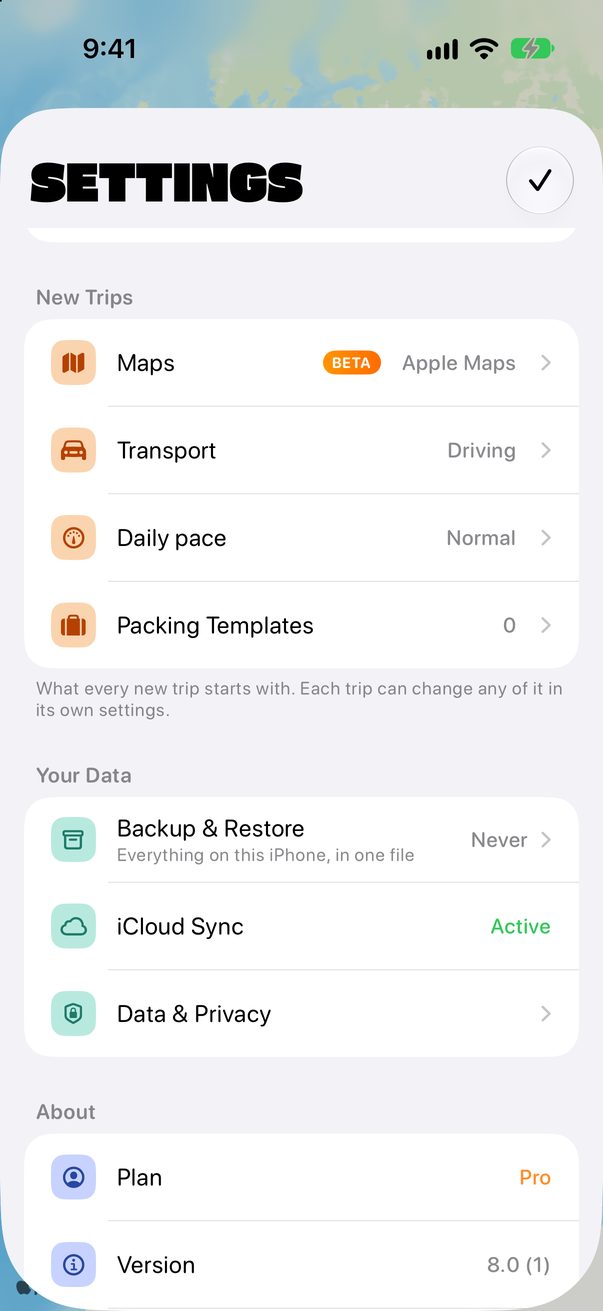
Trovelo on Mac
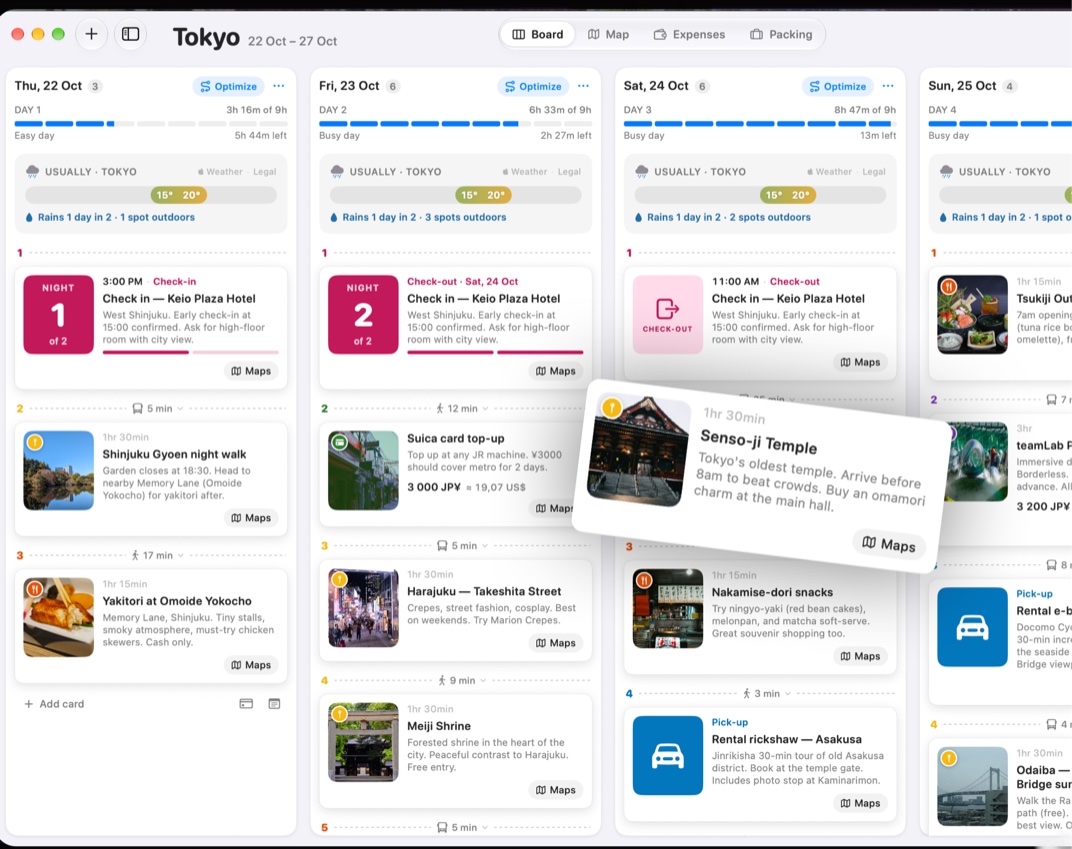
On the Mac you see the whole trip at once, one column per day, with the same trips as your iPhone.
Get it on your Mac
Download Trovelo from the Mac App Store and use the same iCloud account as on your iPhone. Your trips appear on their own.
Your trips in the sidebar
Your trips, My Spots, Guides and Someday live in the sidebar. The button at the top shows or hides it.
 1
1
Four views of a trip
Each trip has its Board, its Map, its Expenses and its Packing list. Switch at the top, or with the keyboard.
1
Keyboard shortcuts
Most things are a shortcut away:
Good to know
Changed something on your iPhone? The Mac picks it up when you open Trovelo or come back to its window.
The Mac can also connect Trovelo to your AI assistant: see Plan with your AI assistant.



Was this helpful?
Great, thanks! Happy travels.
Sorry about that. Tell me what was missing on r/trovelo and I’ll fix this page.
Keep going