Your packing list
Every trip has its own packing list. Tick things off as they go in the bag, and see what’s left.
Open Packing
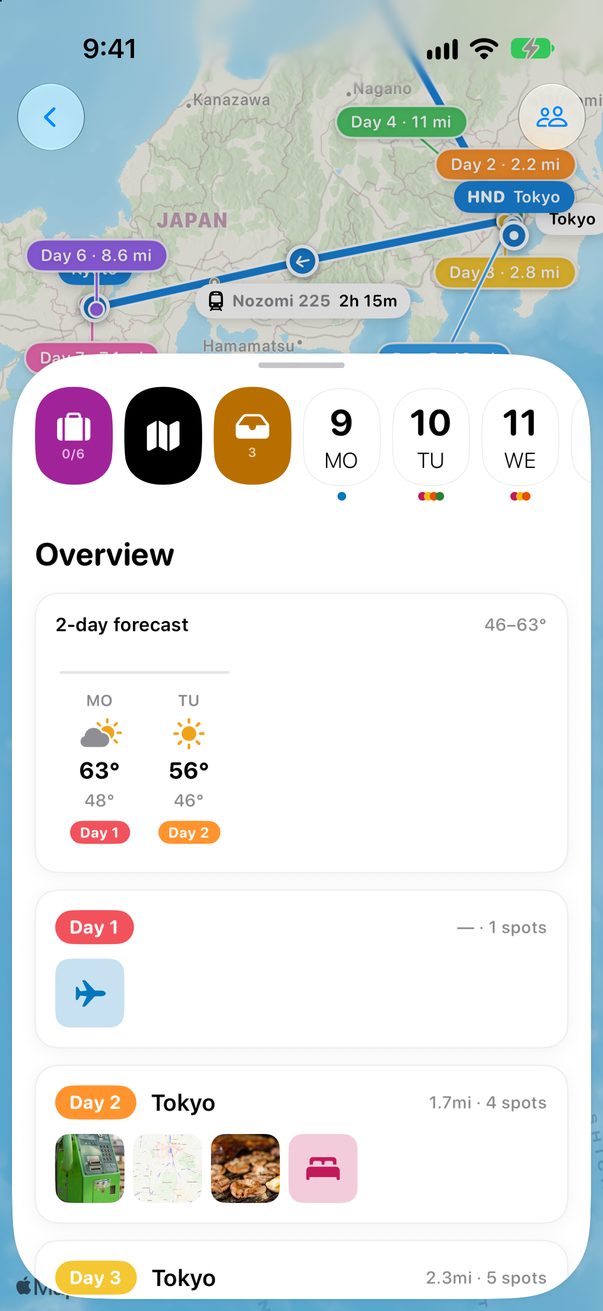
Open the trip and tap the purple suitcase at the start of the strip of days.
 1
1
Add what you’ll take
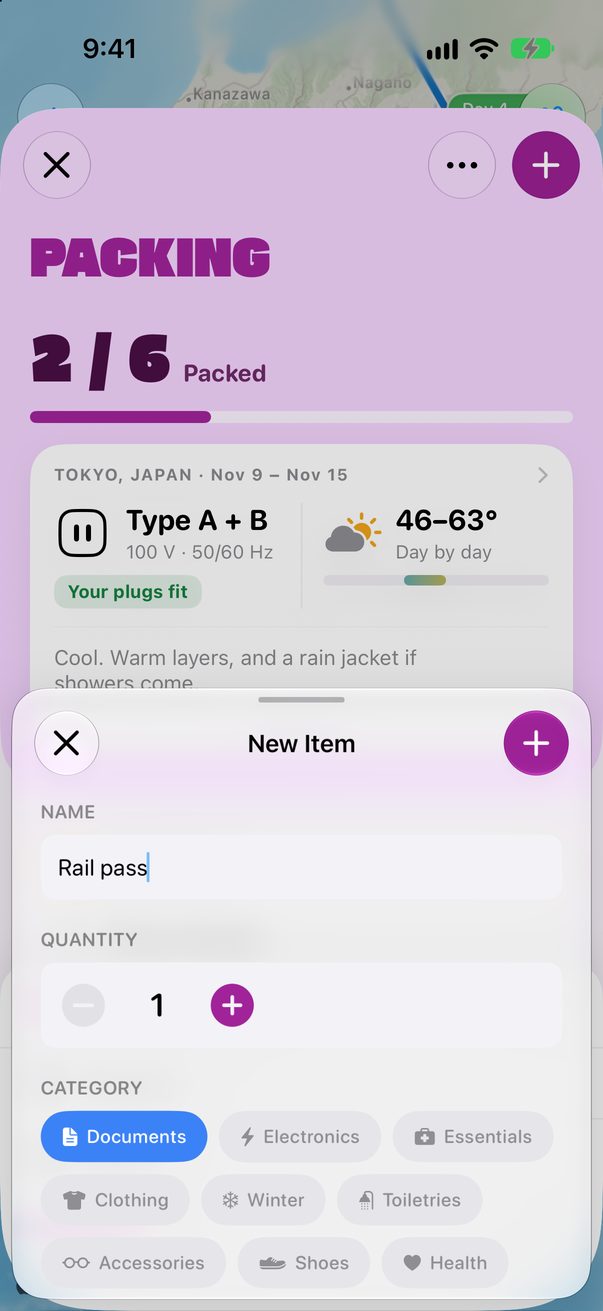
Tap +, write the item, choose how many and its category, then tap + again. The list groups everything by category.
 1
2
3
1
2
3
Tick it when it’s in the bag
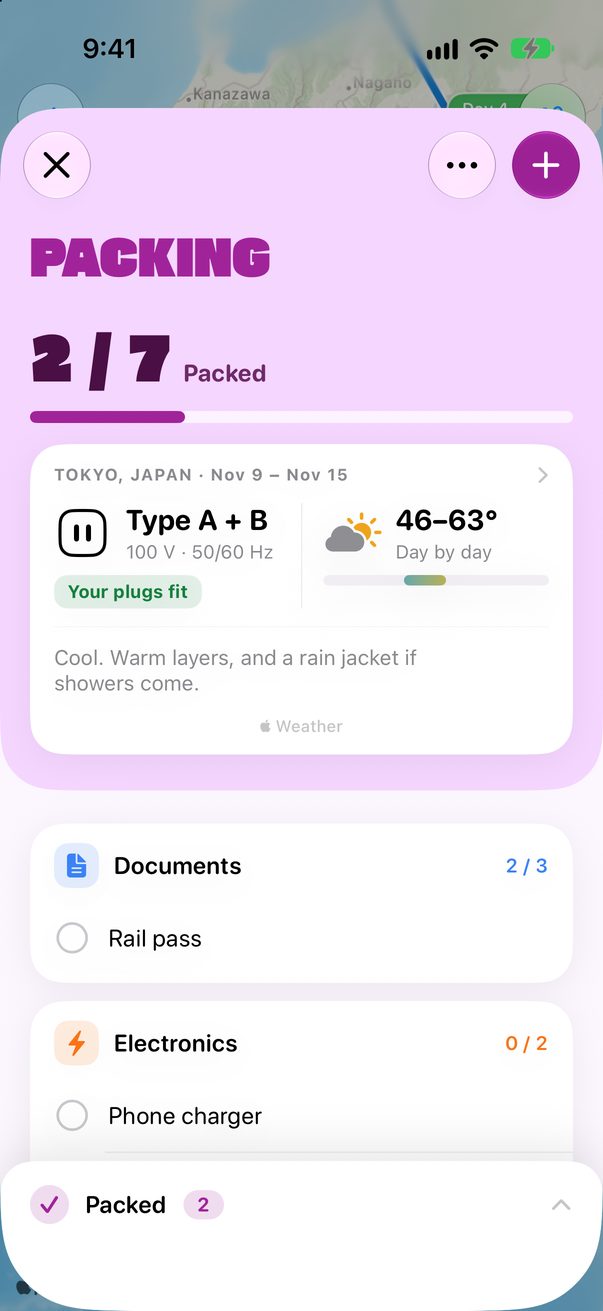
Tap the circle next to an item. It moves down to Packed and the count at the top goes up. Tap Packed to see them, and tap one to take it out again.
 1
2
3
1
2
3
Packing on the Mac
Open a trip’s packing list with ⌘4, or with Packing at the top of the window.
Good to know
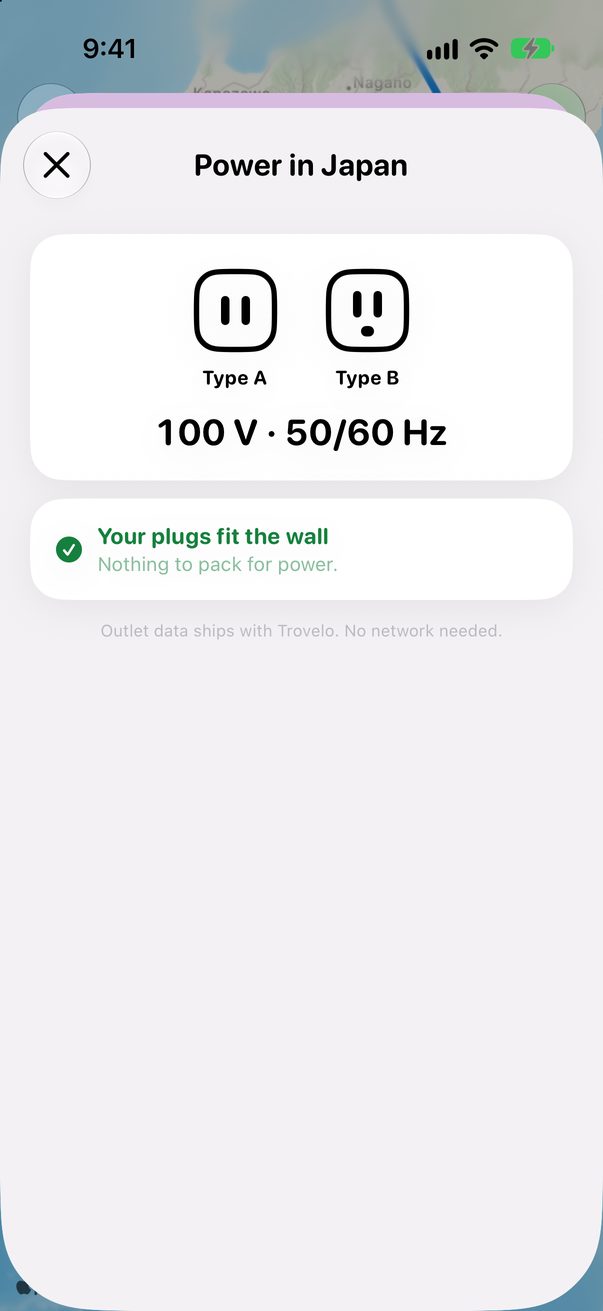
The card at the top shows the weather and the plugs where you’re going.
Touch and hold an item to delete it. To change the order, tap ••• and Reorder Items.
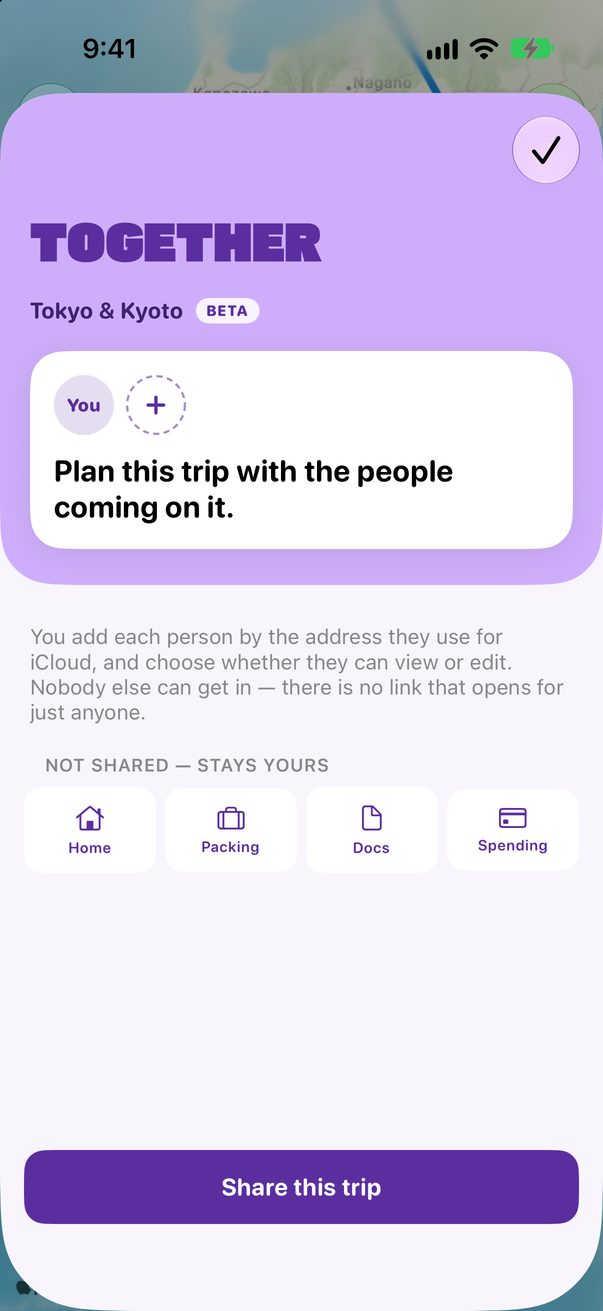
Your packing list is yours alone, even in a trip you share.



Was this helpful?
Great, thanks! Happy travels.
Sorry about that. Tell me what was missing on r/trovelo and I’ll fix this page.
Keep going