Typical weather and live forecast
Weeks before you go, Trovelo tells you what the weather is usually like there. Ten days before, the real forecast takes over.
Look under Overview
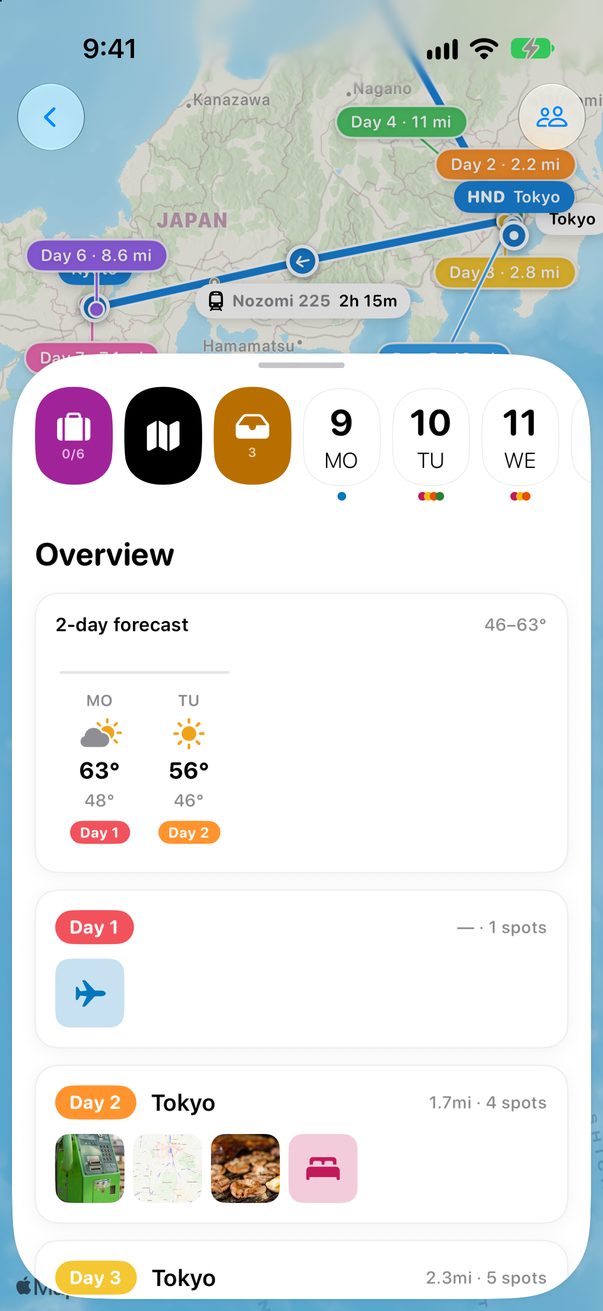
Open the trip. The weather is at the top of Overview.
 1
1
Weeks before: what it’s usually like
More than ten days before the trip, you see the usual low and high for those dates in each area, and how often it rains. Nobody can forecast that far ahead, so Trovelo looks at the same week in past years.
Ten days before: the forecast
Then the real forecast takes over: one column per day, with its high, its low and its day of the trip. Tap a day to open it.
Rain on the day
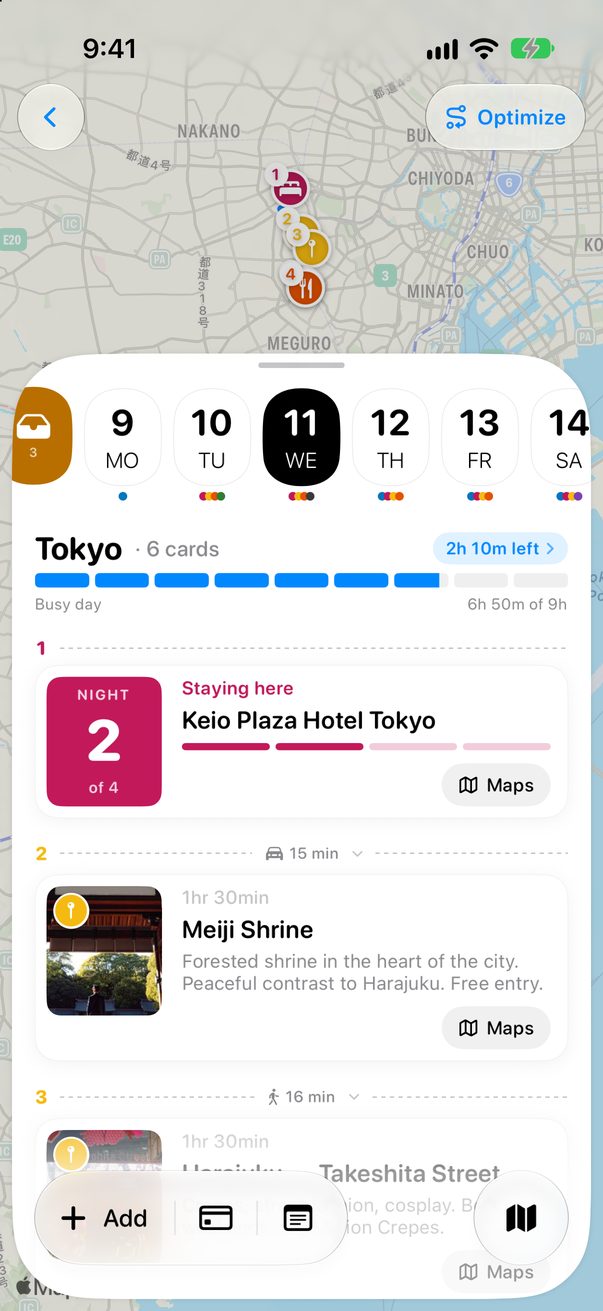
In the last three days, a day where rain is likely says from what time, and how many of your plans are outdoors. Outdoor cards get a raindrop.
Weather on the Mac
On the Board, open View and turn on Weather. Each day’s column starts with its weather.
Good to know
The weather comes from Apple Weather.
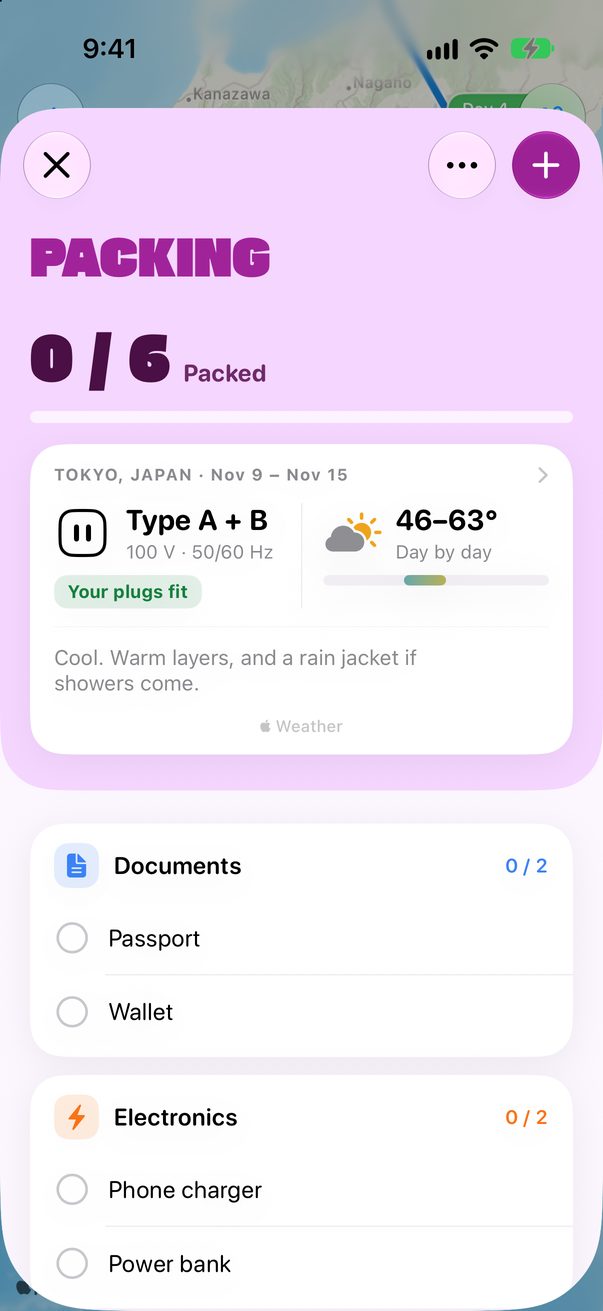
Your packing list shows it too, with a hint of what to pack.



Was this helpful?
Great, thanks! Happy travels.
Sorry about that. Tell me what was missing on r/trovelo and I’ll fix this page.
Keep going