Add a flight with layovers
A flight with stops is one card: every leg, every layover, each in its own airport’s time.
Type the flight number
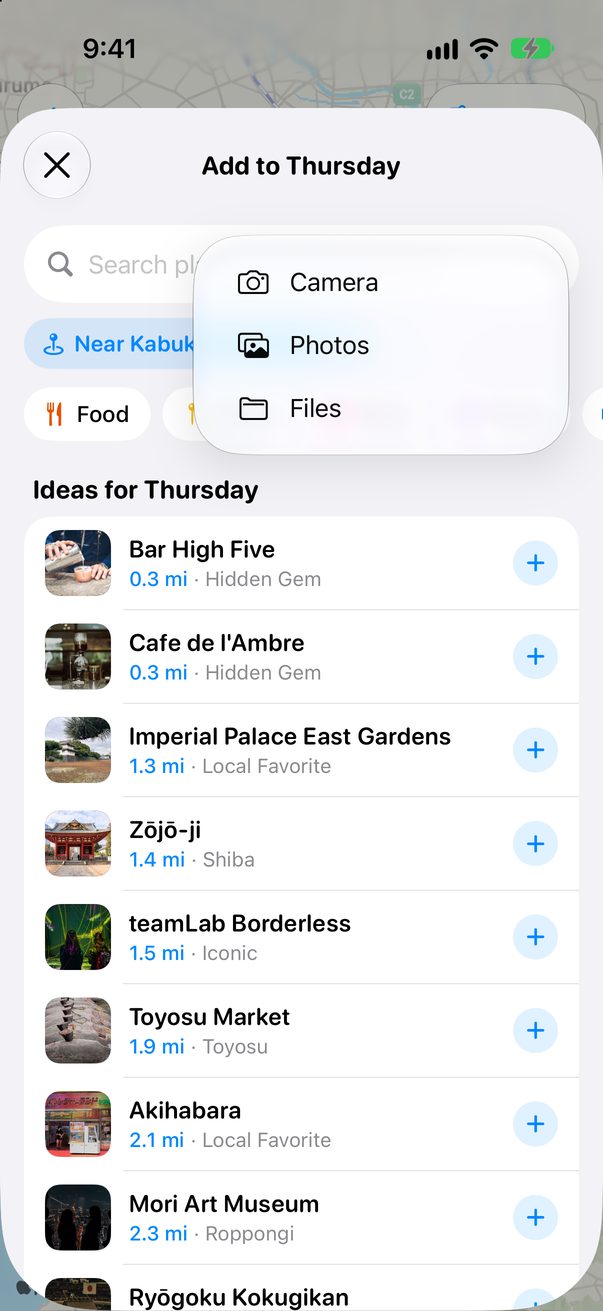
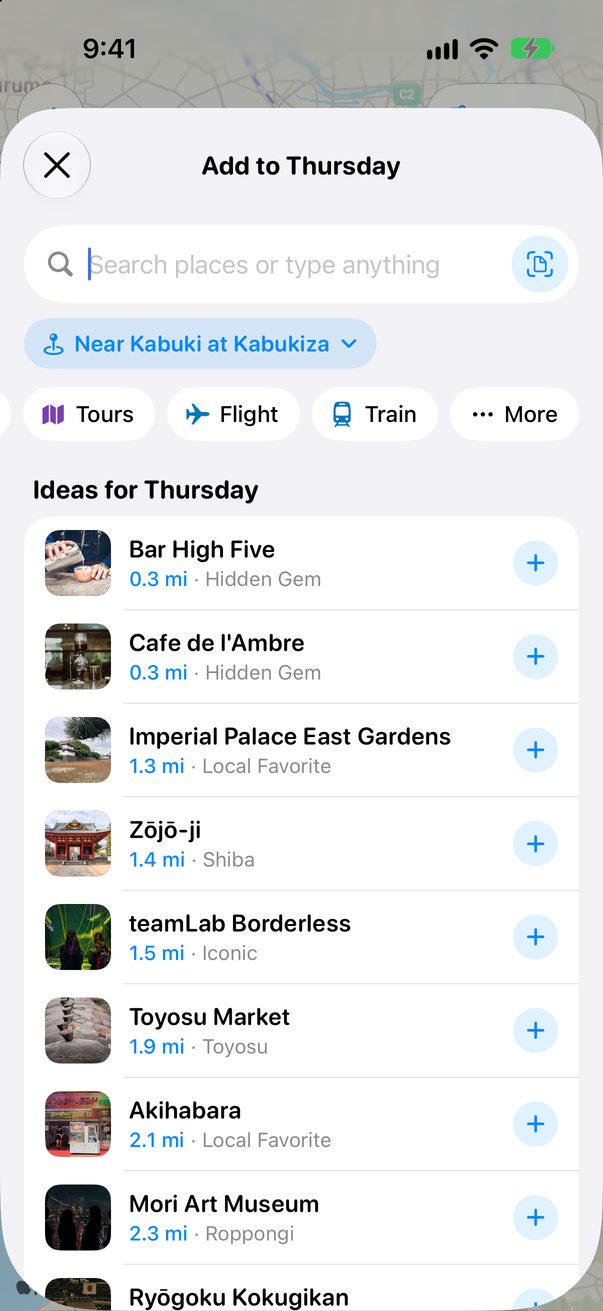
Tap + Add on the day you fly and type the flight number, like LH 716. Or tap Flight under the search.
 1
2
1
2
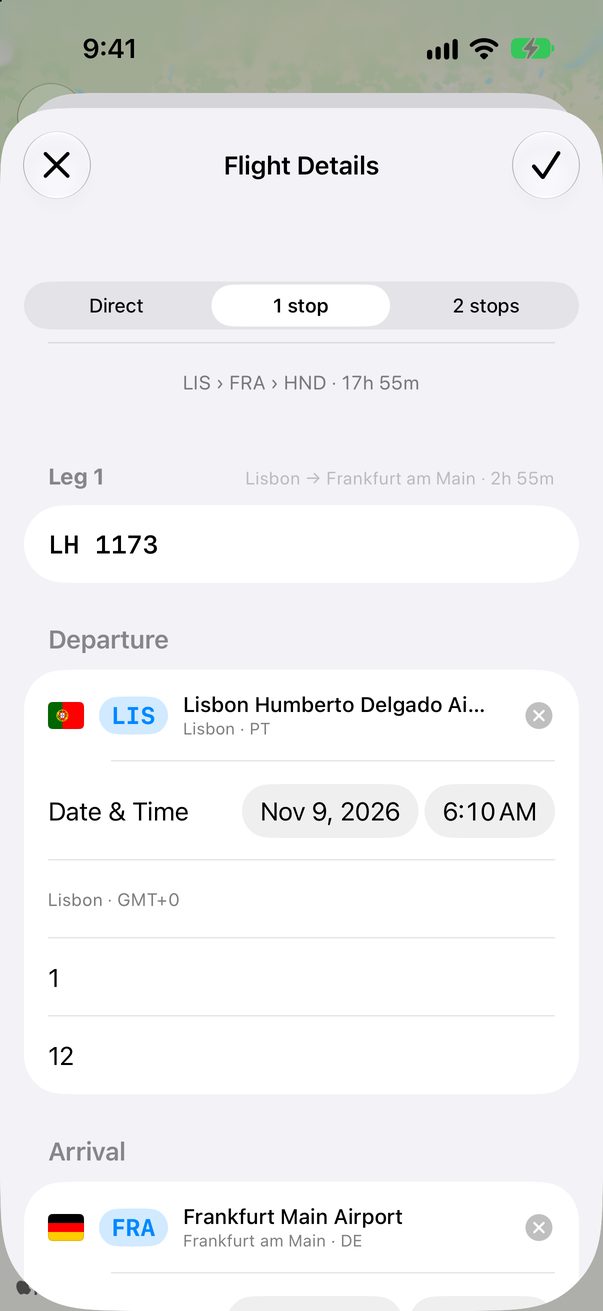
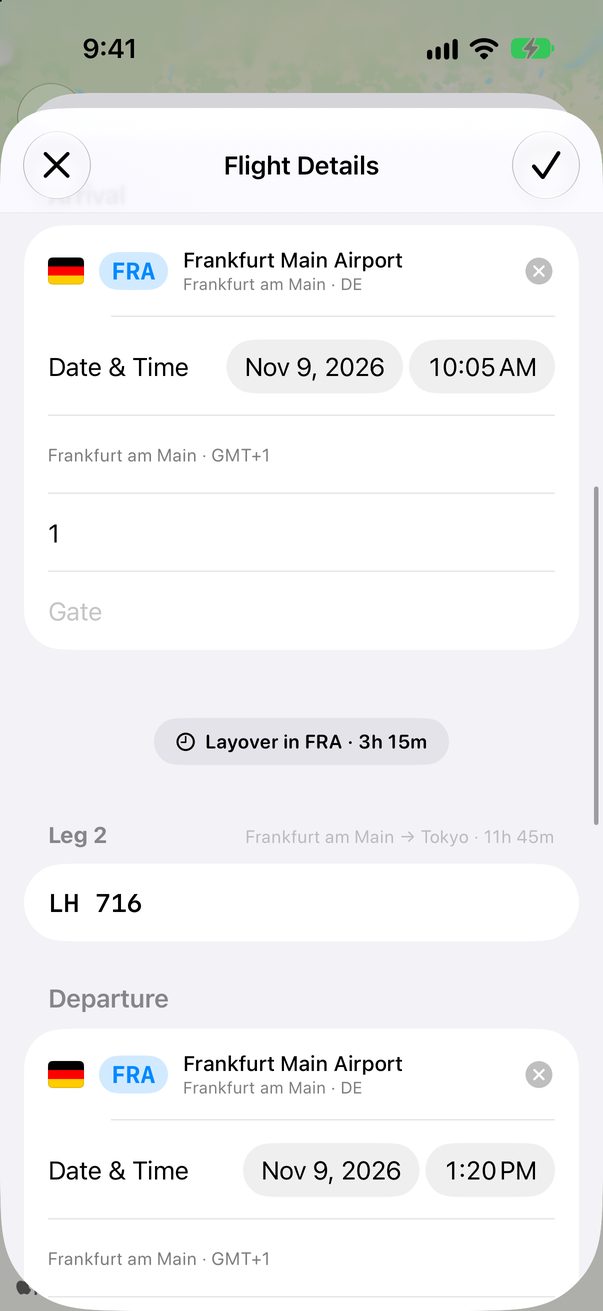
Add its stops
Pick Direct, 1 stop or 2 stops. Each leg gets its flight number, airports, dates and times. Trovelo works out the layover.
 1
2
1
2
 3
4
3
4
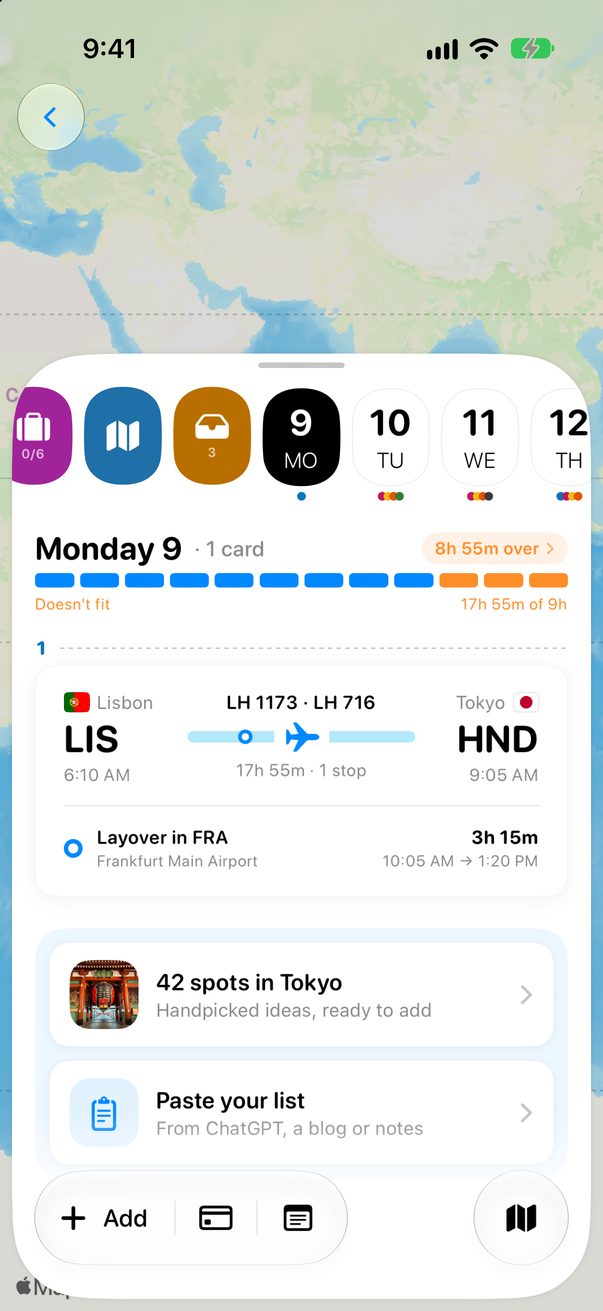
One card for the whole trip
On the Board it’s a single card from your first airport to your last, with the layover underneath.
 1
1
Every detail, in one place
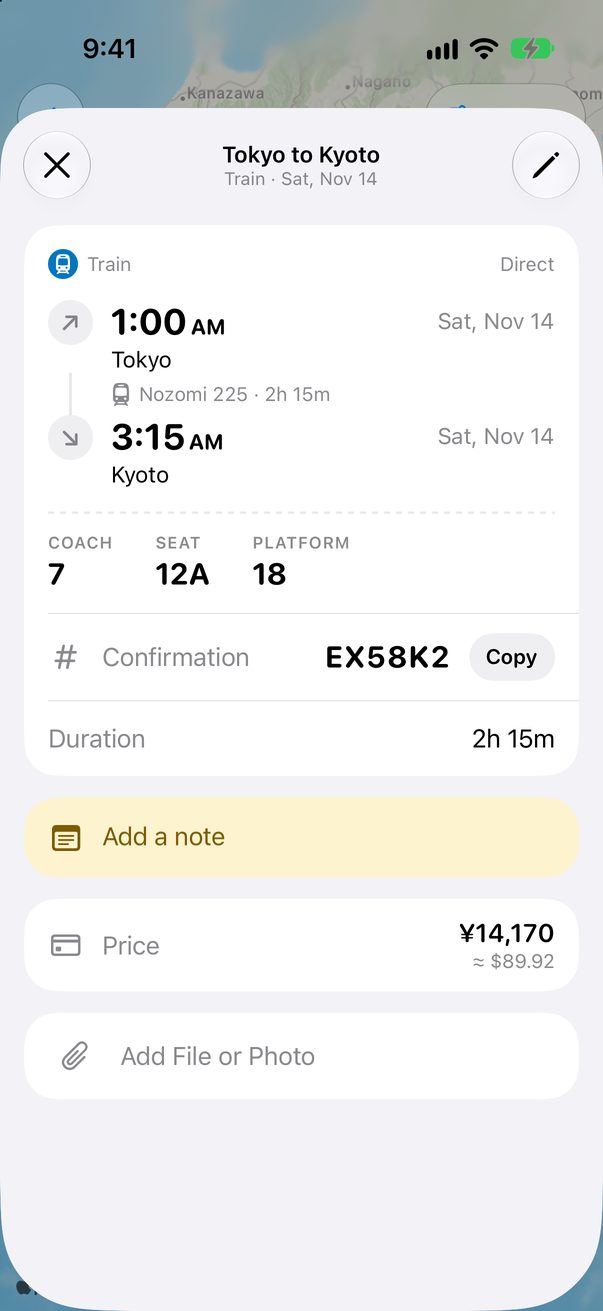
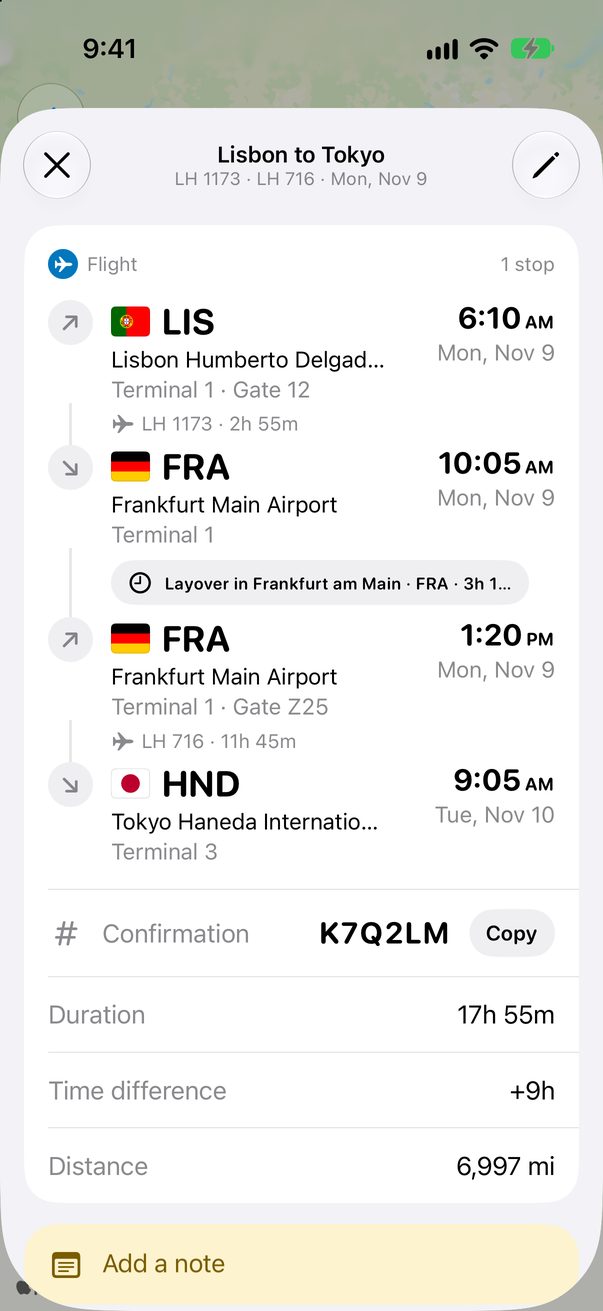
Tap the card for terminals, gates, the layover, your confirmation number and the time difference at the other end.
 1
2
3
1
2
3
Good to know
Times are the ones on your ticket: each in the local time of its airport.
Have the booking email? Import it and the flight fills itself in.
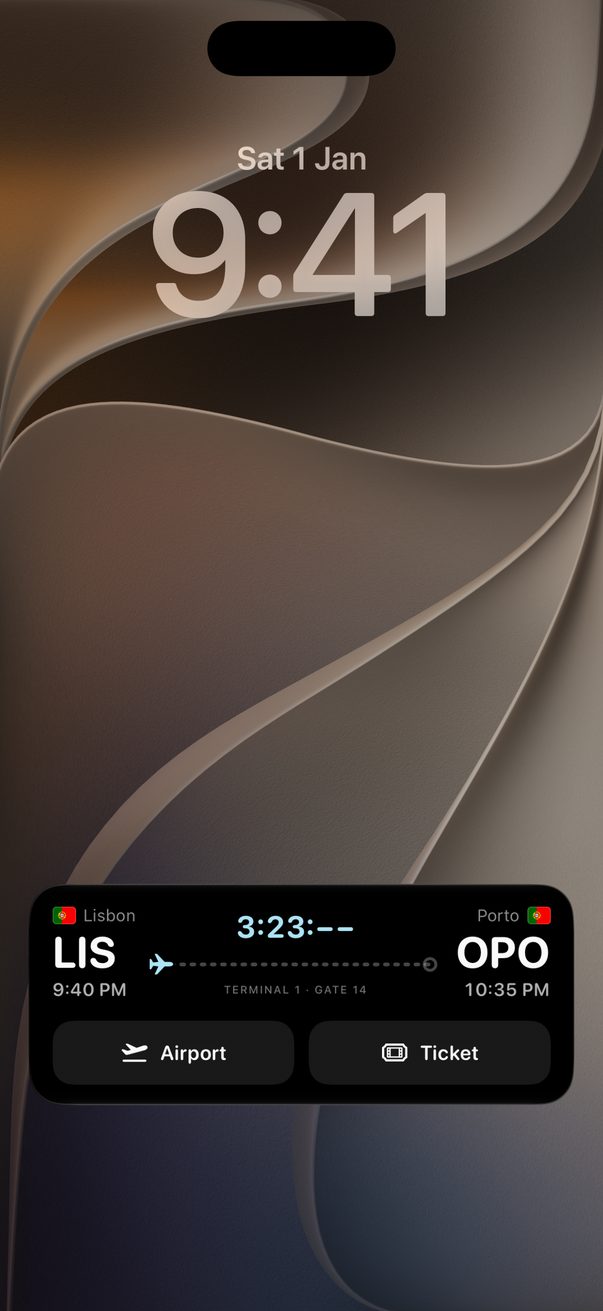
On the day you fly, your boarding pass shows on the Lock Screen.



Was this helpful?
Great, thanks! Happy travels.
Sorry about that. Tell me what was missing on r/trovelo and I’ll fix this page.
Keep going