Trains, buses and ferries
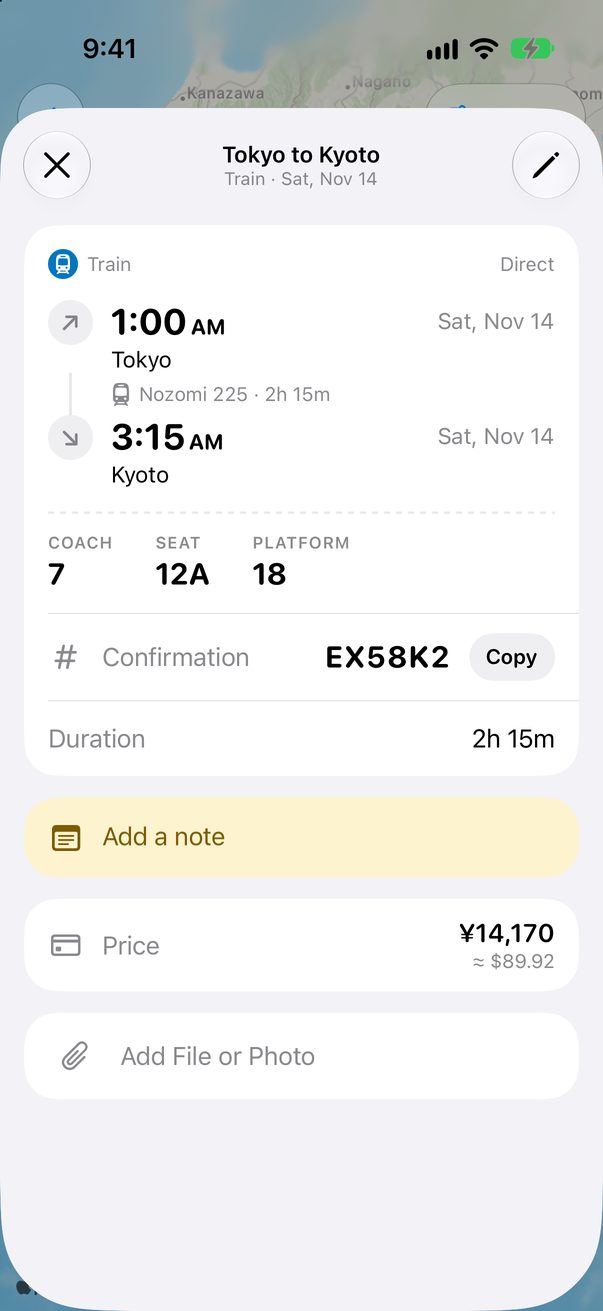
Trains, buses and ferries get a card that reads like the ticket: stations, times, platform, coach and seat.
Type where from and where to
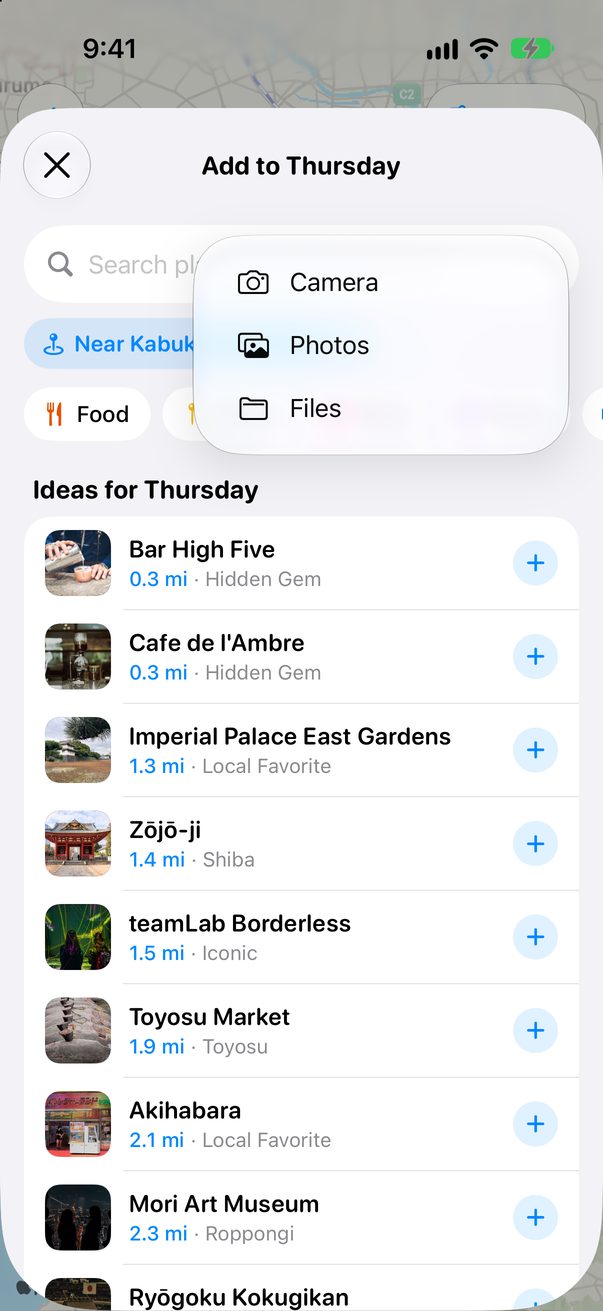
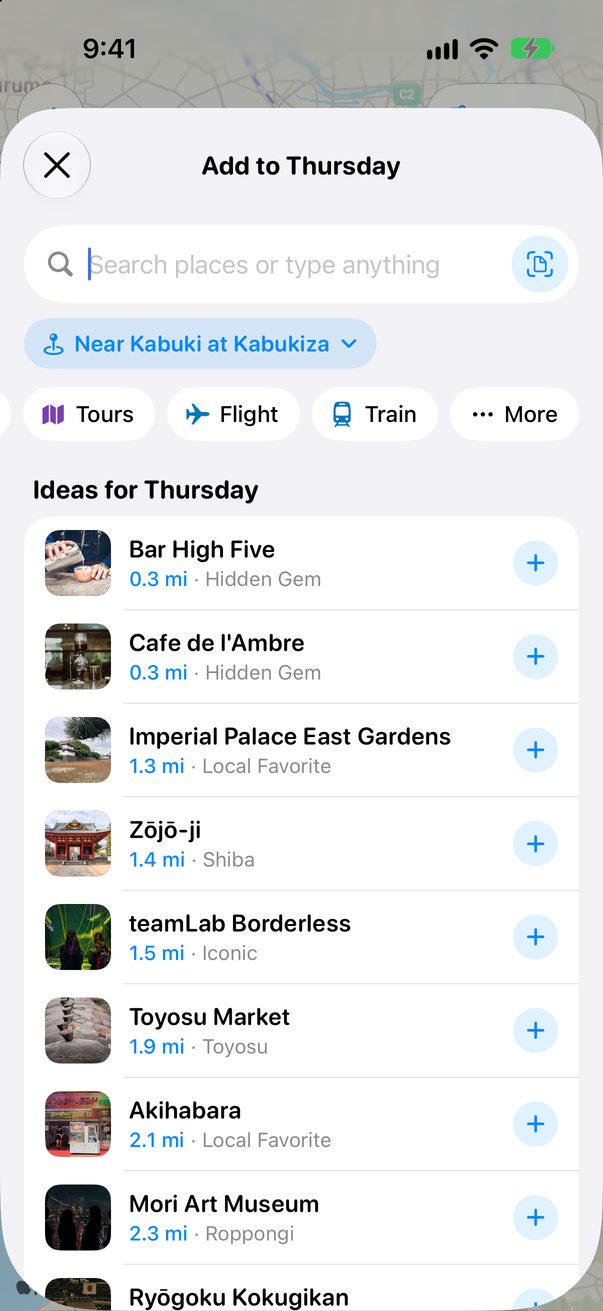
Tap + Add and type the route, like Tokyo to Kyoto, or tap Train under the search. For a bus or a ferry, tap More.
 1
2
1
2
Fill in the ticket
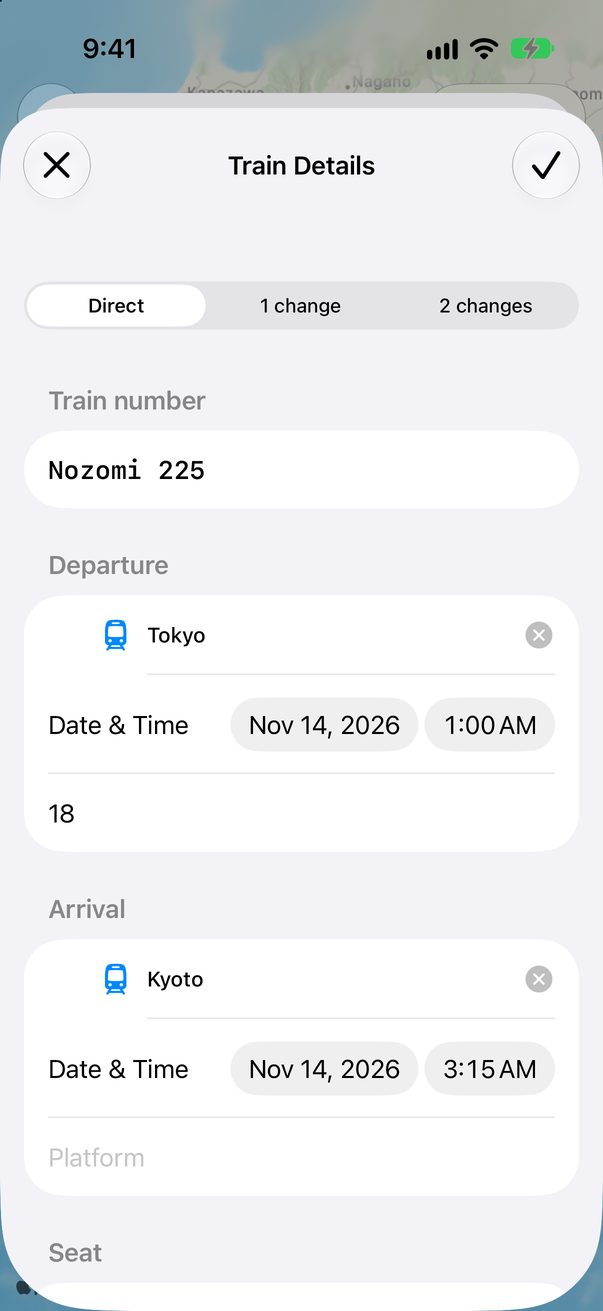
Pick Direct, 1 change or 2 changes, then the train number, the stations and the times. Platform, coach and seat are there too.
 1
2
1
2
Price and booking
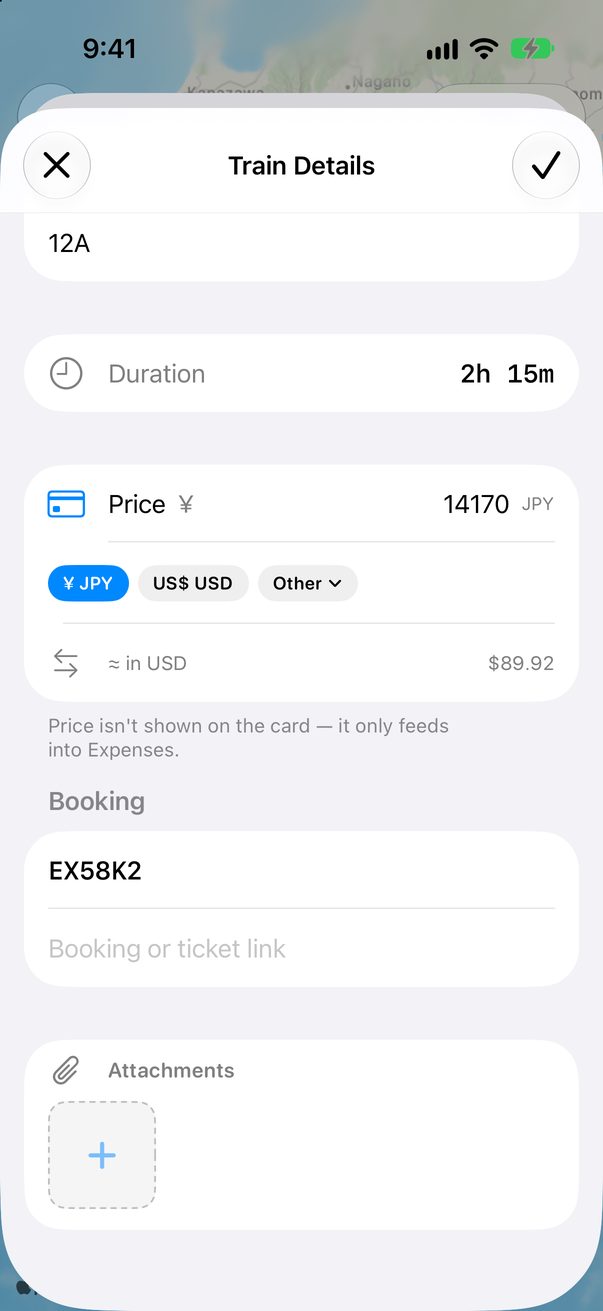
Add the price in any currency and the booking code. The price goes into your Expenses, not on the card.
 1
2
1
2
Your ticket, at a glance
Tap the card on the Board to see the times, coach, seat and platform, and copy the confirmation.
 1
2
1
2
Good to know
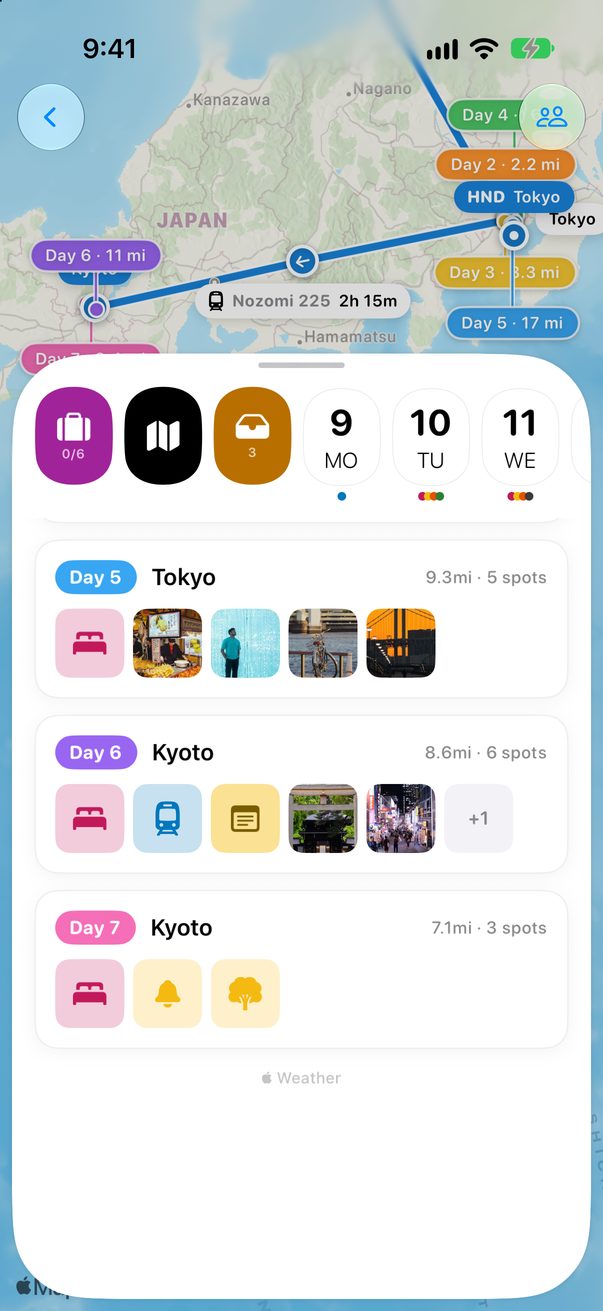
The map draws the line from one station to the other, with its travel time.
A rental car has its own card too: the pick-up and the return land on their days.



Was this helpful?
Great, thanks! Happy travels.
Sorry about that. Tell me what was missing on r/trovelo and I’ll fix this page.
Keep going