Change the order of your day
A day runs top to bottom. Put the cards in the order you’ll do them, and the map numbers them the same way.
1
Open Optimize Day
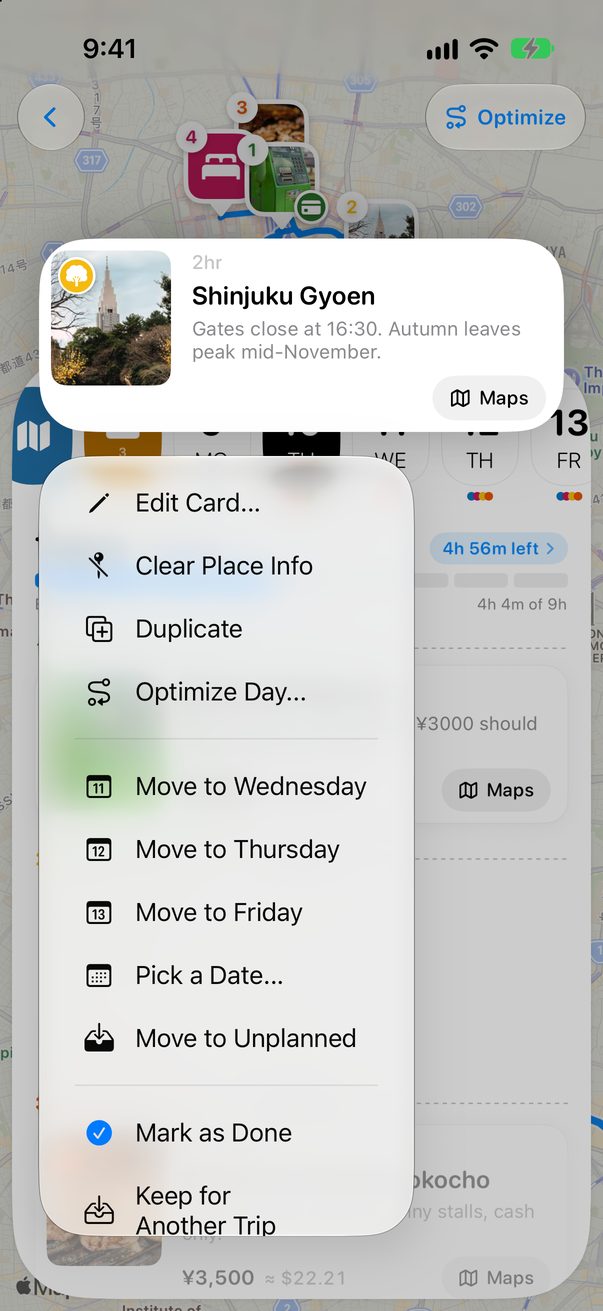
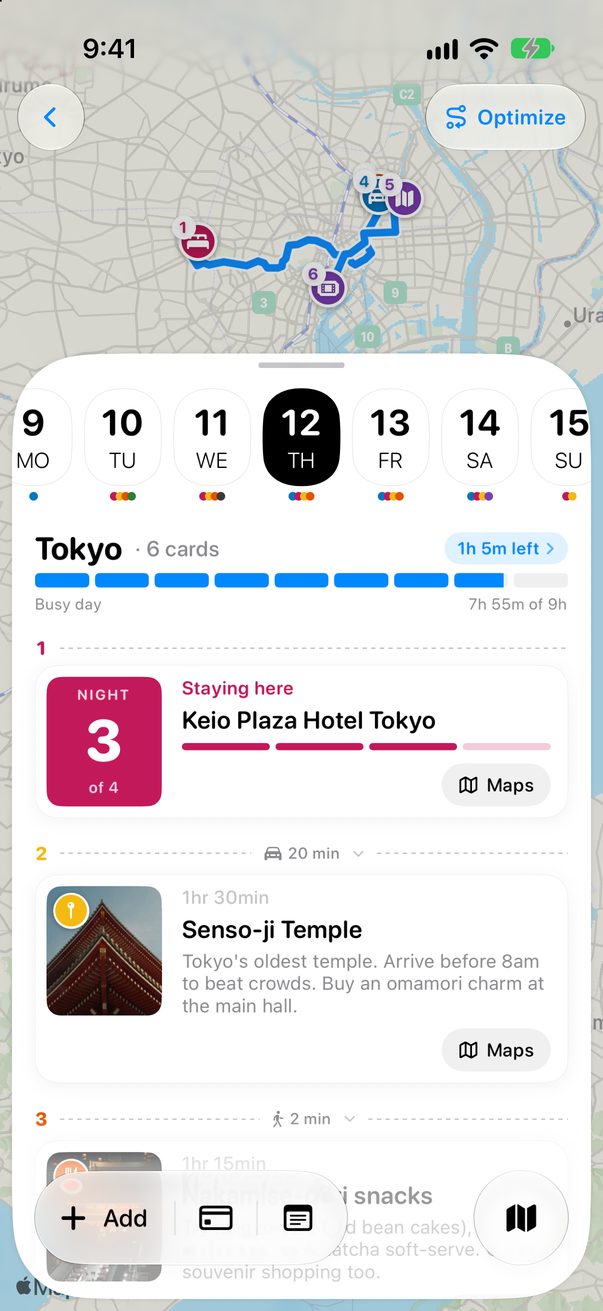
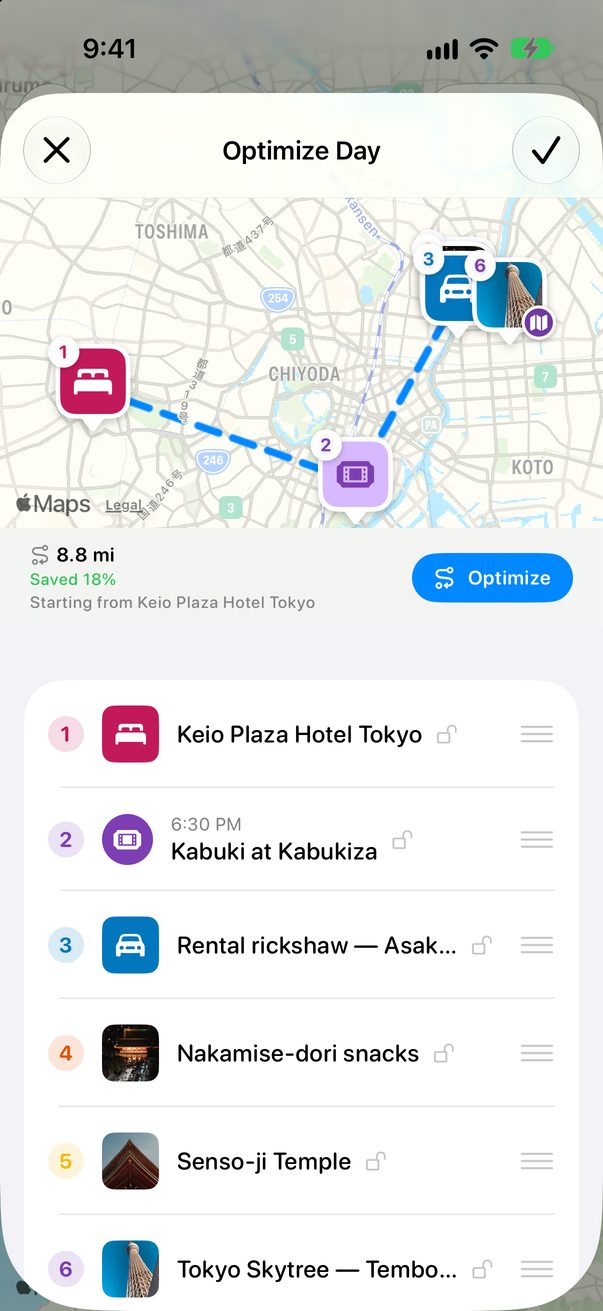
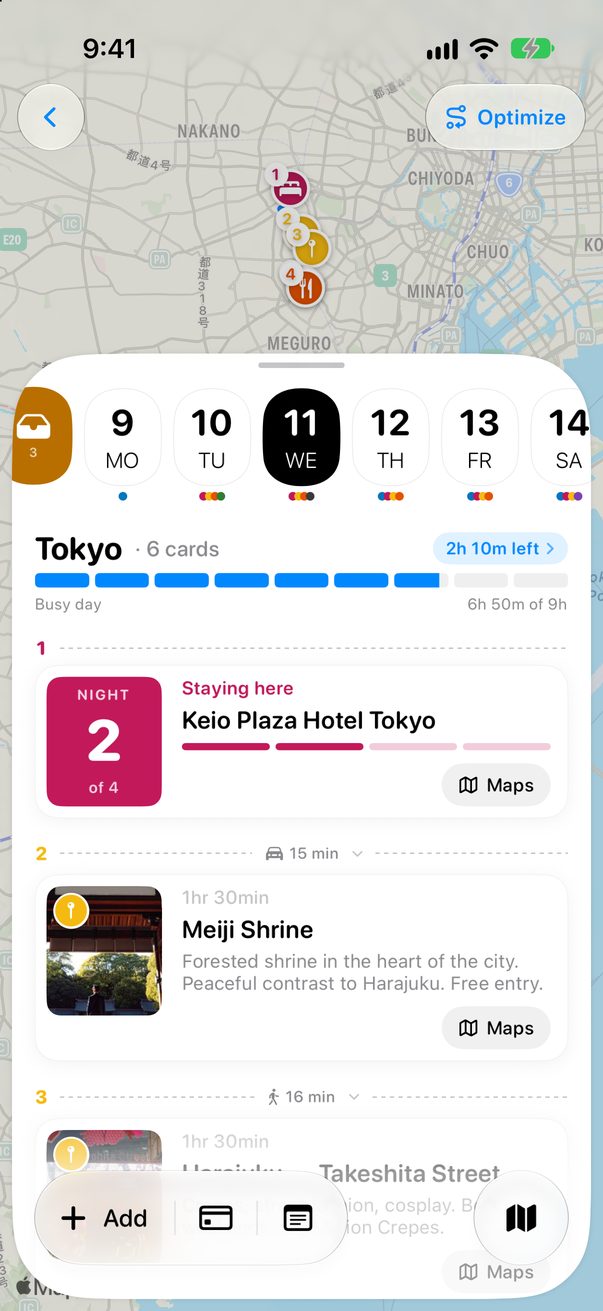
Touch and hold any card of the day and choose Optimize Day…. The Optimize button over the map opens the same screen.
 1
1
 2
2
1Optimize Day…2Or here
2
Drag them into place
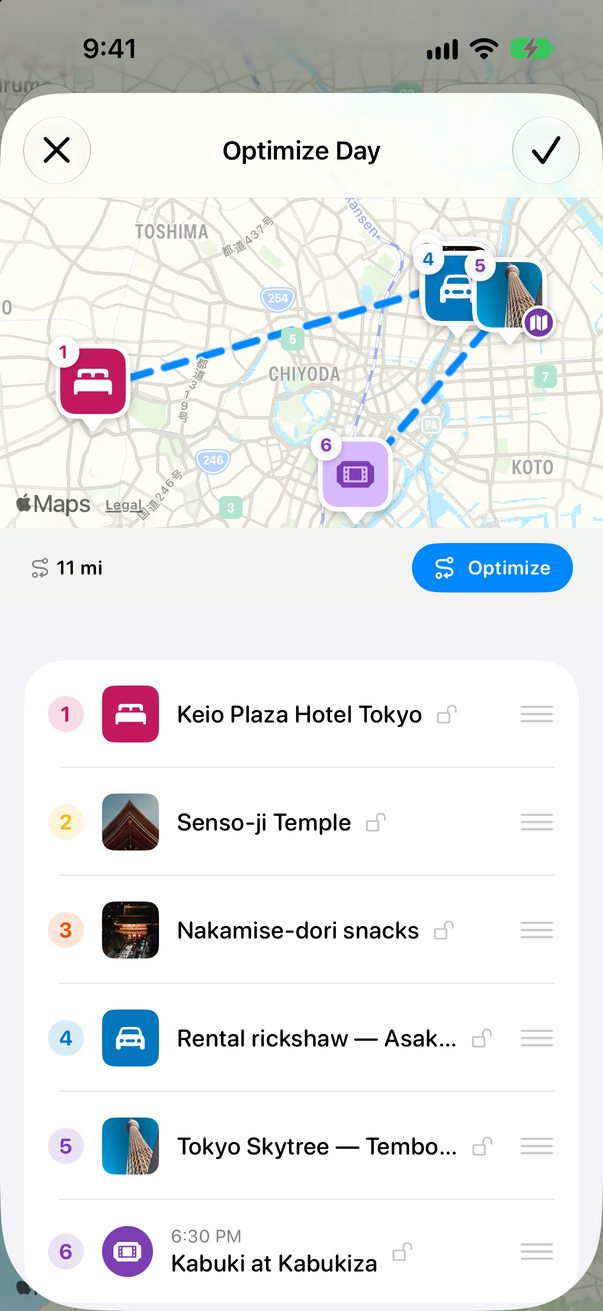
Hold the lines on the right of a card and drag it up or down. The numbers on the map follow. Tap ✓ to keep the new order, or ✕ to leave the day as it was.
 1
2
1
2
1Drag here2Save
1
Drag it up or down
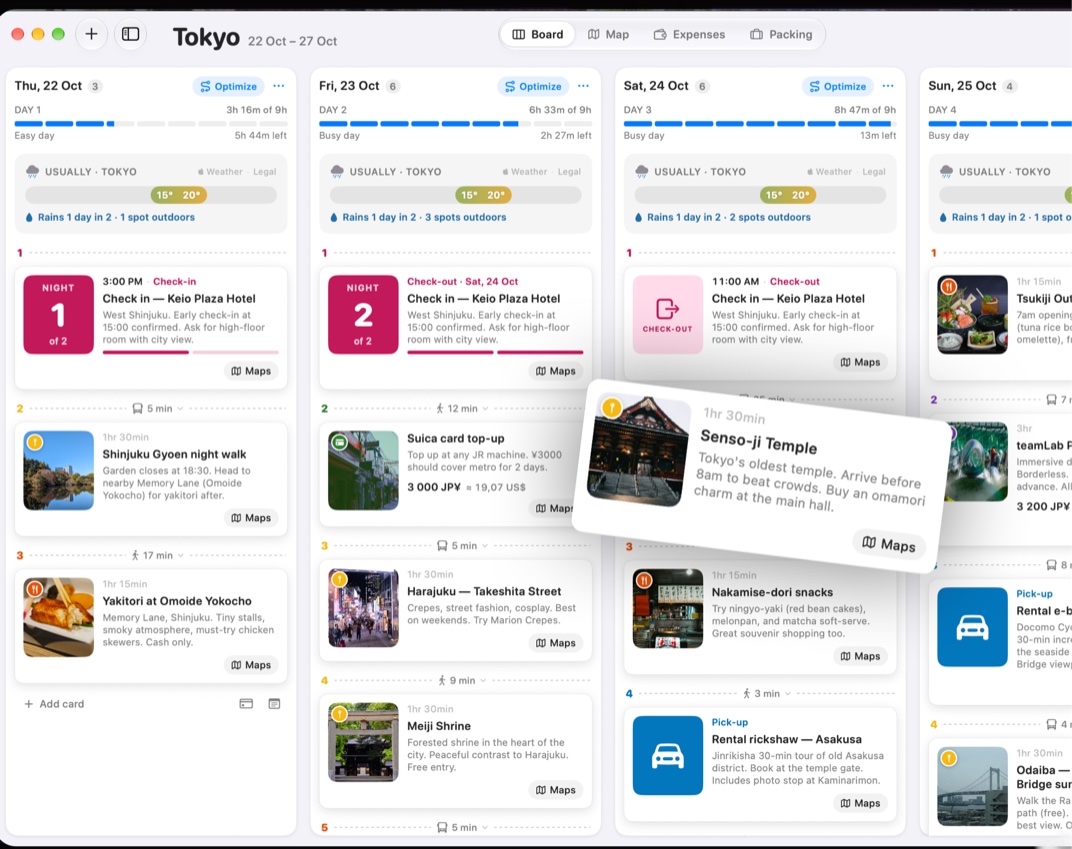
On the Mac, drag a card up or down in its column. Drop it in another column to change its day too.
 1
1
1Drag it
Good to know
Let Trovelo find the shortest way through the day: see Optimize a day’s route.
Cards you mark as done stay where they are and leave the list.



Was this helpful?
Great, thanks! Happy travels.
Sorry about that. Tell me what was missing on r/trovelo and I’ll fix this page.
Keep going
Optimize a day’s routeMap & routes
Move a card to another dayBoard & cards
How full is my day?Board & cards