Move a card to another day
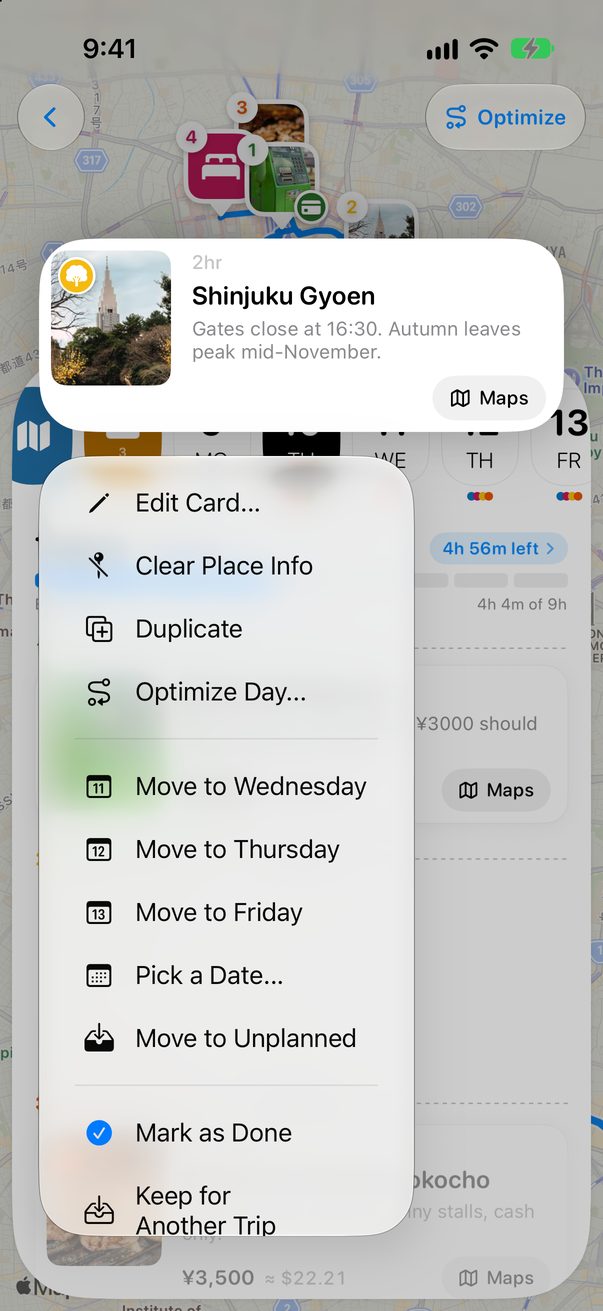
Plans change. Touch and hold any card to send it to another day, back to Unplanned, or out of this trip for a future one.
Touch and hold the card
On the Board, touch and hold the card until its menu opens. The next three days are right there: tap one and the card moves.
 1
2
1
2
Or pick any day
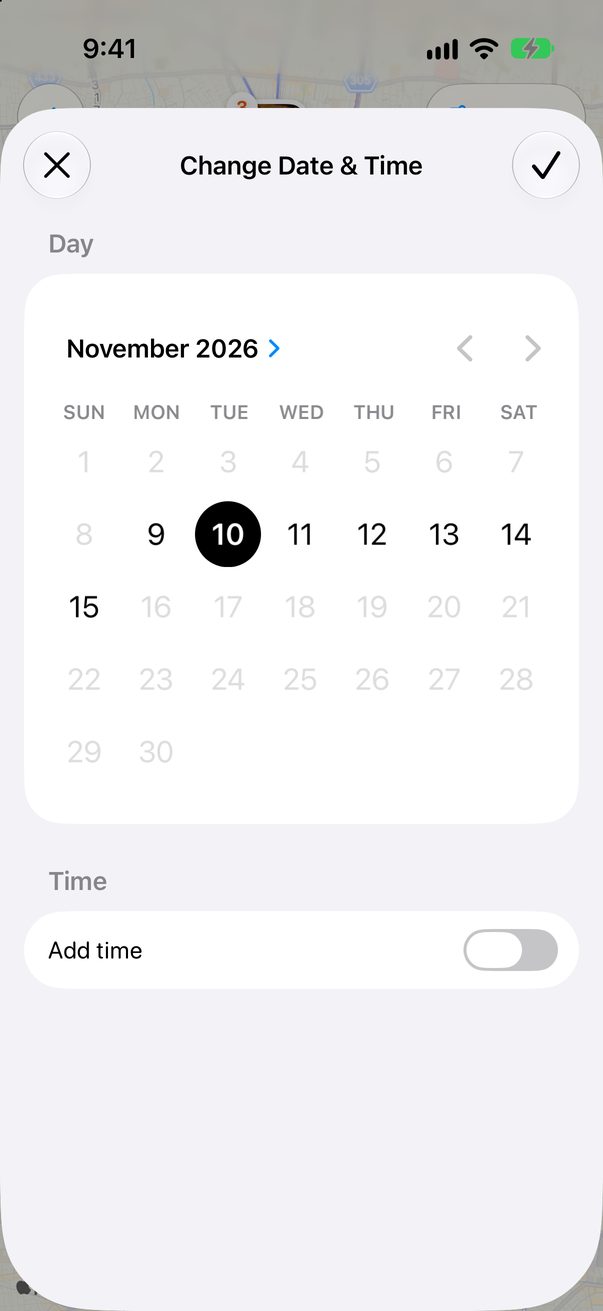
Tap Pick a Date… to see the calendar. The days of your trip are the ones you can tap. Turn on Add time if the card happens at a set hour, then tap ✓.
 1
2
3
1
2
3
Not this day, not this trip
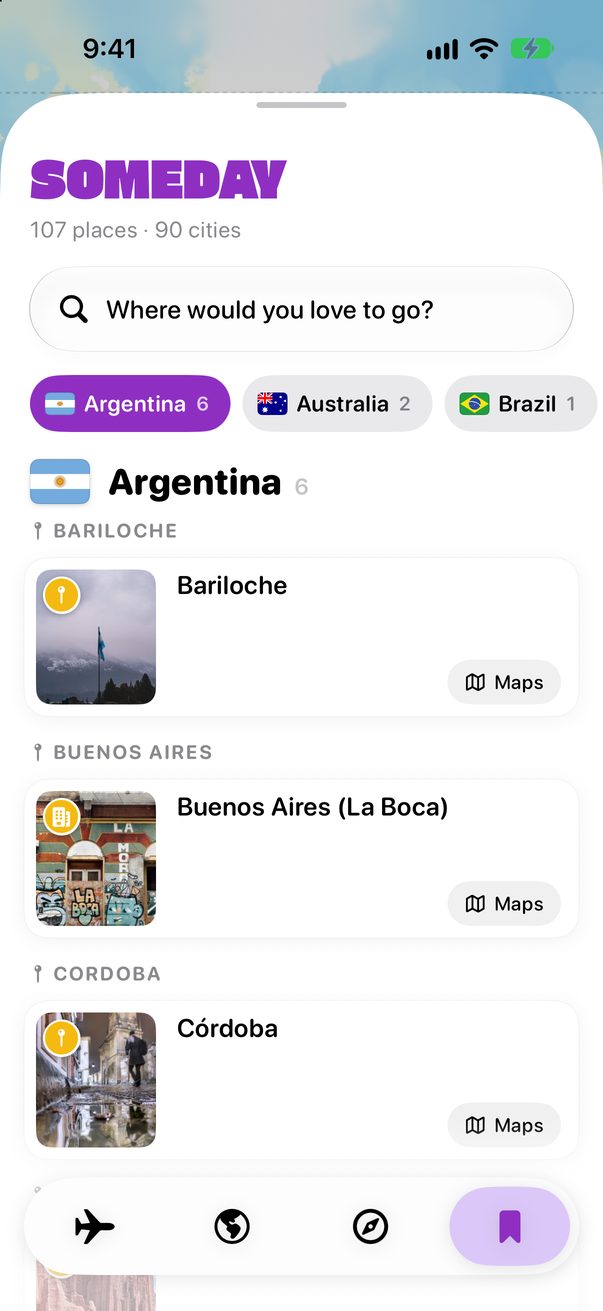
Move to Unplanned keeps the card in the trip without a day. Keep for Another Trip takes it out of this trip and saves it in Someday, under its city, for the next time you go.
1
2
Drag it to another column
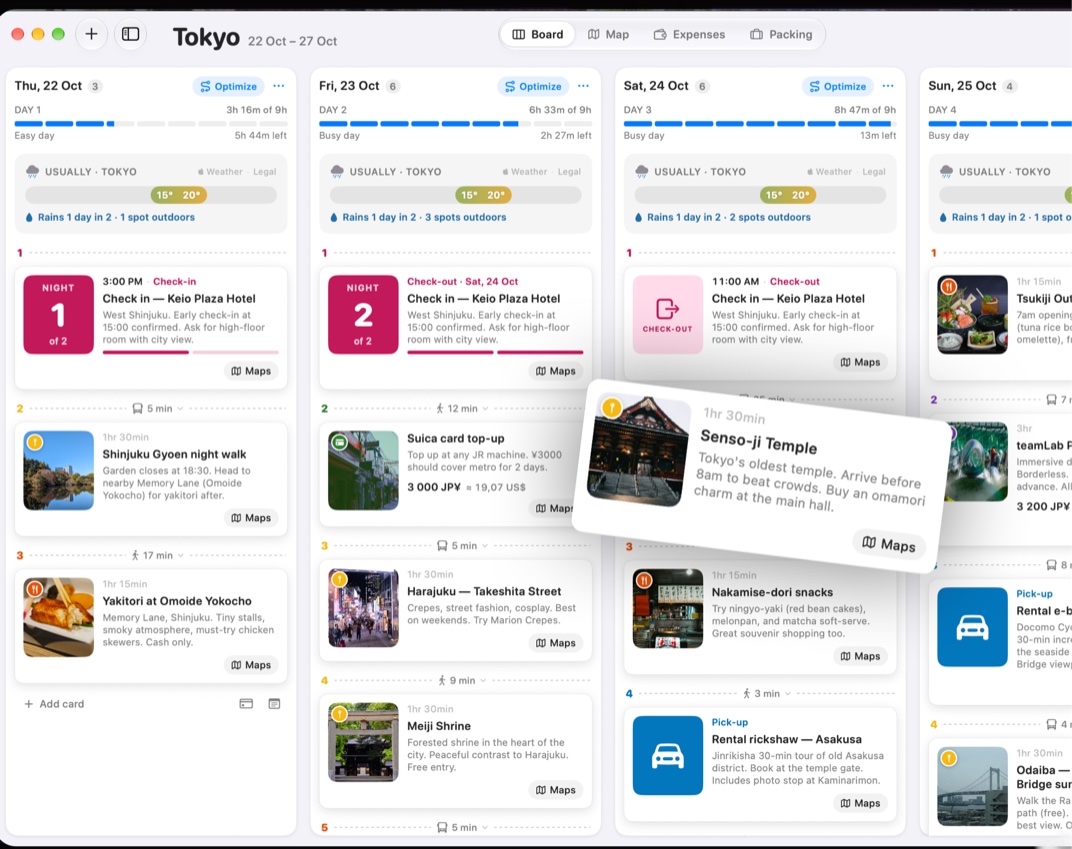
Each column is a day. Drag the card to another column to change its day, or up and down to change its place in the day.
 1
1
Good to know
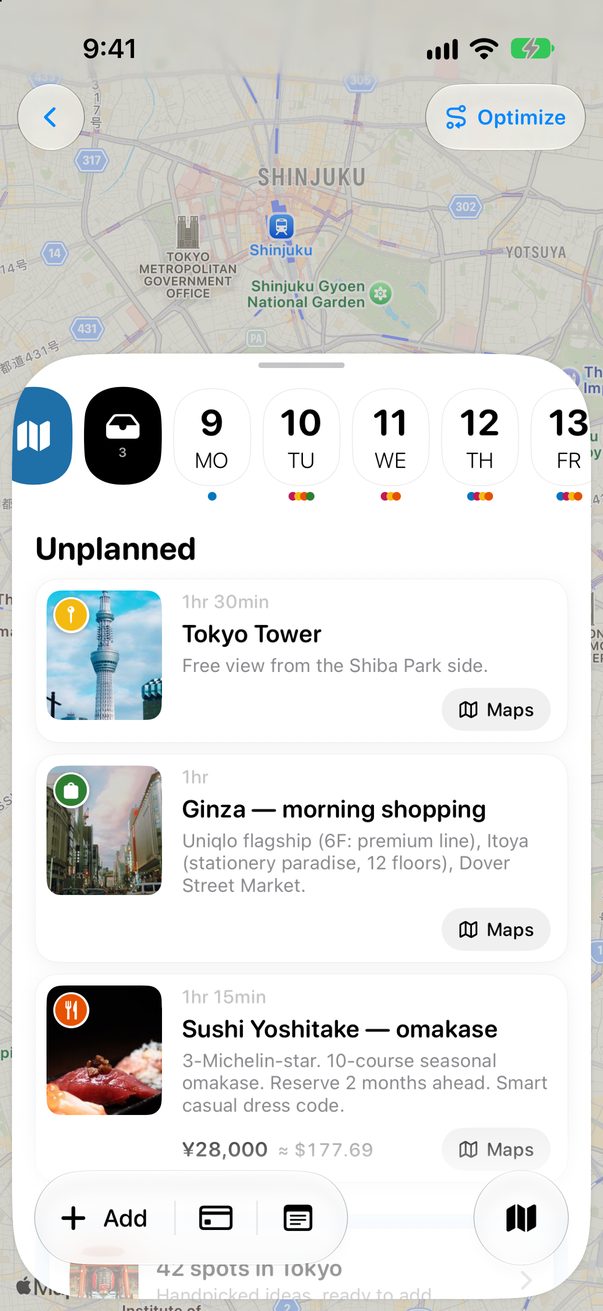
Unplanned is the tray next to the days. More in Ideas without a day.
In a trip you plan with others, a moved card moves for everyone.



Was this helpful?
Great, thanks! Happy travels.
Sorry about that. Tell me what was missing on r/trovelo and I’ll fix this page.
Keep going