Confirmation numbers
Keep the booking code on the card it belongs to, ready to copy at the check-in desk.
1
Type it on the card
Open the card and tap the pencil. Type the code next to #. Stays also keep the door code.
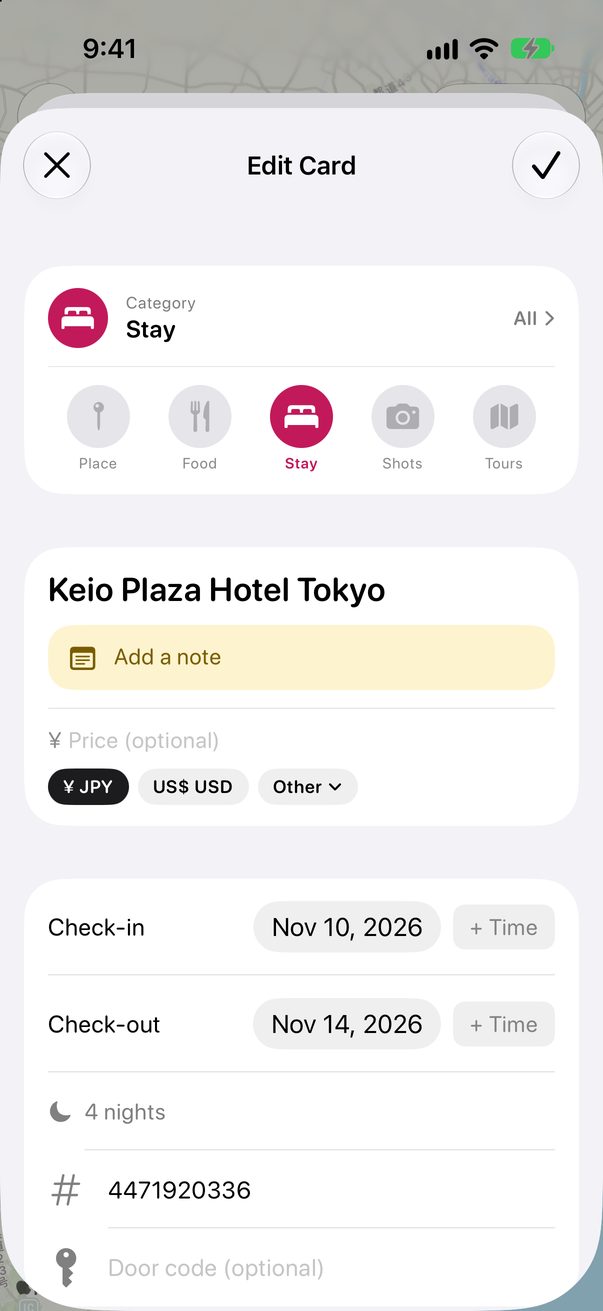
 1
2
1
2
1Confirmation2Door code
2
Copy it when you need it
It shows on the card, ready to copy. For a hotel, every night of the stay has it.
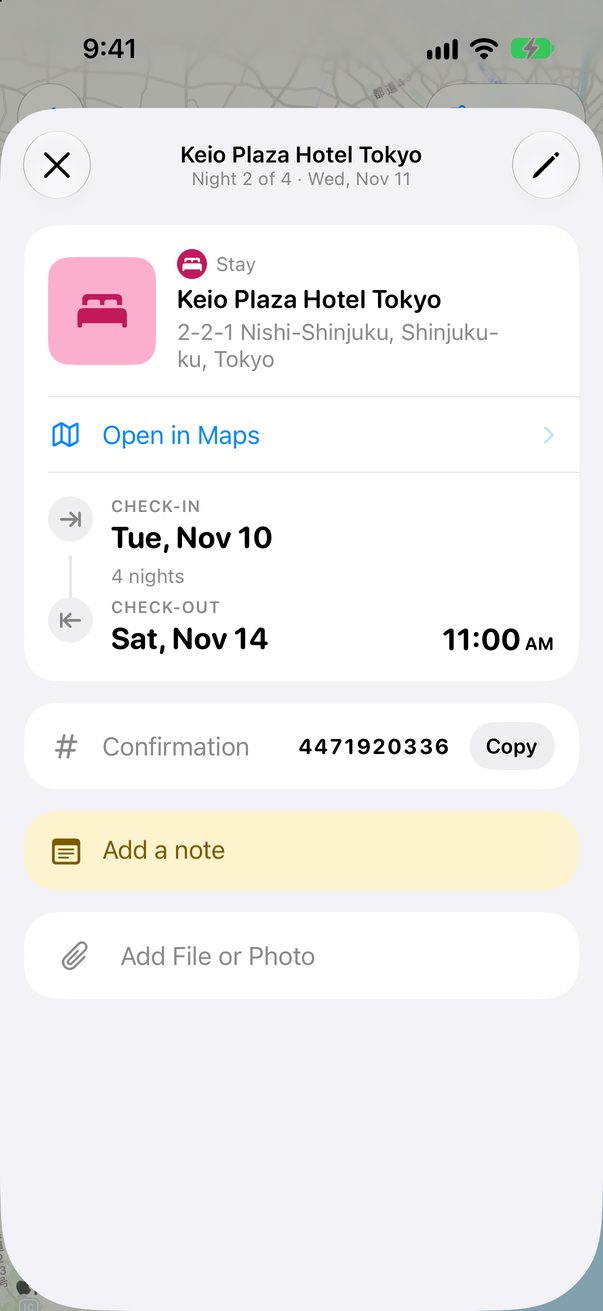 1
2
1
2
1Your code2Copy
Good to know
Attach the booking’s PDF or a photo of it, and Trovelo finds the code by itself. It never replaces one you typed.
Bookings you import from an email bring their code with them.



Was this helpful?
Great, thanks! Happy travels.
Sorry about that. Tell me what was missing on r/trovelo and I’ll fix this page.
Keep going
Notes, files and photosBoard & cards
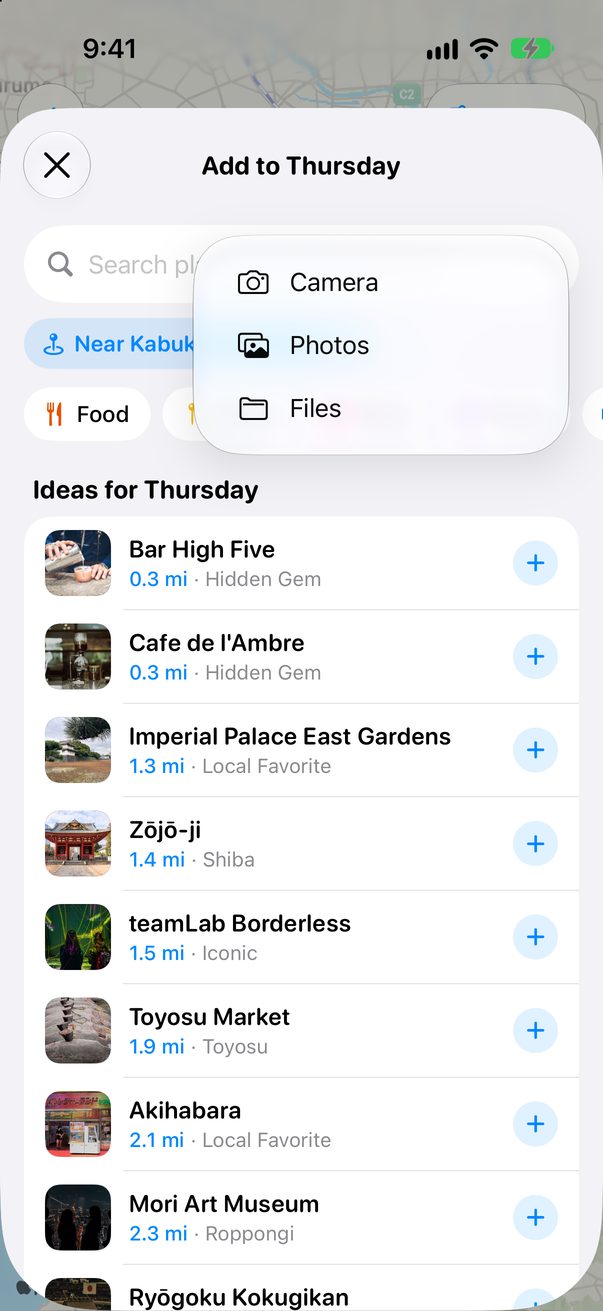
Import a booking from an emailFlights & transport
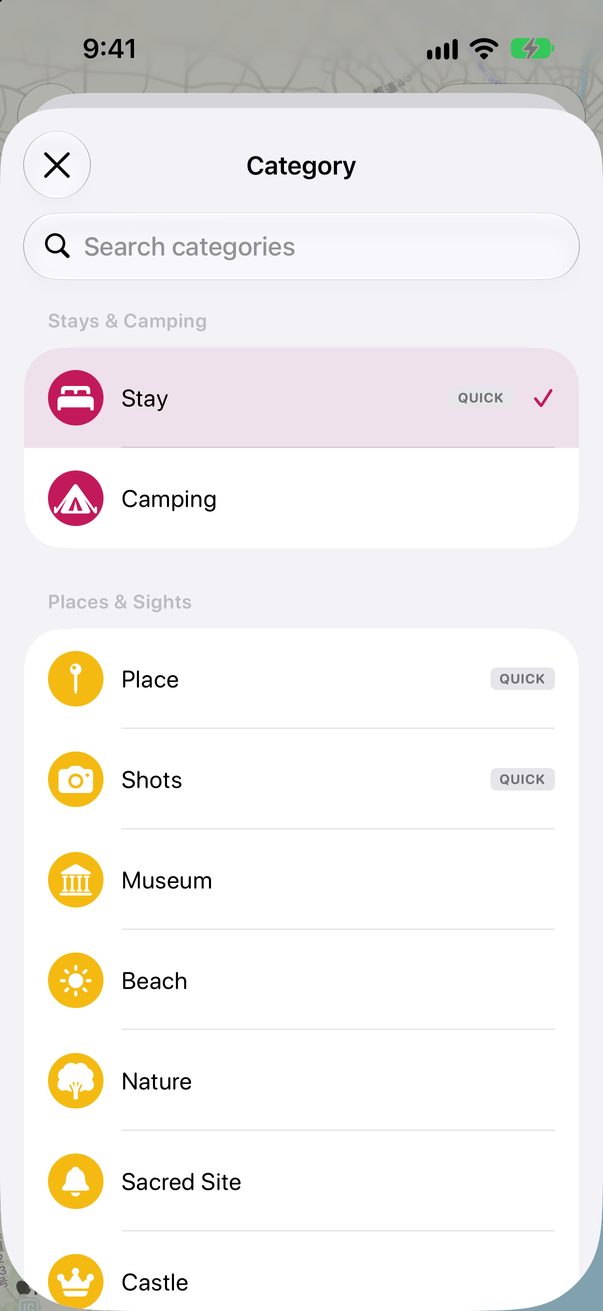
Every kind of cardBoard & cards