Every kind of card
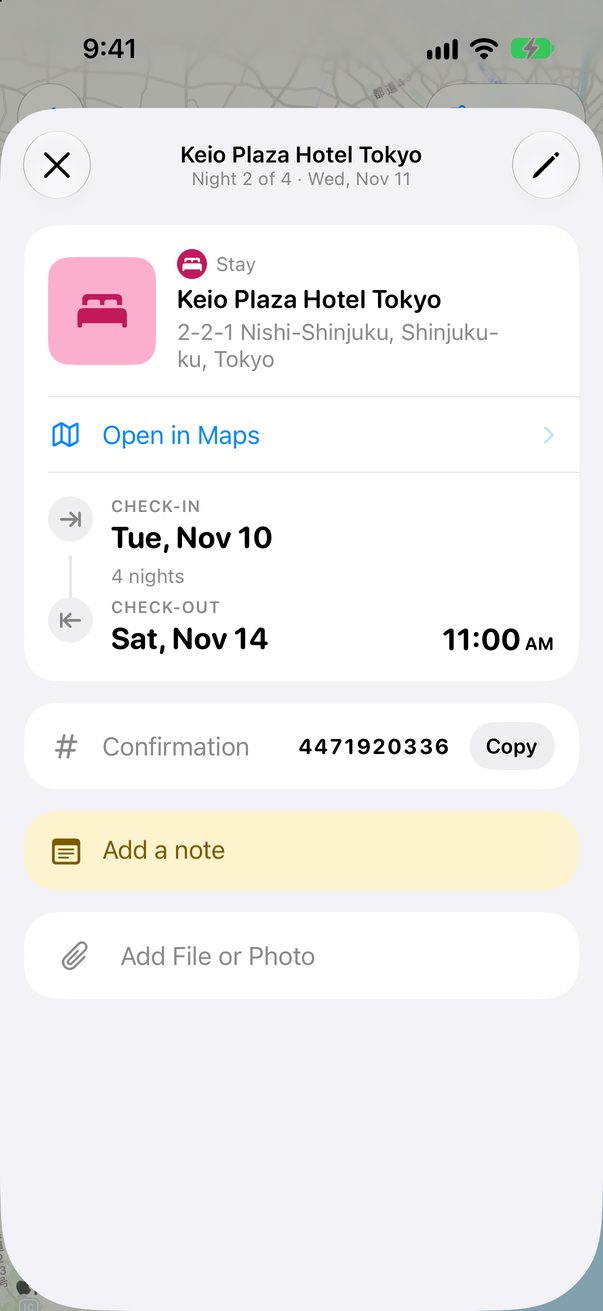
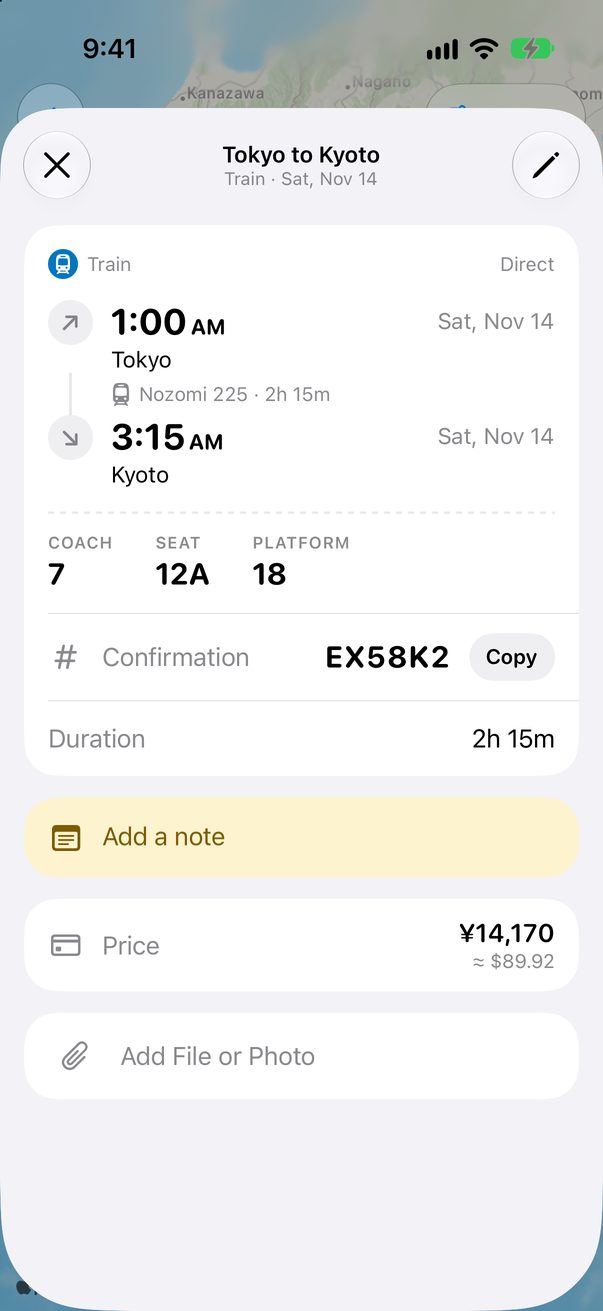
A card can be a sight, a meal, a hotel, a flight or a ticket. Its kind sets its icon, its color and the details it asks for.
Open the card’s category
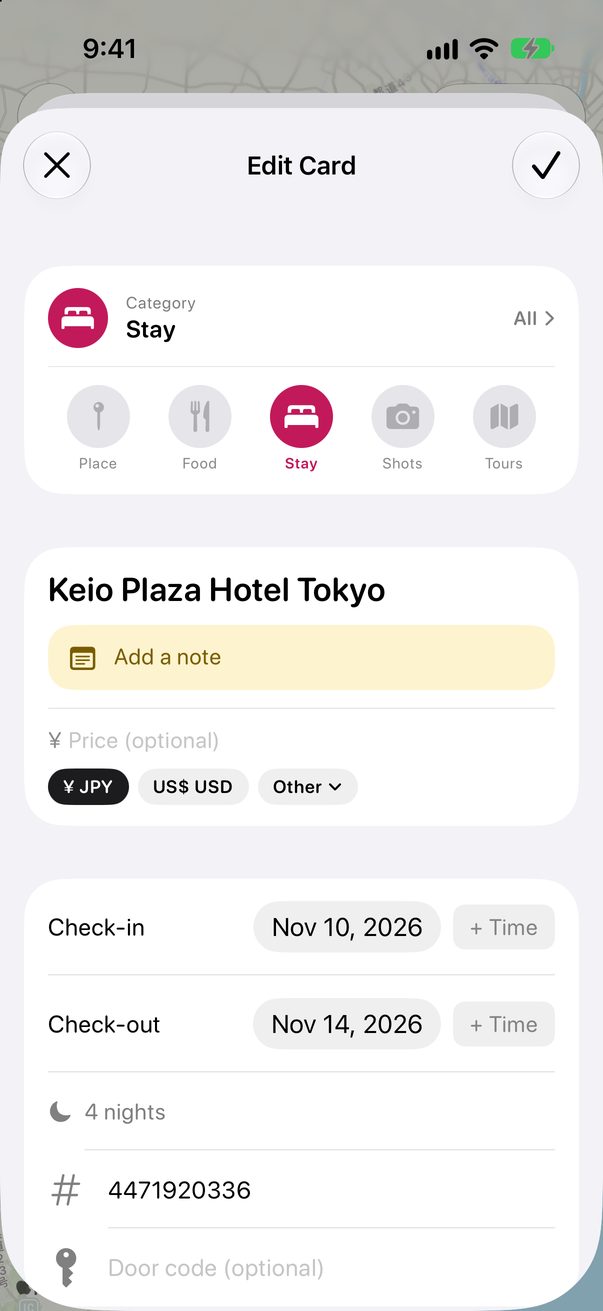
Open a card and tap the pencil. At the top are the five kinds you use most. Tap All to see every one.
 1
2
1
2
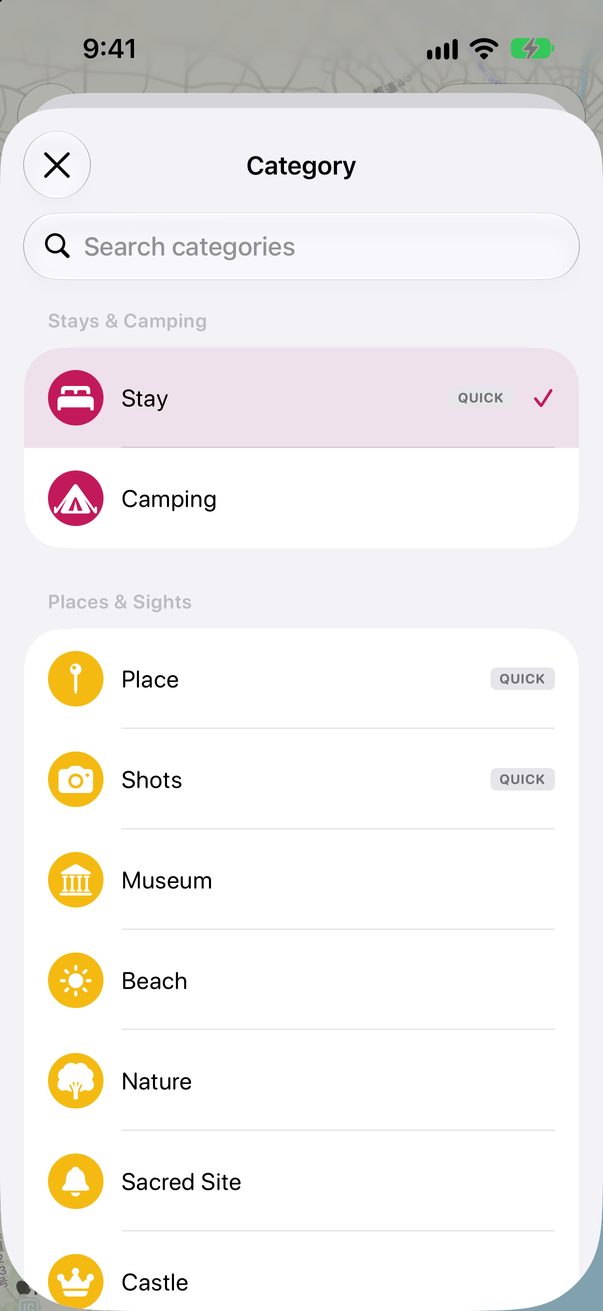
Search or browse
Kinds are grouped: stays, places and sights, food and drink, activities, entertainment, travel, money and other. Or just type what it is.
 1
2
1
2
Some kinds ask for more
A stay asks for check-in and check-out, its confirmation number and the door code. A flight asks for its number and airports, and a train or a ferry for its stations, coach and seat.
1
2
3
Good to know
Flights have their own form, with every stop. See Add a flight with layovers.
Notes are written from the note button at the bottom of the Board, not from this list.



Was this helpful?
Great, thanks! Happy travels.
Sorry about that. Tell me what was missing on r/trovelo and I’ll fix this page.
Keep going