Create your first trip
One line is enough: where you’re going and when. Trovelo works out the name, the days and the currency.
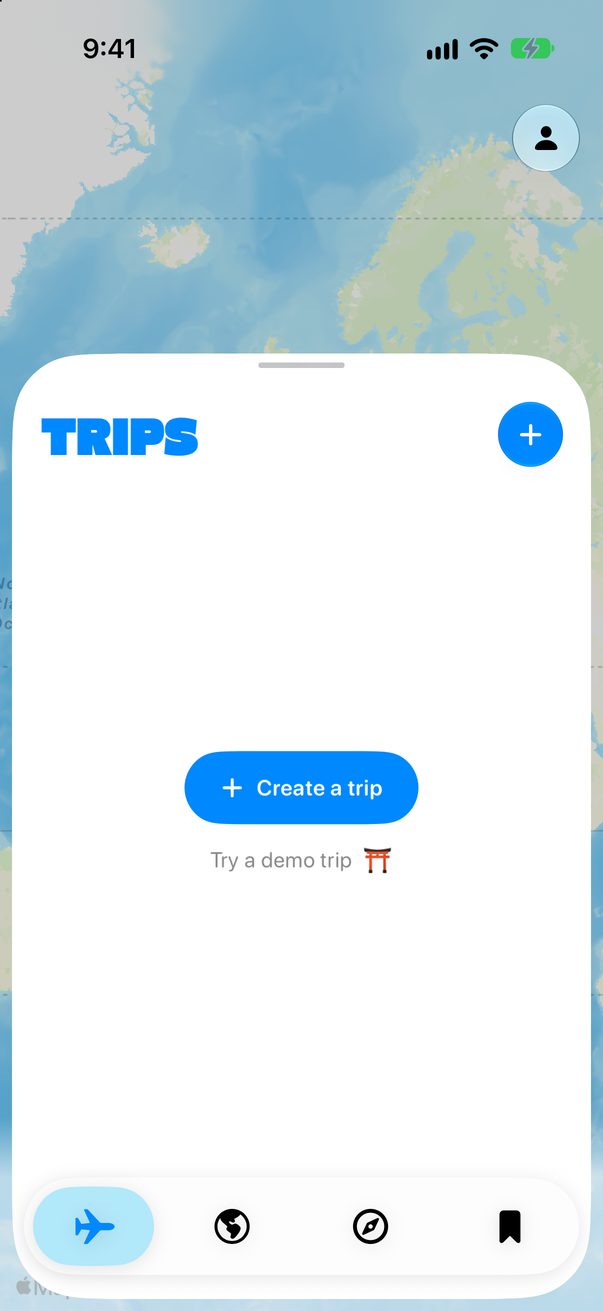
Tap Create a trip
Open the Trips tab and tap Create a trip. Once you have trips, the + at the top does the same. Just looking around? Try a demo trip opens a ready-made trip to Tokyo.
 1
2
1
2
Say where and when
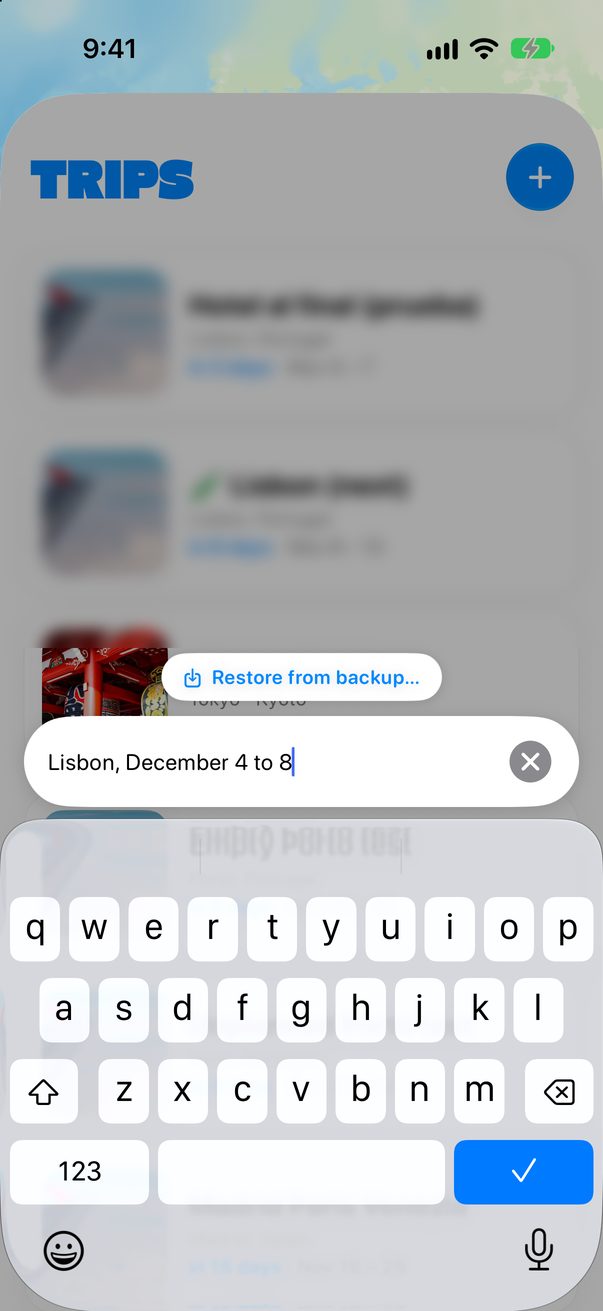
Type the city and the dates the way you’d say them, like Lisbon, December 4 to 8, and tap ✓. Going to more than one city? Name them all in the same line.
 1
2
1
2
Open your trip
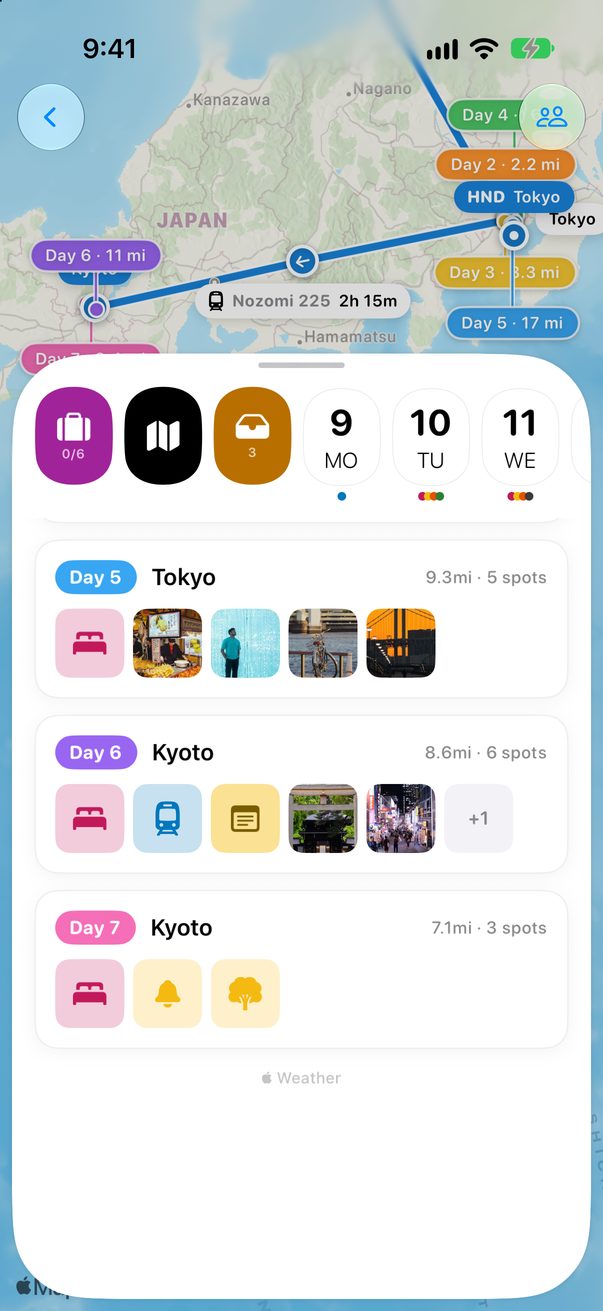
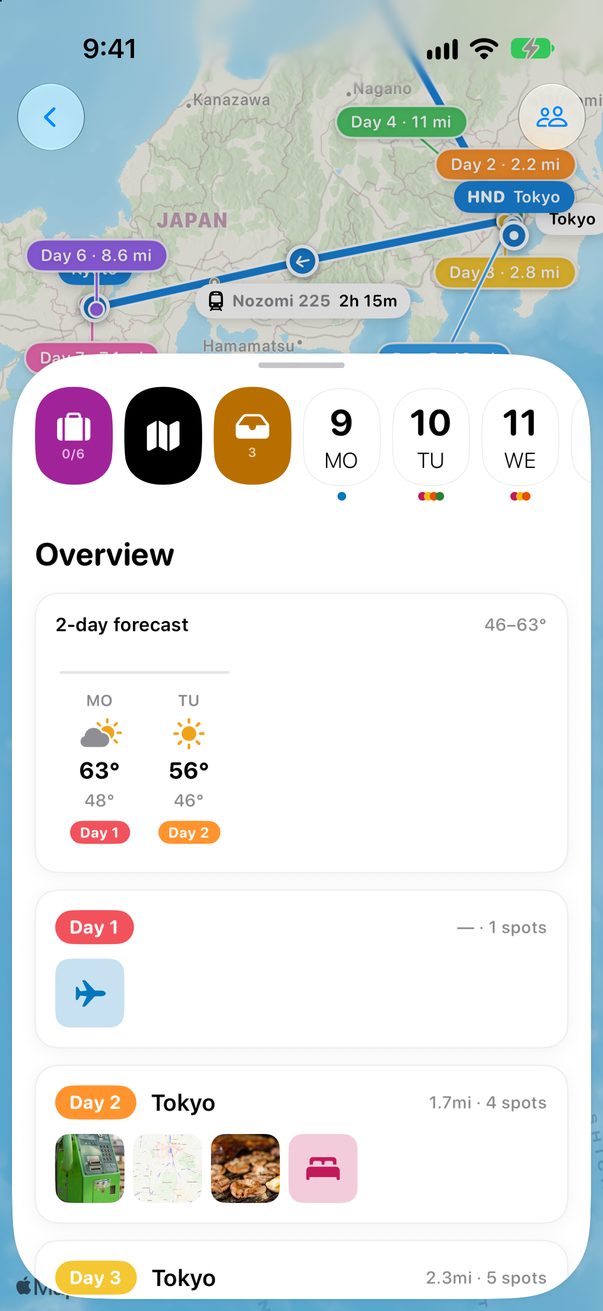
Your trip is now in the list: tap it. The strip at the top holds the packing list, the Overview of every day, Unplanned for ideas without a day, and then one button per day.
 1
2
3
4
1
2
3
4
Change it whenever you like
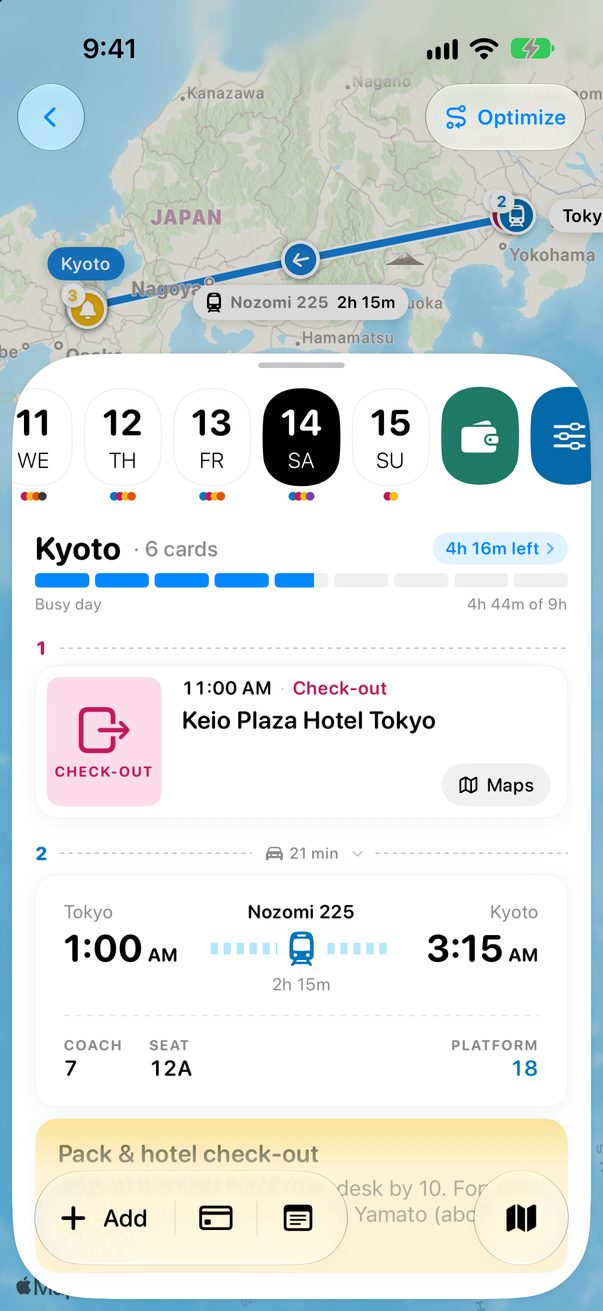
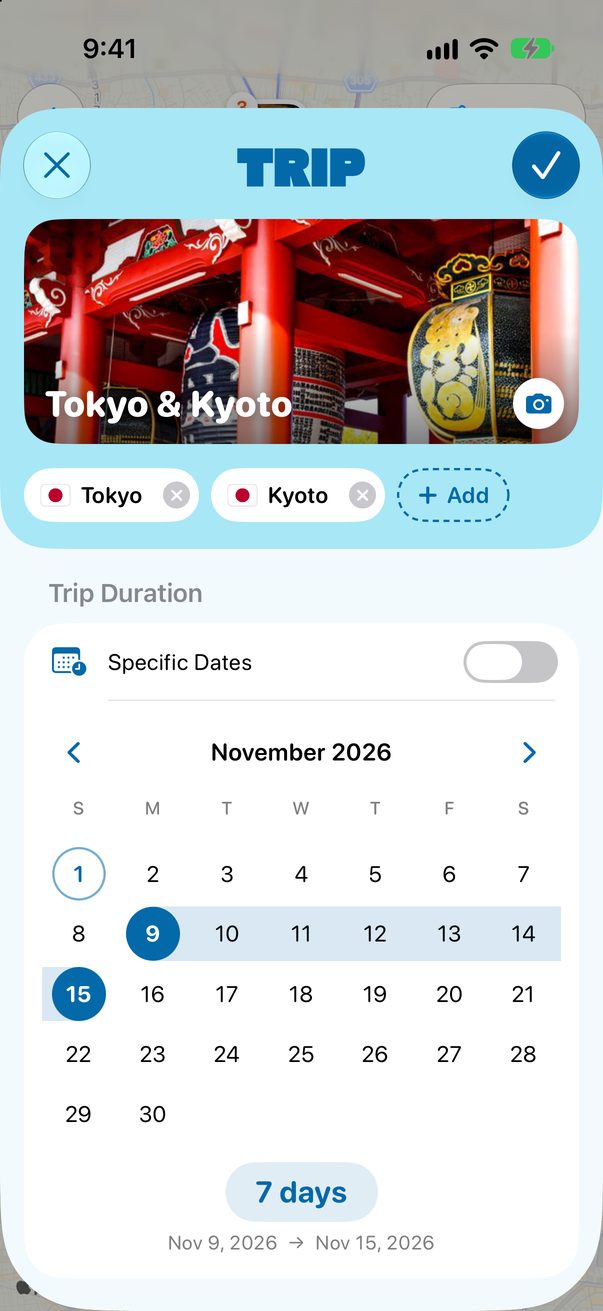
Swipe the strip of days to the end and tap the sliders. Or touch and hold the trip in your list and choose Edit Trip…. There you change the cover, the cities, the dates, the currency and your daily pace.
 1
1
 2
3
2
3
New Trip
Choose File › New Trip… and type one line, like Tokyo, March 15 to 22. You can also drop a flight ticket there and Trovelo builds the trip from it.
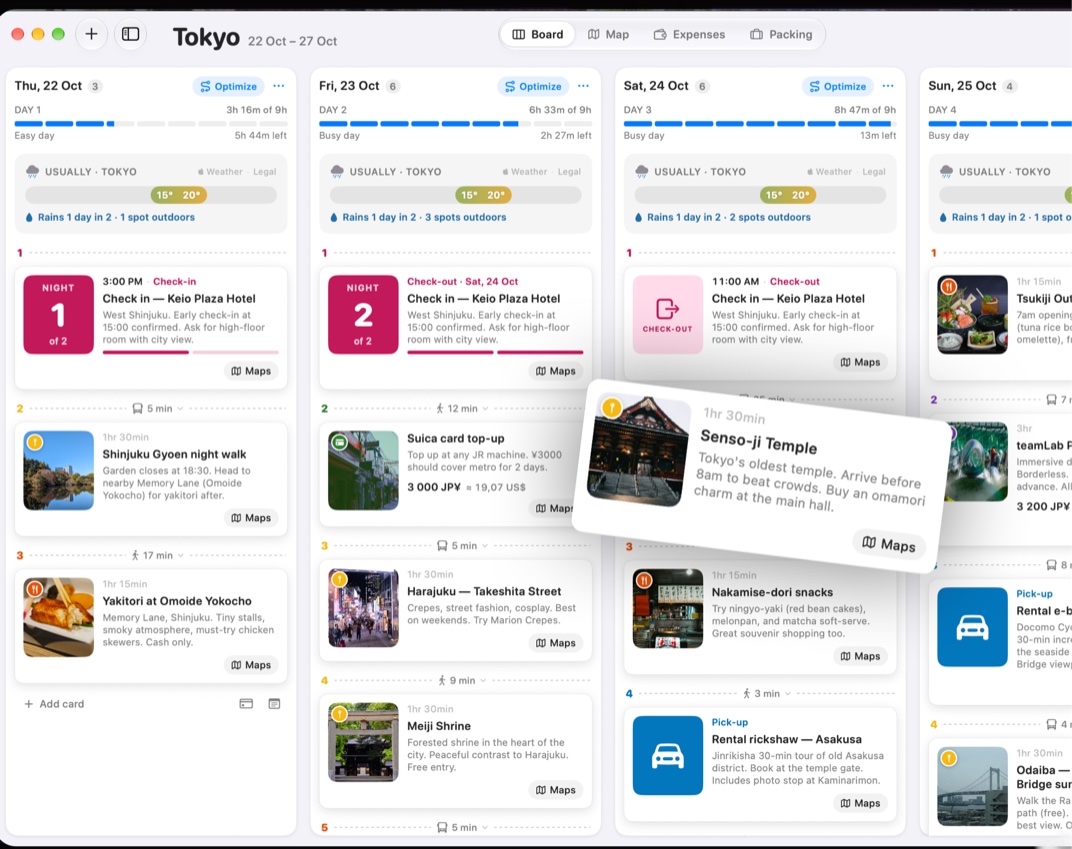
One column per day
The Board shows one column per day. Switch to the map, the expenses or the packing list at the top, or with ⌘1 to ⌘4.
 1
1
Good to know
No dates yet? Turn on Flexible Dates in Edit Trip and plan Day 1, Day 2 and so on.
A trip whose dates have passed moves to Past Trips on its own.
The free plan holds two upcoming trips at a time. Trovelo Pro removes the limit.



Was this helpful?
Great, thanks! Happy travels.
Sorry about that. Tell me what was missing on r/trovelo and I’ll fix this page.
Keep going