Trips with more than one city
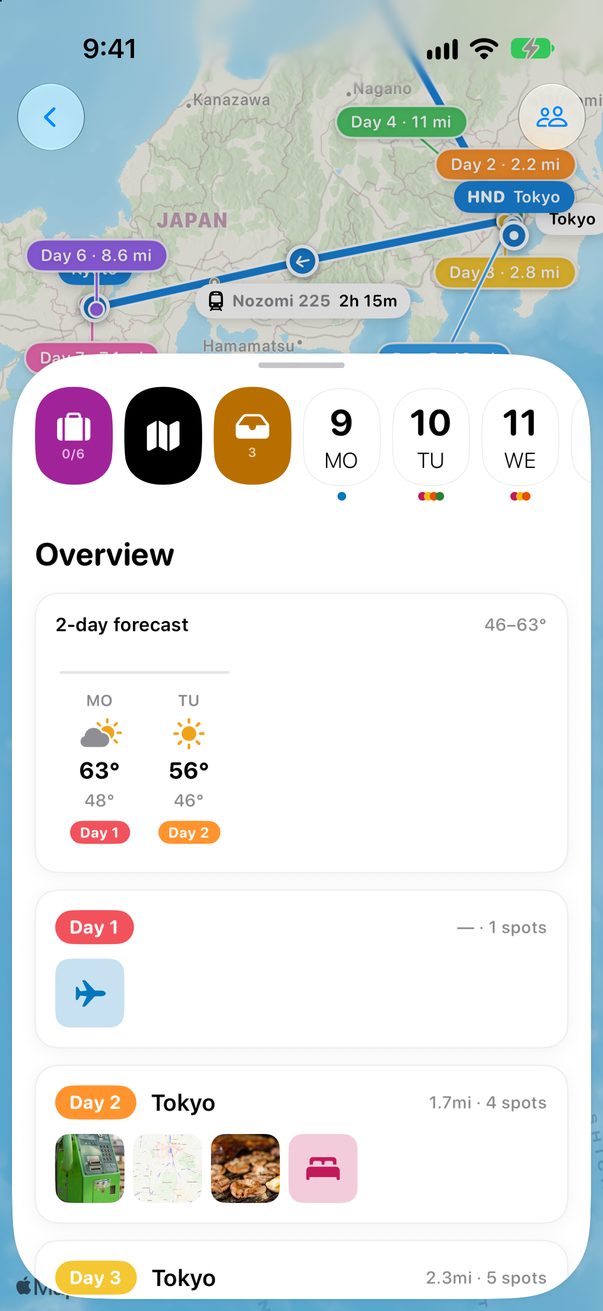
Tokyo then Kyoto, or Rome, Florence and Venice: it’s one trip, and each day knows which city it’s in.
1
Name them all at the start
When you create the trip, write every city in the same line, like Madrid, Paris and Amsterdam in October. Trovelo shows the route and makes one trip with all of them, or separate trips if you’d rather.
2
Add a city later
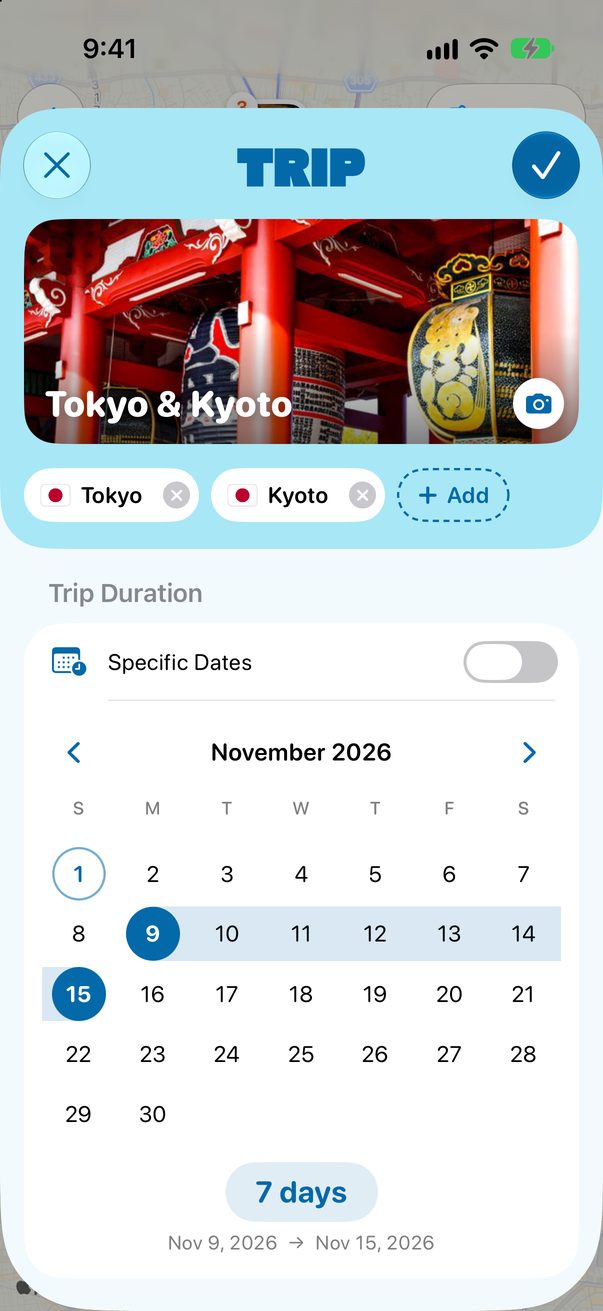
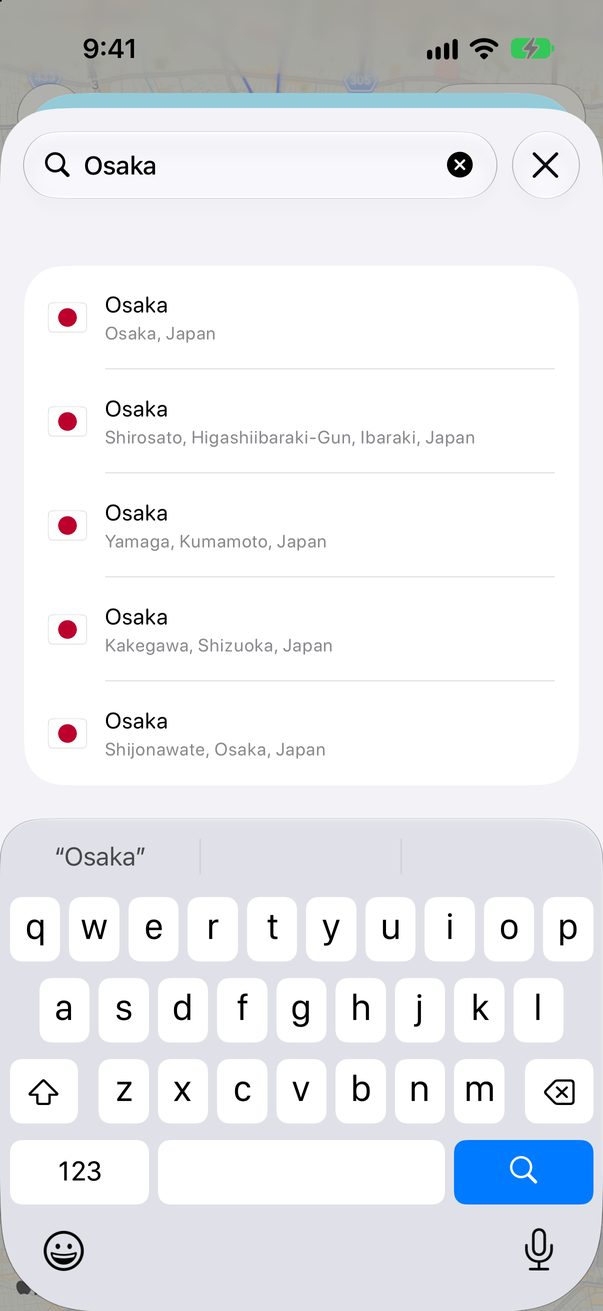
Open the trip’s settings and tap + Add next to the cities. Search for the city and tap it.
 1
1
 2
2
1+ Add2Pick the city
3
Each day knows its city
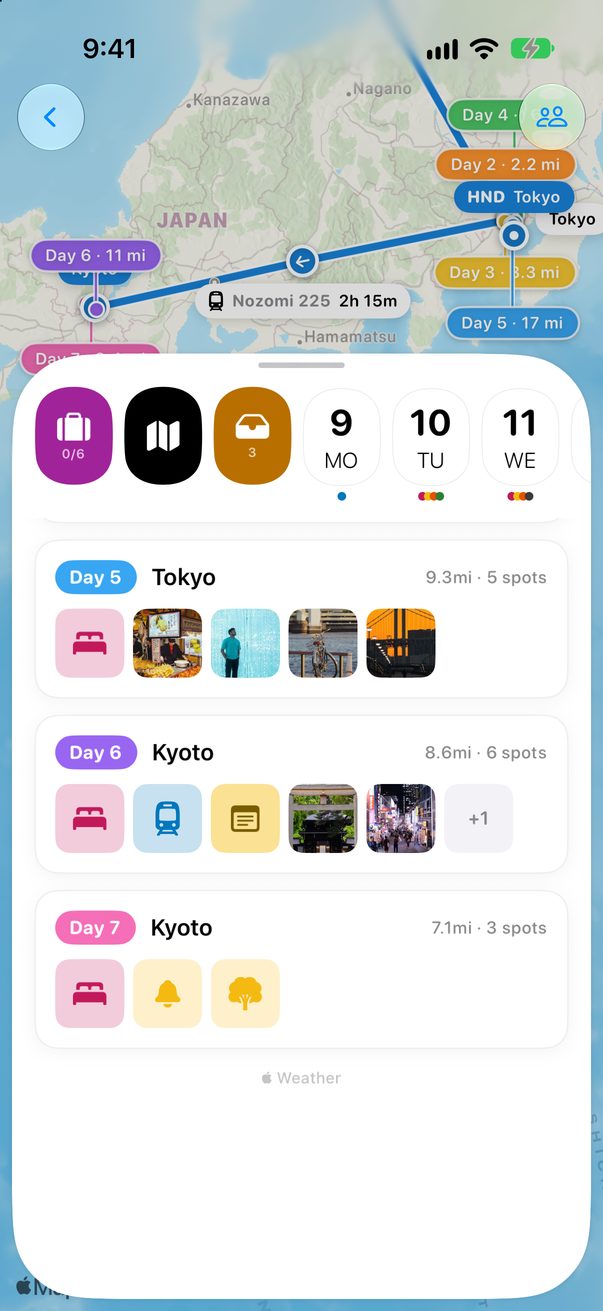
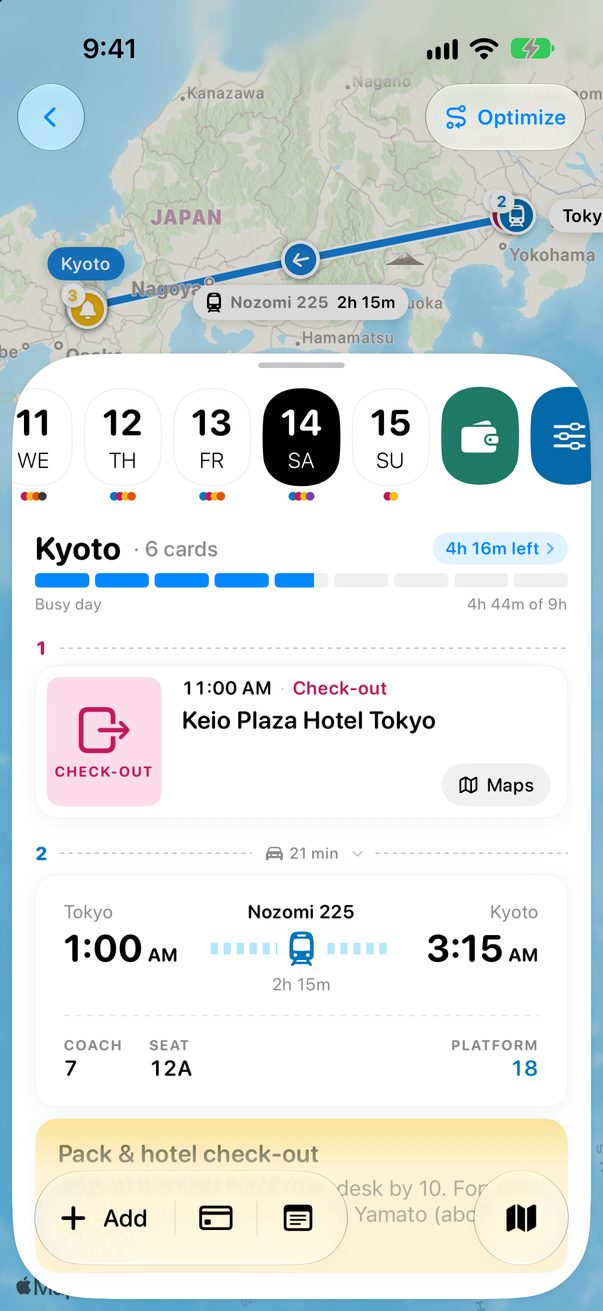
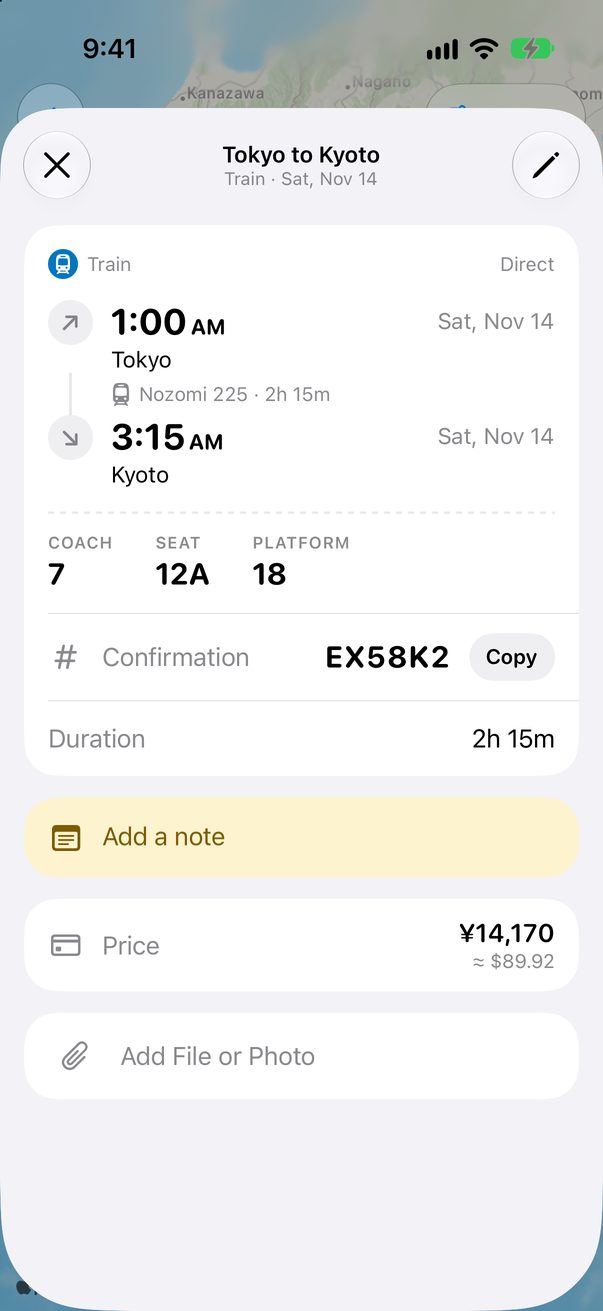
Trovelo works out each day’s city from its places. You see it on the day and in the Overview.
 1
2
1
2
 3
3
1Tokyo2Kyoto3The day’s city
Good to know
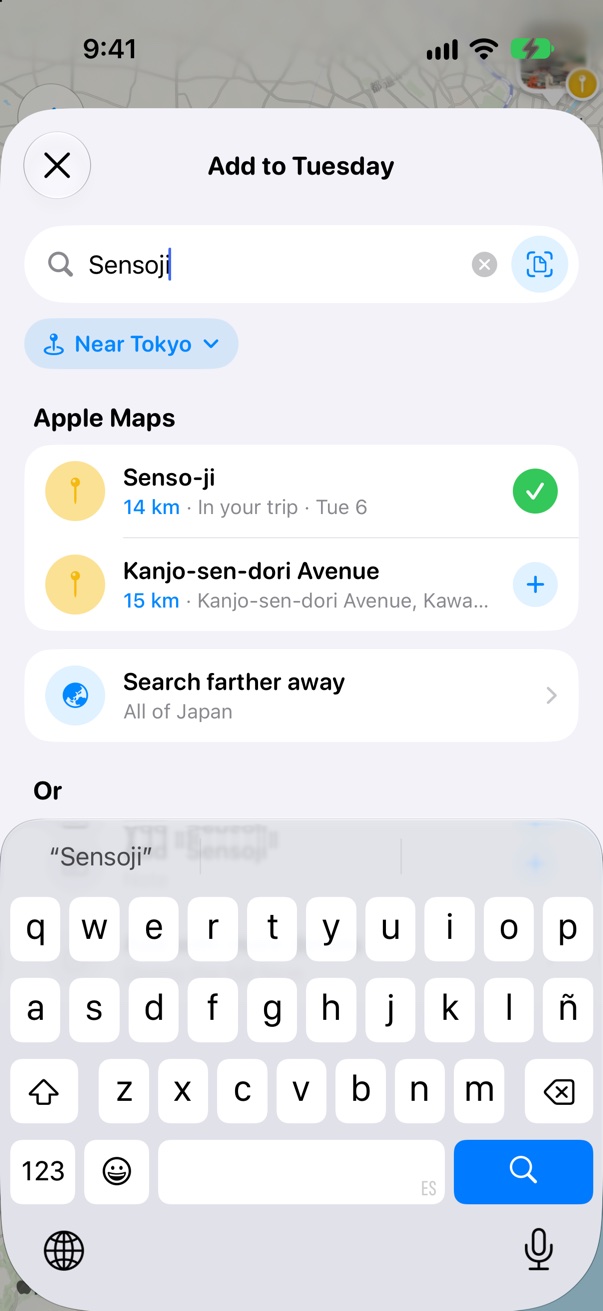
Add searches near the city of the day you’re on, and the ideas for an empty day are for that city too.



Was this helpful?
Great, thanks! Happy travels.
Sorry about that. Tell me what was missing on r/trovelo and I’ll fix this page.
Keep going
Create your first tripGetting started
Trains, buses and ferriesFlights & transport
Add places to your daysBoard & cards