Drag cards between days
On the Mac, the Board is made for dragging: every column is a day.
1
Drag a card to another day
Drag any card to another column to change its day, or up and down to change its place. The Unplanned column holds the ideas without a day.
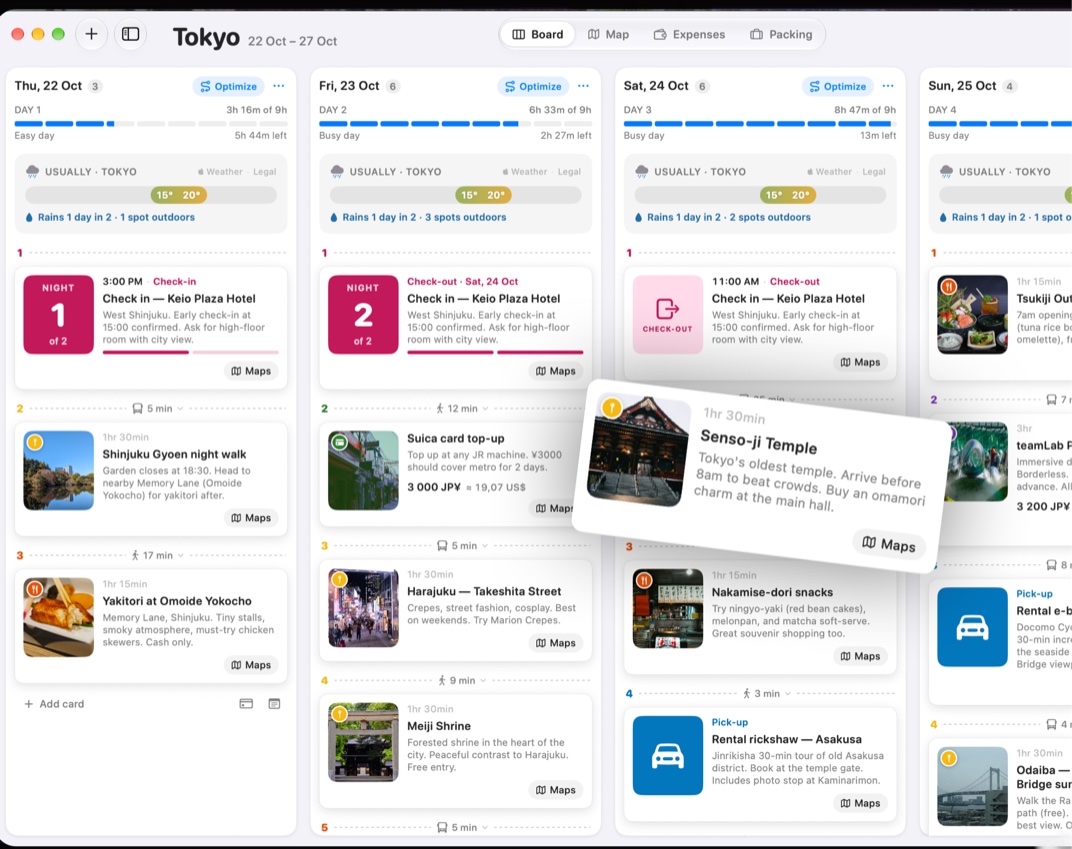 1
1
1Drag it
2
Add from the bottom of a day
Under each column, + Add card adds a place, and the two buttons next to it log an expense or write a note.
1
1Add card, expense, note
3
From the keyboard
The same things, without the mouse, and the Board the size you like:
⌘NNew card
⇧⌘ELog expense
⌃⌘NNew note
⌥⌘1Normal cards
⌥⌘2Compact cards
⇧⌘WWeather



Was this helpful?
Great, thanks! Happy travels.
Sorry about that. Tell me what was missing on r/trovelo and I’ll fix this page.
Keep going
Trovelo on MacMac & AI Plan
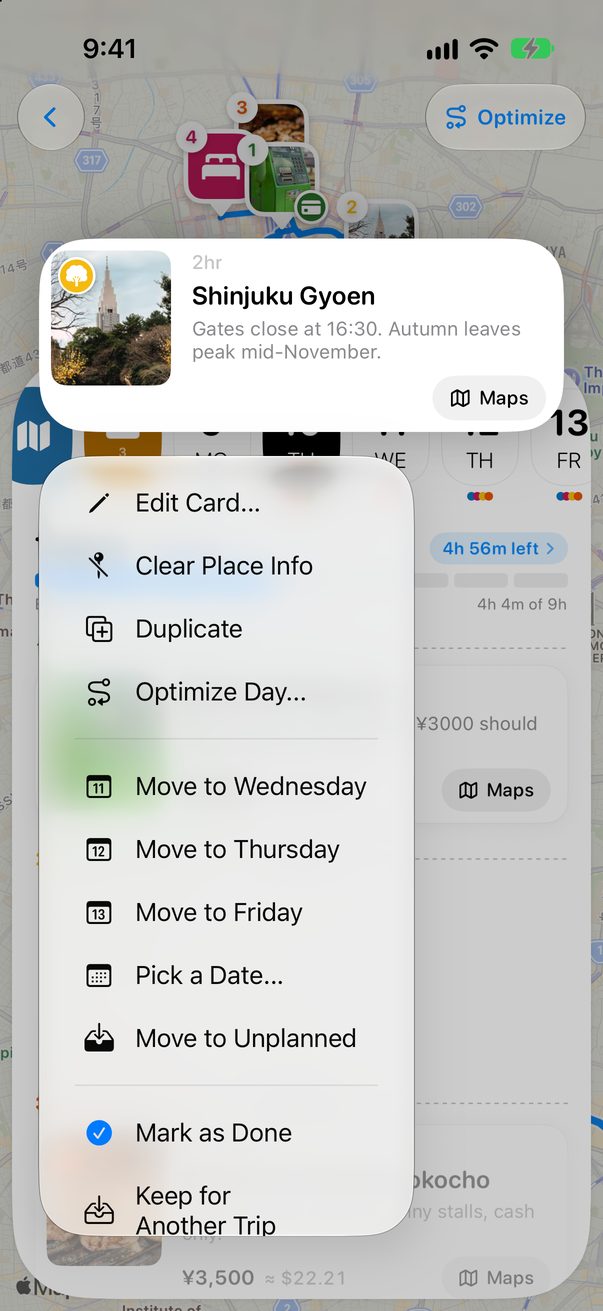
Move a card to another dayBoard & cards
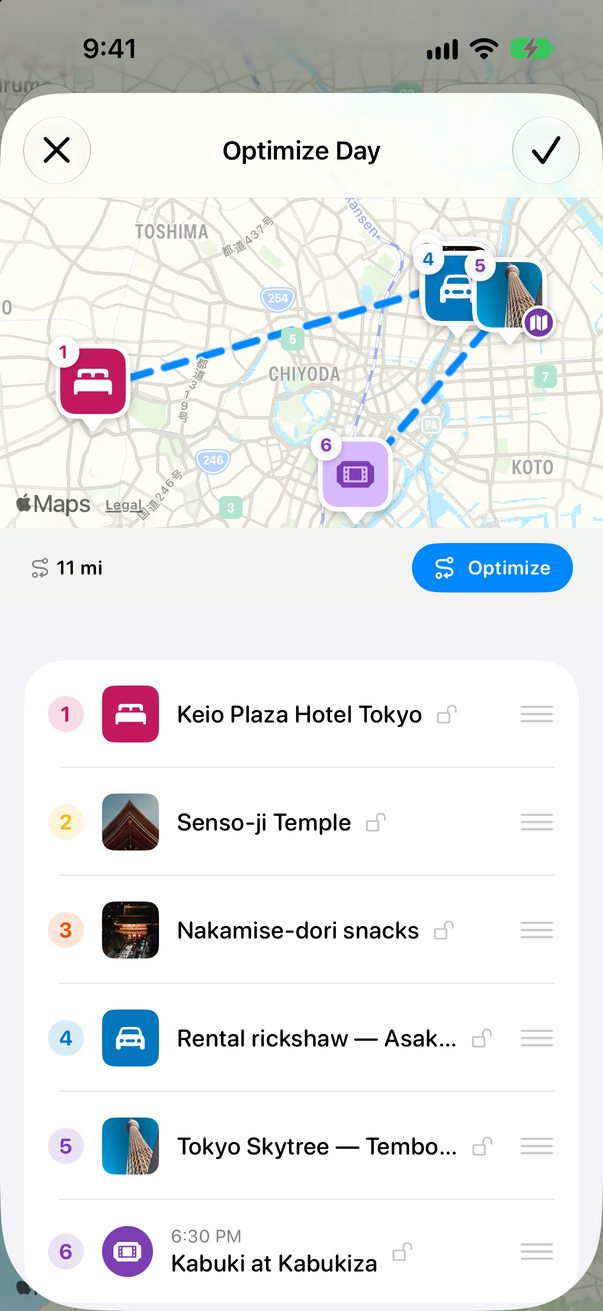
Change the order of your dayBoard & cards