Drop a pin on the map
Some spots have no name on any map: a viewpoint, a meeting point, a corner of a beach. Drop a pin there.
1
Hold your finger on the map
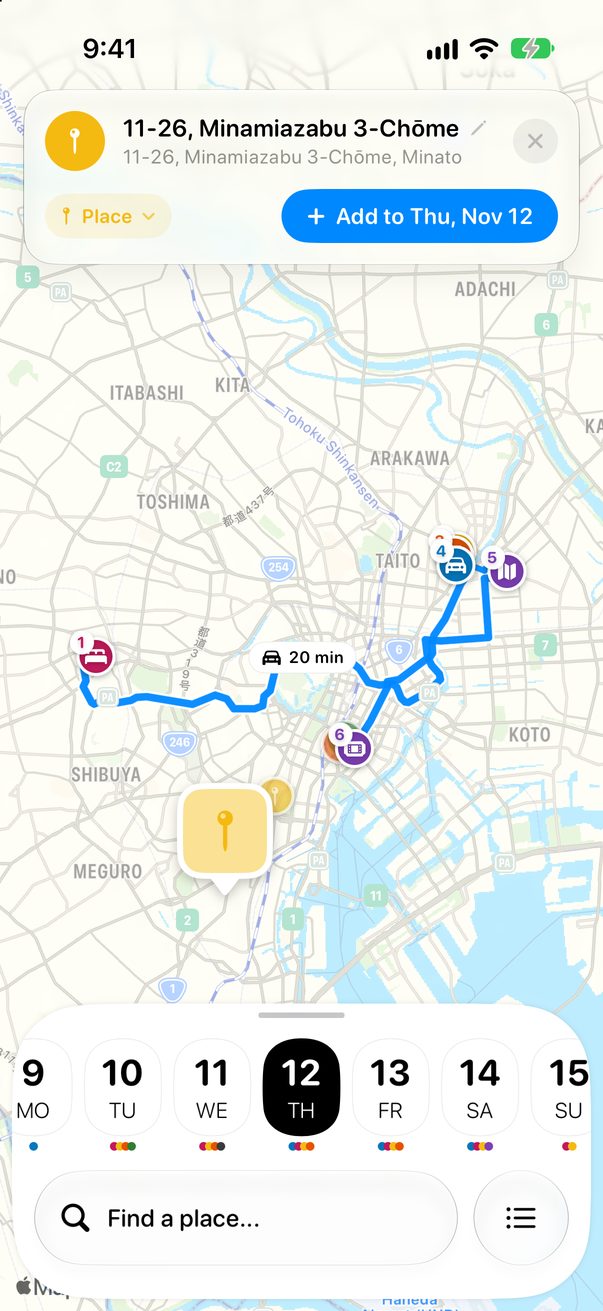
Open the map and touch and hold the spot. A pin drops there and the address shows at the top.
 1
2
1
2
1Your pin2Its address
2
Choose its kind and add it
Tap Place to change what it is, then tap Add. It goes to the day you’re looking at.
1
2
1Its kind2Add to the day
1
Right-click the map
On the Mac, open the map with ⌘3 and right-click the spot to add it.



Was this helpful?
Great, thanks! Happy travels.
Sorry about that. Tell me what was missing on r/trovelo and I’ll fix this page.
Keep going
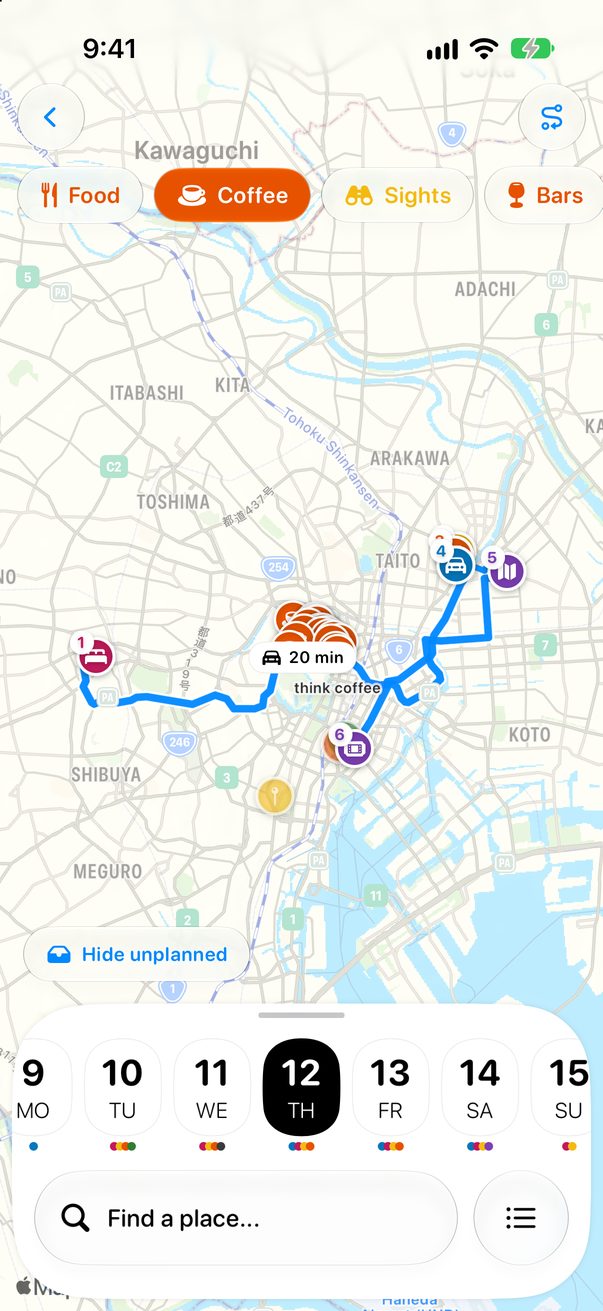
What’s nearbyMap & routes
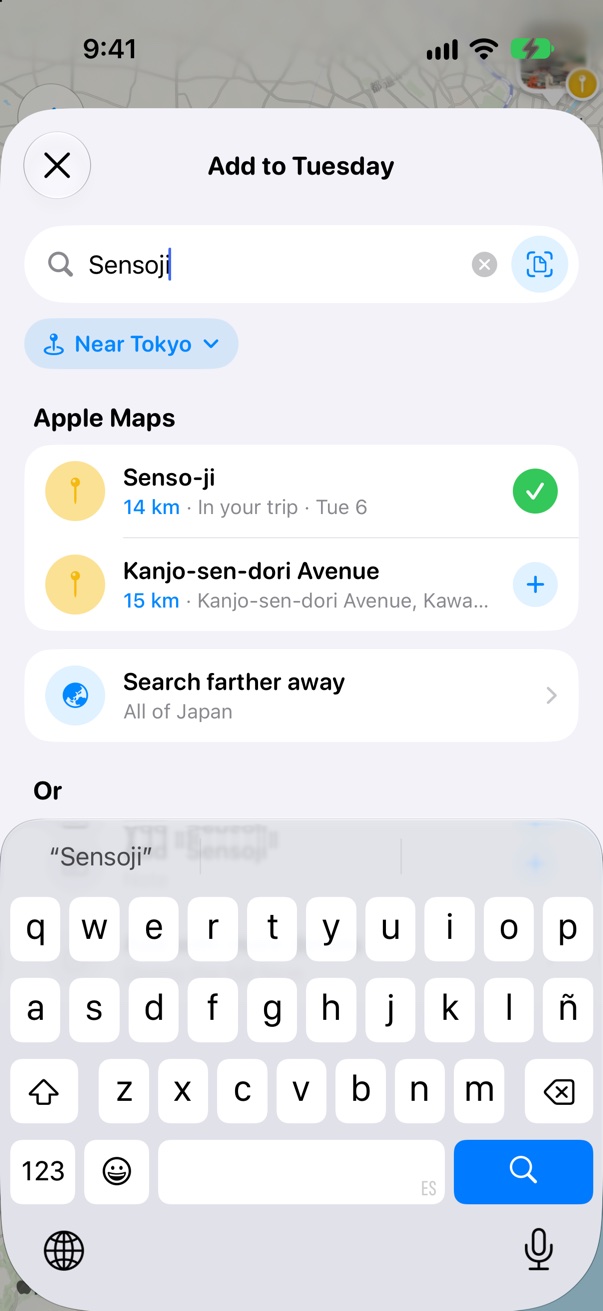
Add places to your daysBoard & cards
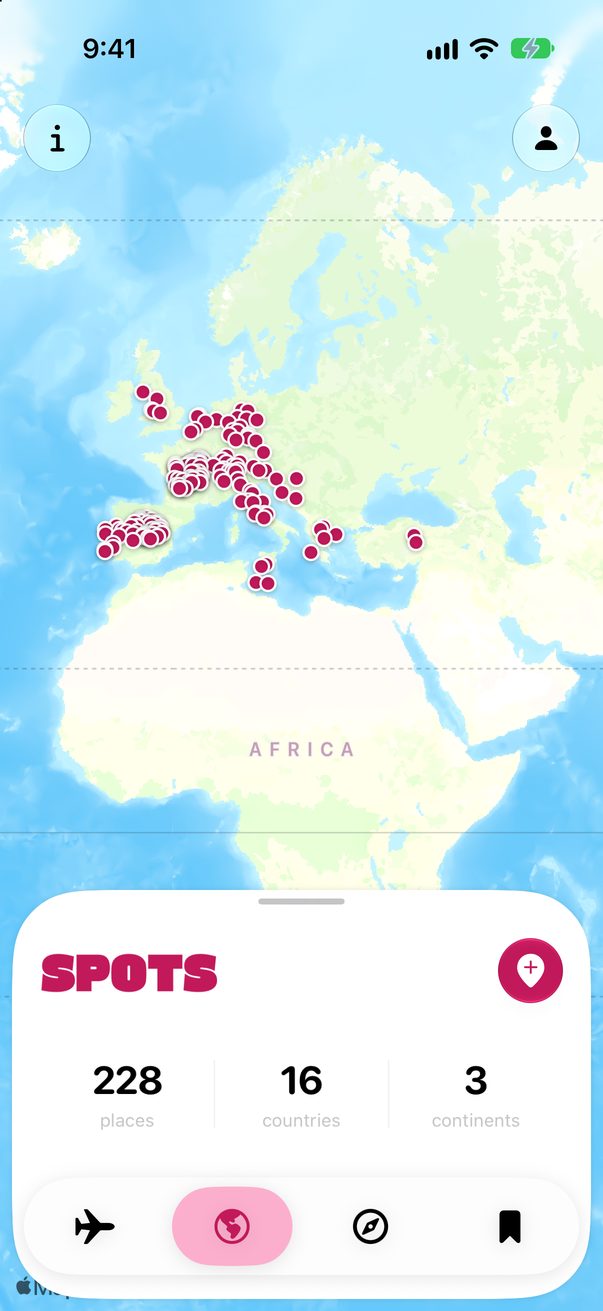
Add places you’ve beenMy Spots & medals