What’s nearby
The map shows what’s around your stops. Tap a kind of place, pick one, and it joins your day.
1
Open the map
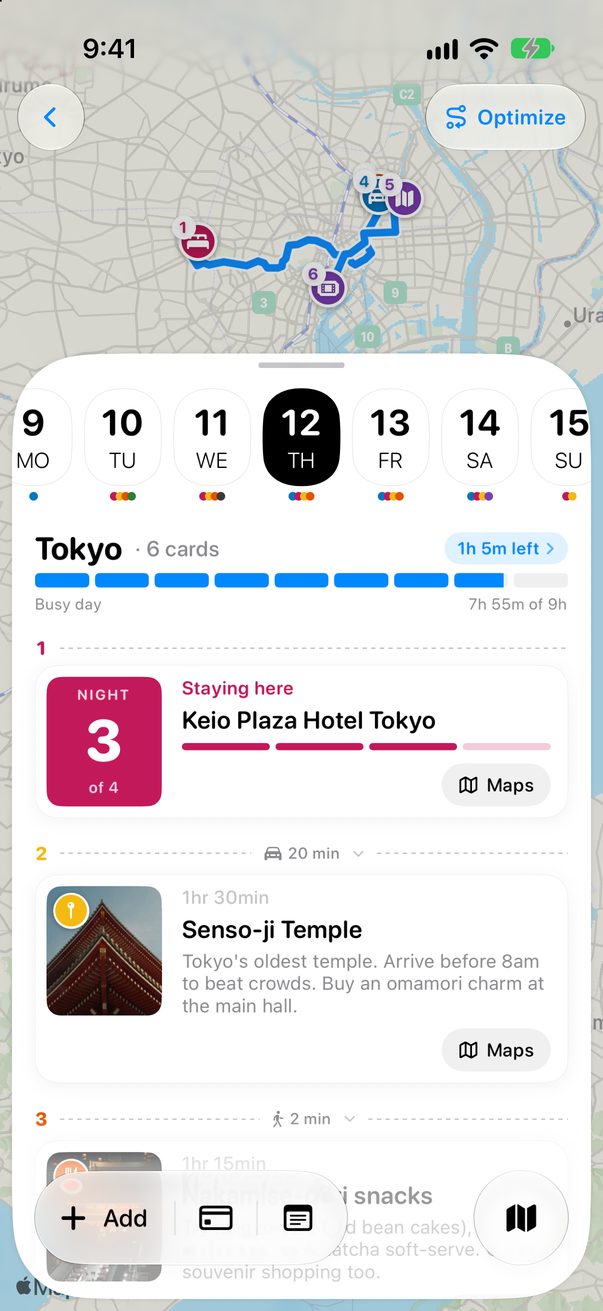
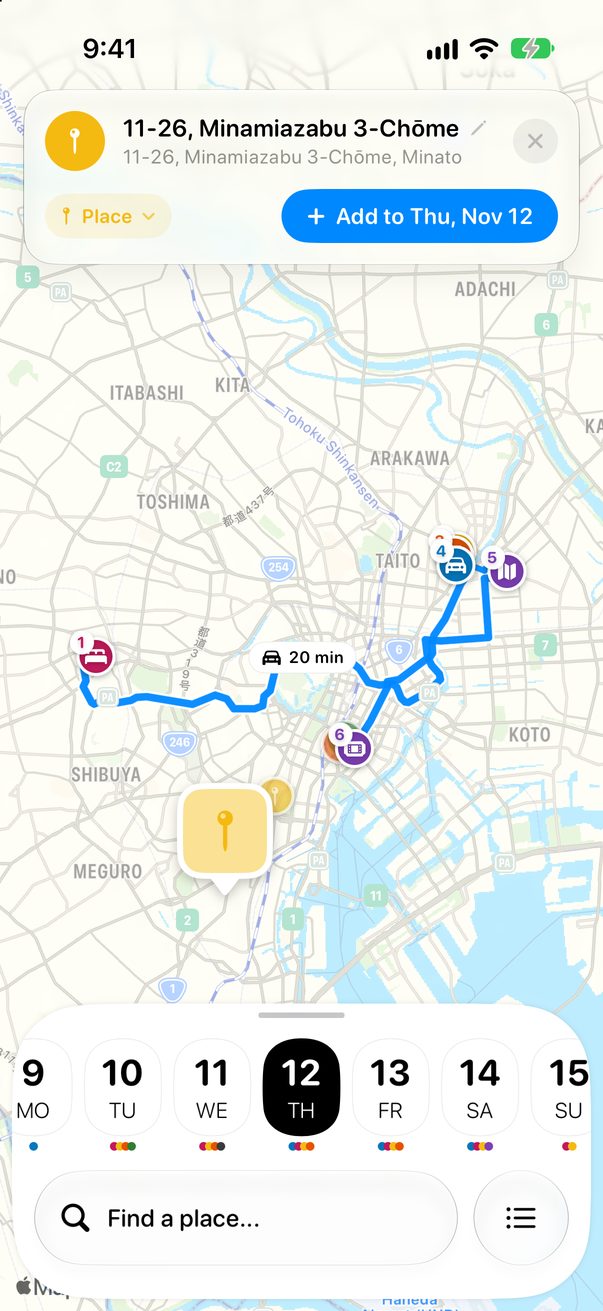
On the Board, tap the map button at the bottom right. The whole day is on the map, with the time between stops.
 1
1
1Map
2
Pick a kind of place
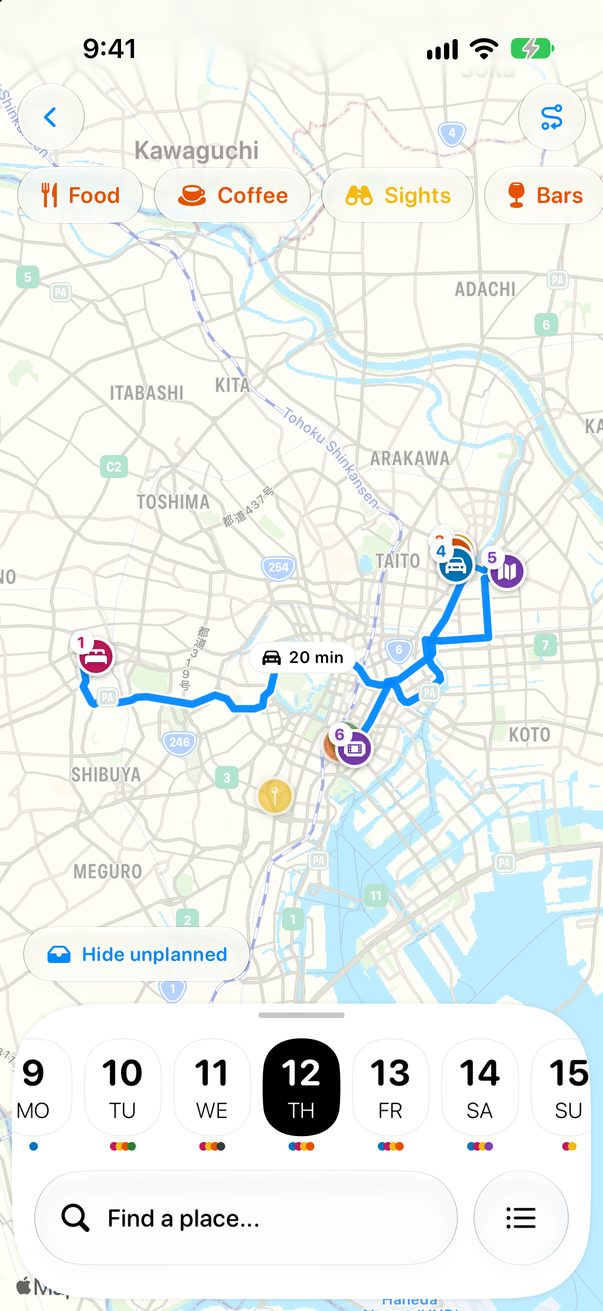
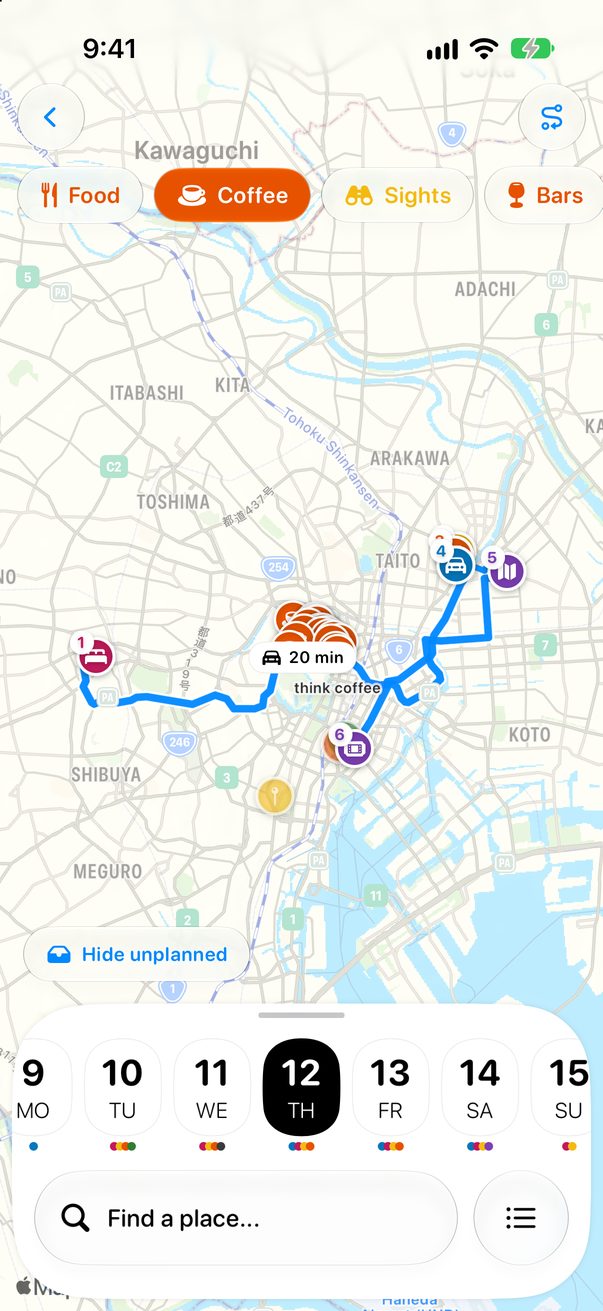
Tap Food, Coffee, Sights or Bars at the top. Swipe for a hotel, an ATM, a pharmacy or a market. Tap it again to clear the map.
 1
1
 2
2
1Kinds of places2What’s around
3
Add it to your day
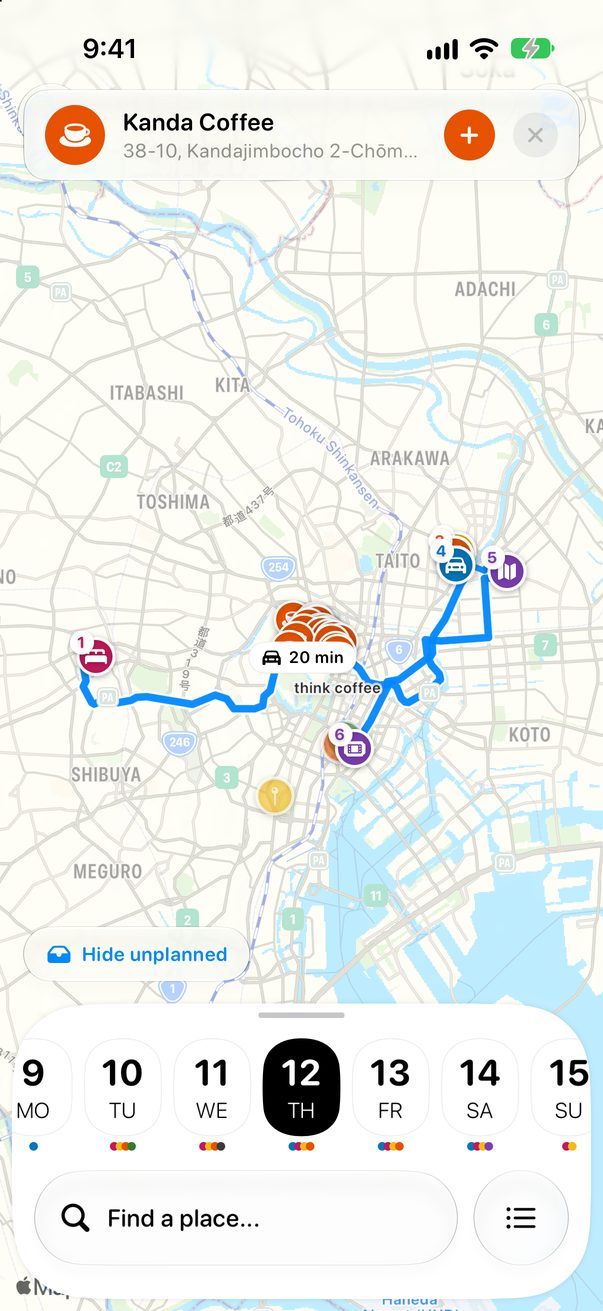
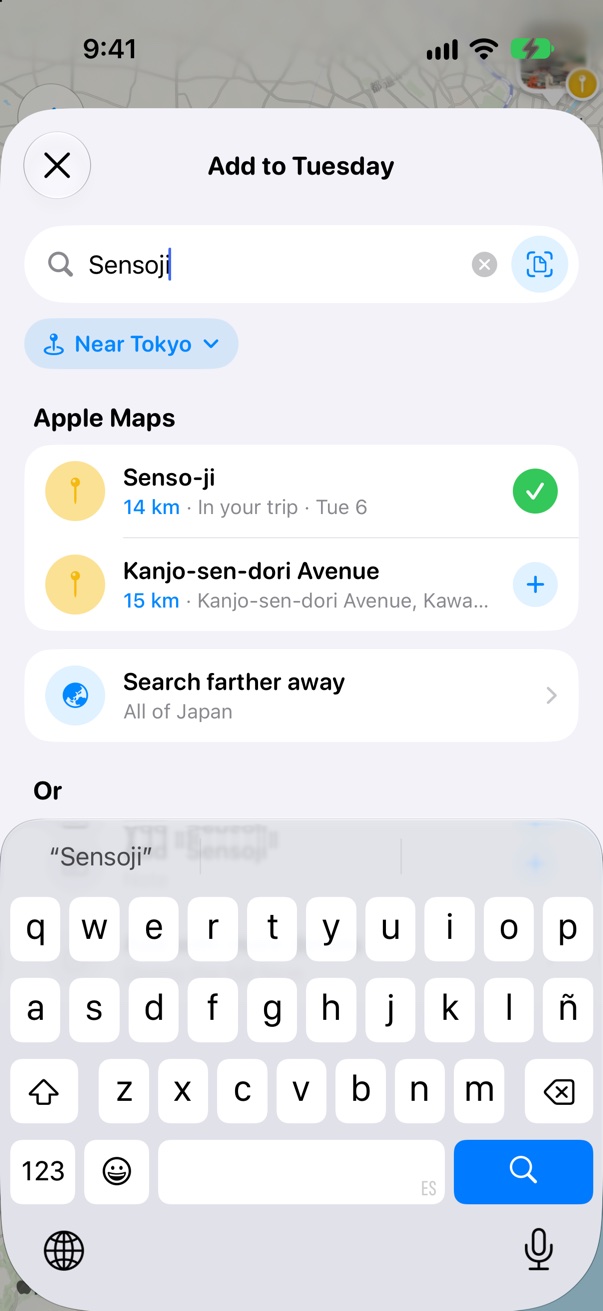
Tap a place to see it, then tap +. Looking for something specific? Tap Find a place… at the bottom.
 1
2
1
2
1Add2Search
Good to know
Hide unplanned on the map hides the ideas that have no day yet.
With a rental car in the trip, the map also finds parking and gas.



Was this helpful?
Great, thanks! Happy travels.
Sorry about that. Tell me what was missing on r/trovelo and I’ll fix this page.
Keep going
Drop a pin on the mapMap & routes
Add places to your daysBoard & cards
Optimize a day’s routeMap & routes