Save places for someday
A restaurant a friend told you about, a beach you saw online: keep it in Someday. When you plan a trip there, it’s waiting for you.
Open Someday
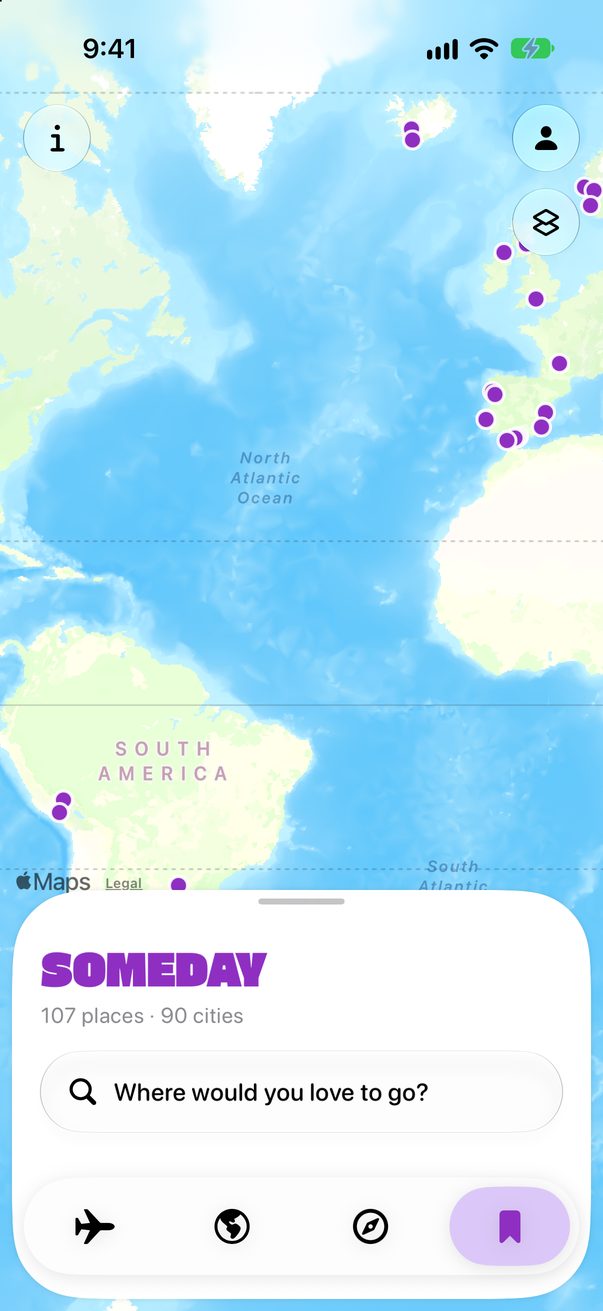
Tap the bookmark in the bar at the bottom, then Where would you love to go?
 1
2
1
2
Save it
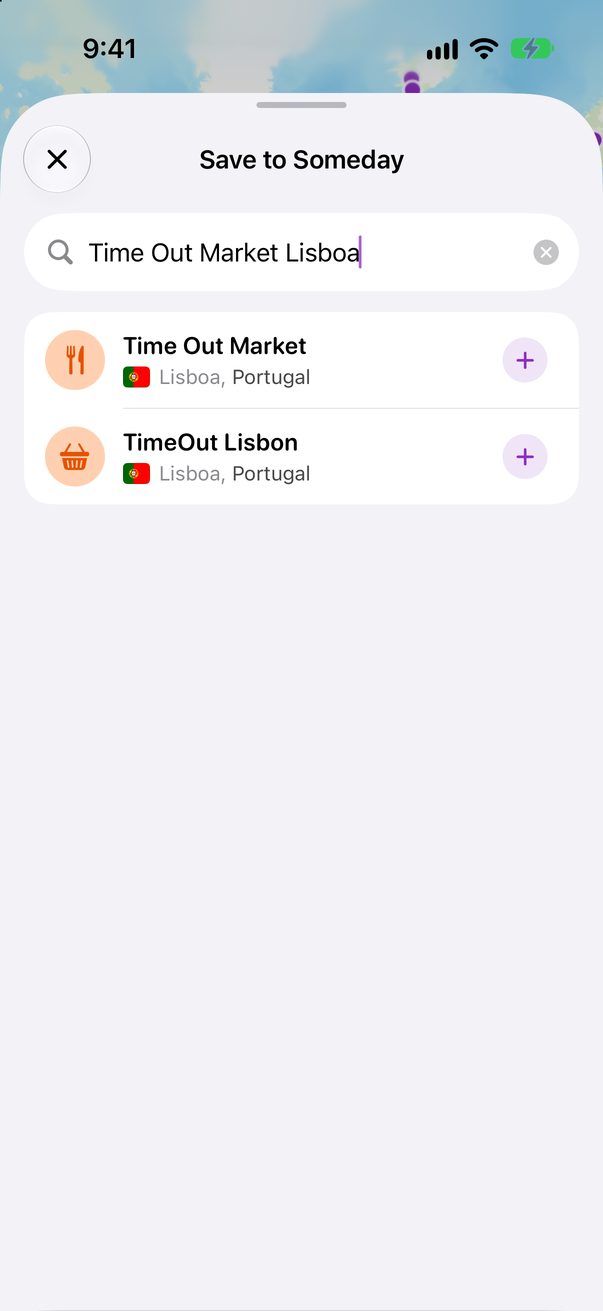
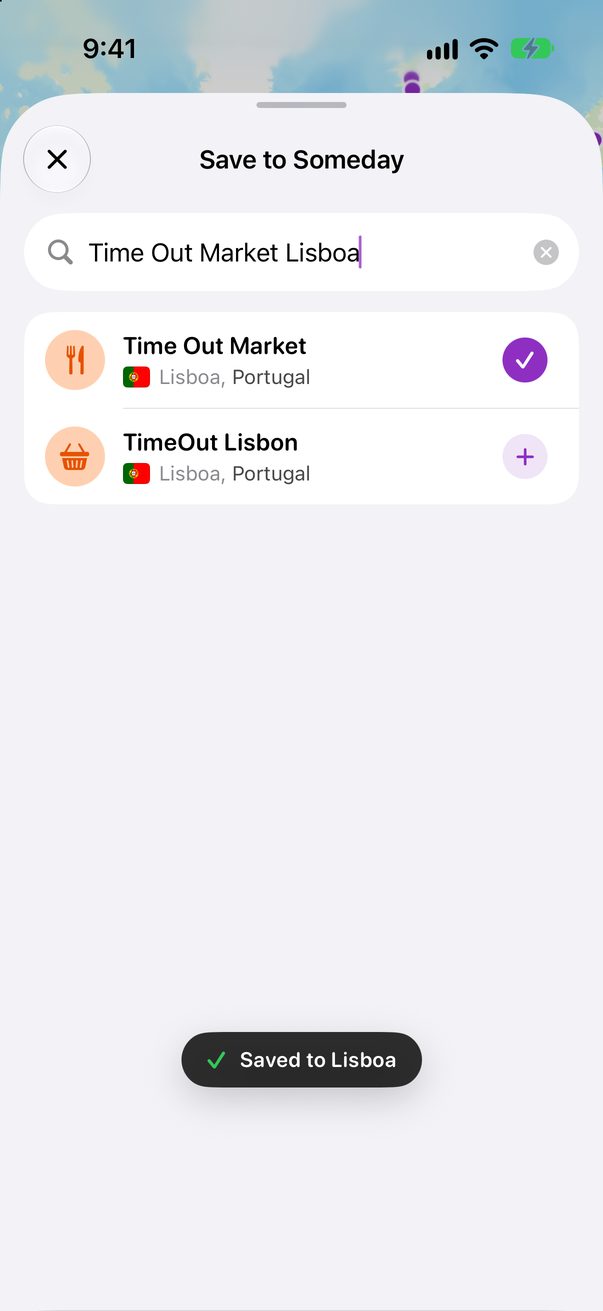
Search for the place and tap + next to it. It’s saved under its city. Can’t find it? Save the words as they are, or drop a pin on the map.
 1
2
1
2
 3
4
3
4
No idea where to go?
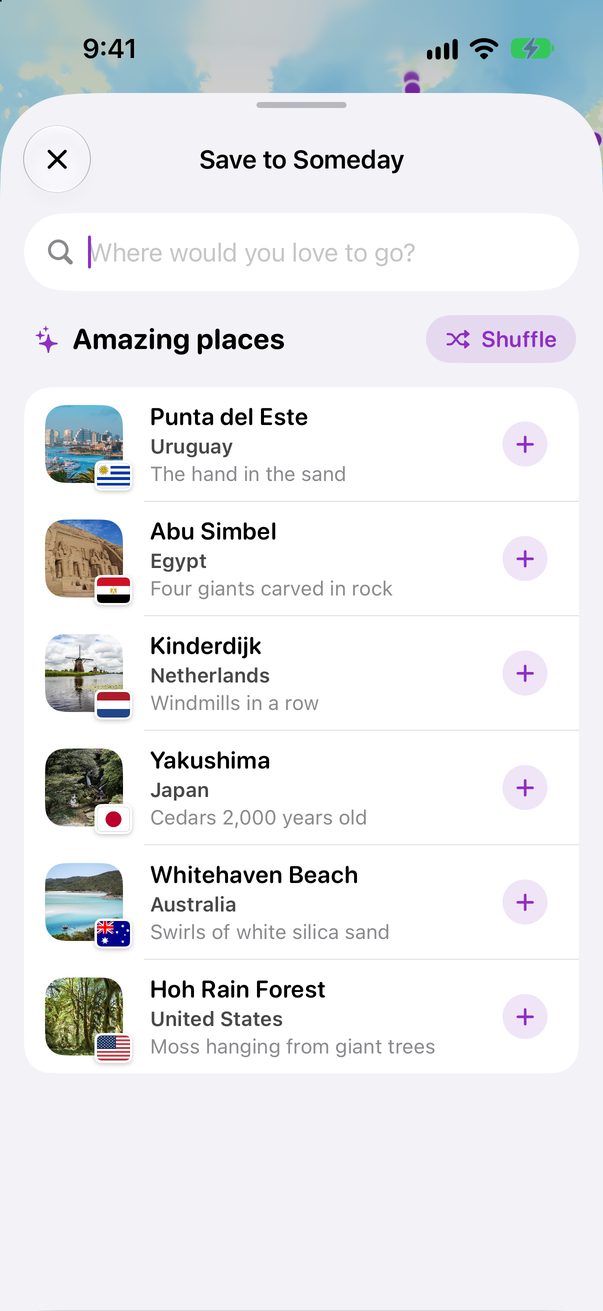
Open the search without typing. Amazing places shows six spots from around the world. Tap Shuffle for six more.
 1
1
Sorted by country
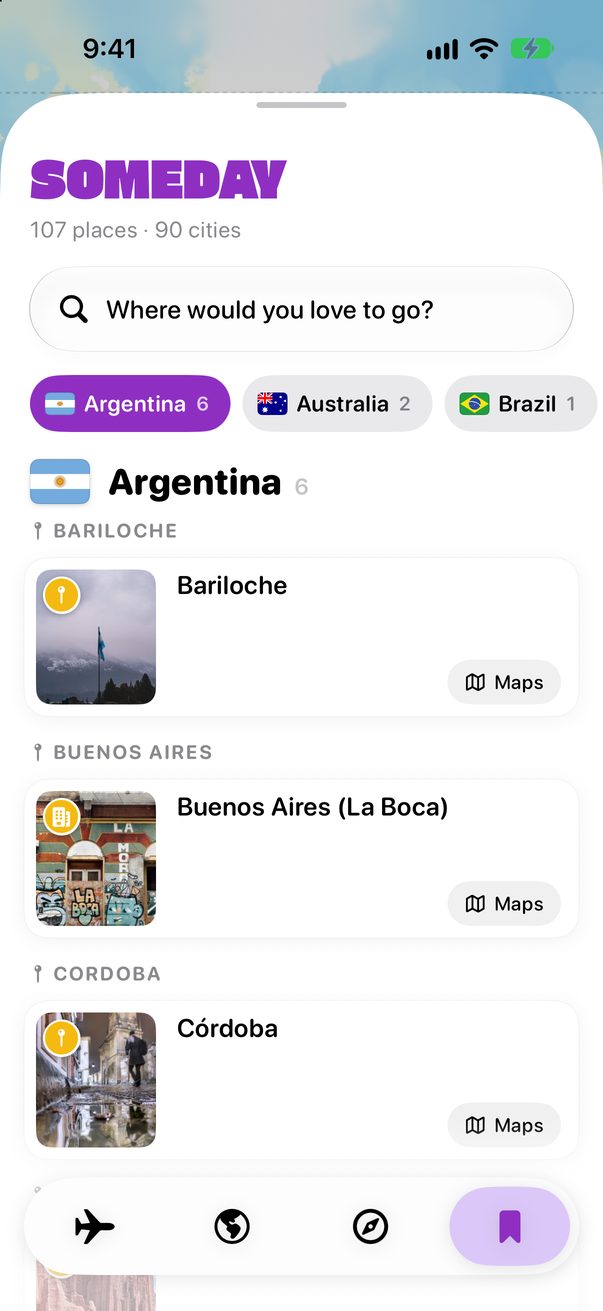
Your places are sorted by country, then city. Tap a country at the top to jump to it.
 1
2
1
2
Add them to a trip
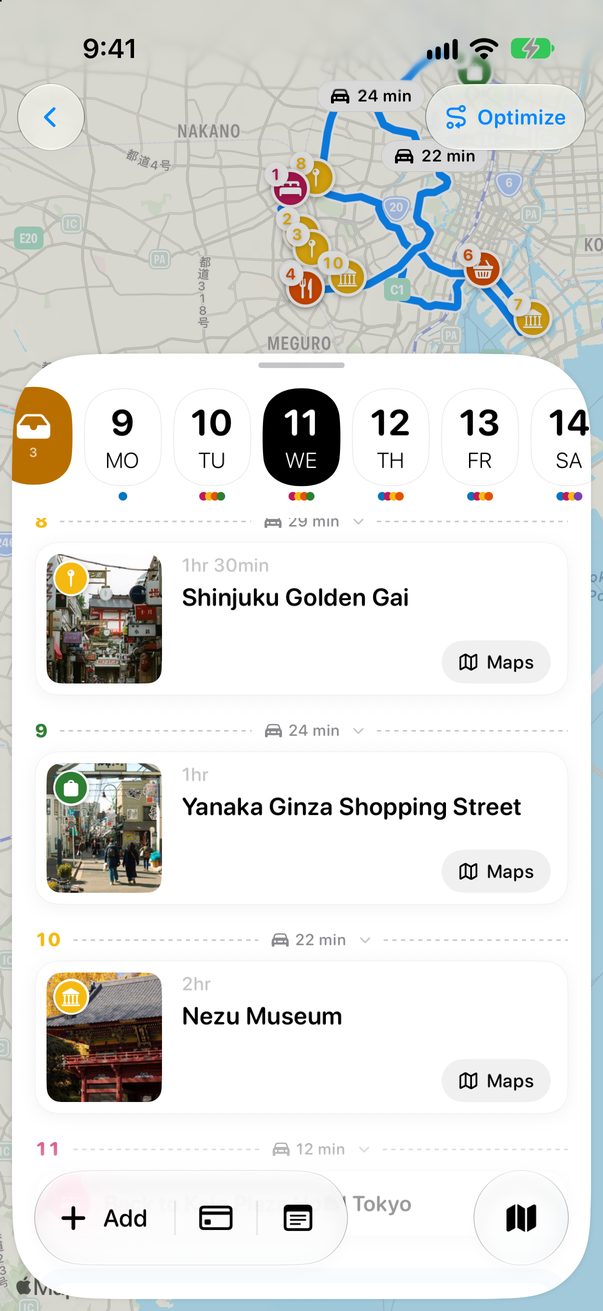
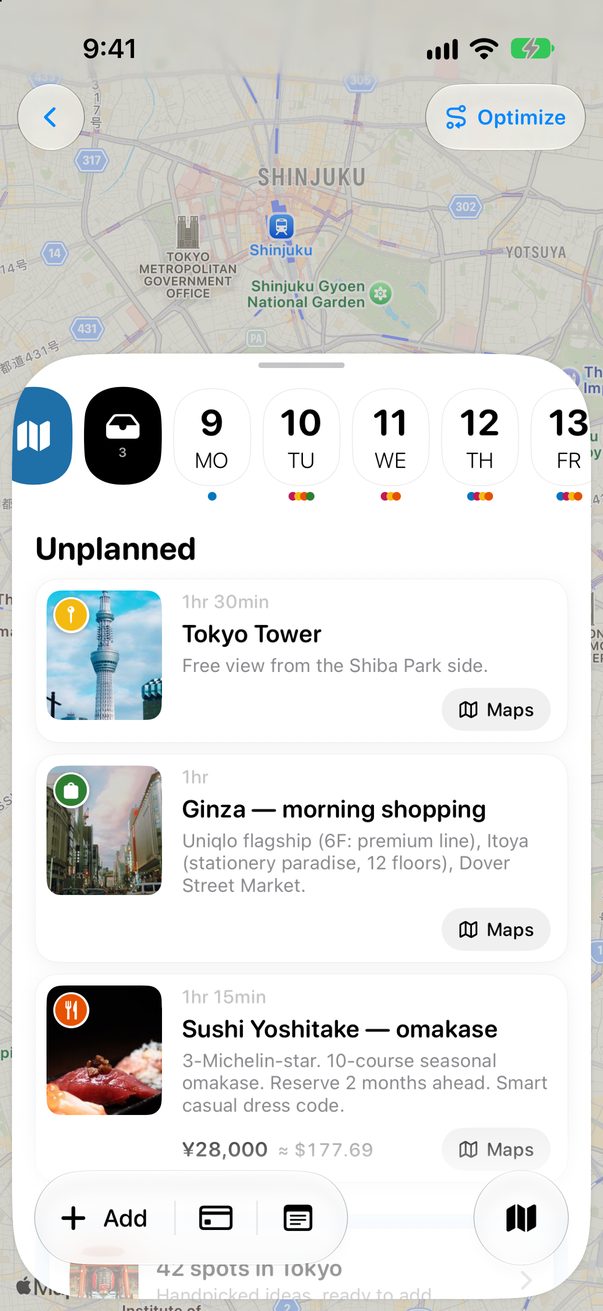
Plan a trip to a city with saved places and its Unplanned column tells you. Tap Add all, or add just one. They stay in Someday too, for next time.
Someday on the Mac
Choose Someday in the sidebar. Copy a whole list and choose Edit › Paste a List into Someday to save every place at once.
Good to know
Added them to a trip by mistake? Tap Undo right after.
Someday syncs to your other devices through iCloud.



Was this helpful?
Great, thanks! Happy travels.
Sorry about that. Tell me what was missing on r/trovelo and I’ll fix this page.
Keep going