Ideas without a day
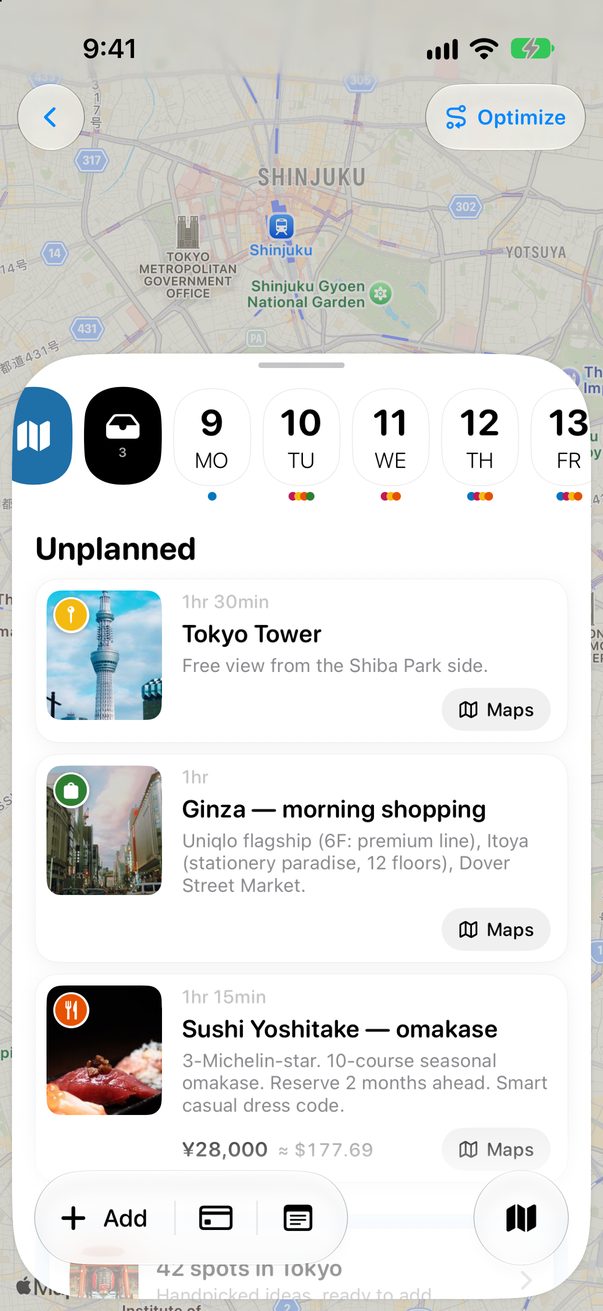
Not every place needs a day yet. Unplanned holds them inside the trip until you decide.
1
Open Unplanned
Tap the tray next to the days. Its number tells you how many ideas are waiting.
 1
2
1
2
1Unplanned2Ideas without a day
2
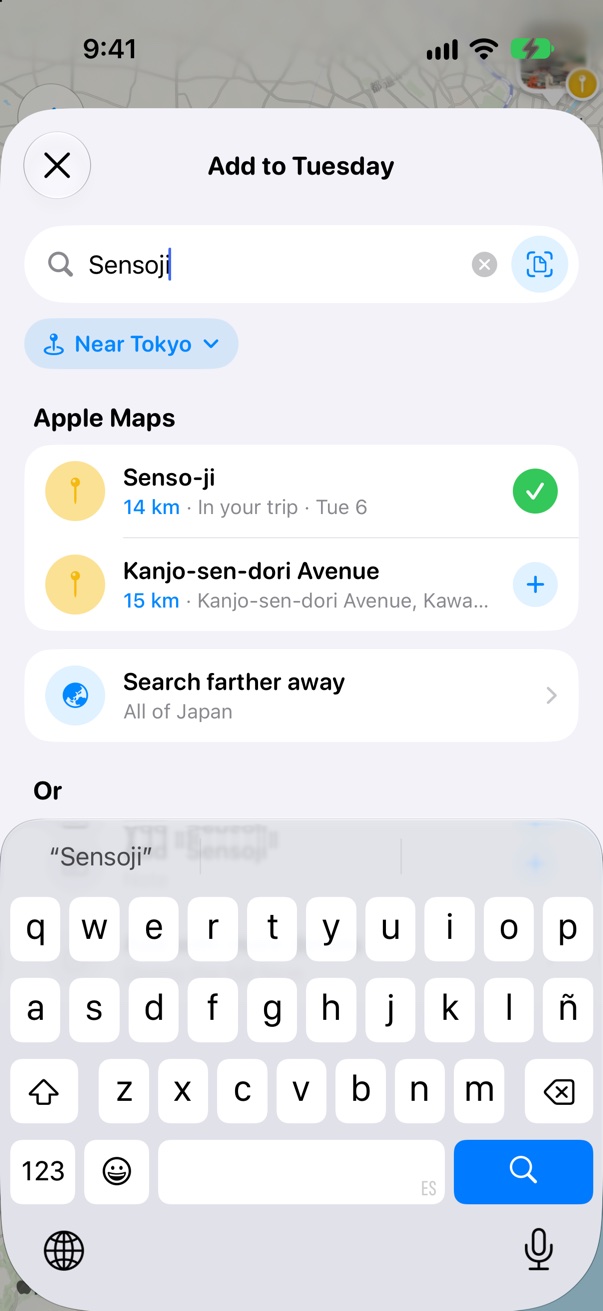
Add ideas to it
With Unplanned open, tap + Add. What you add stays here until you give it a day.
1
1+ Add
3
Give it a day
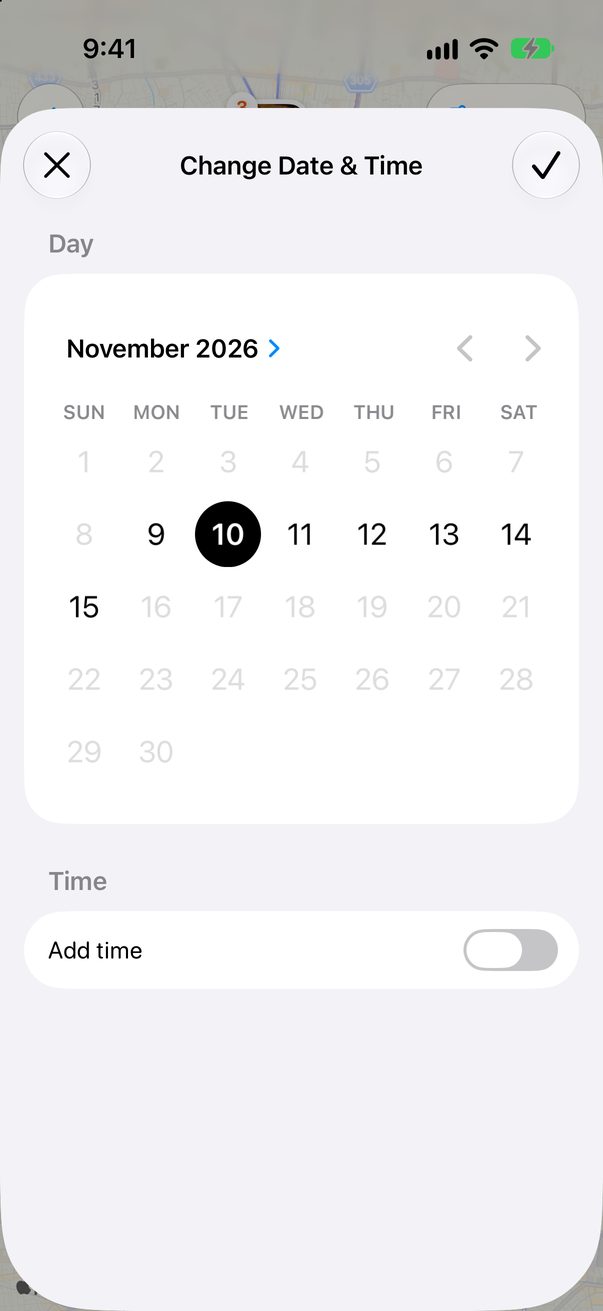
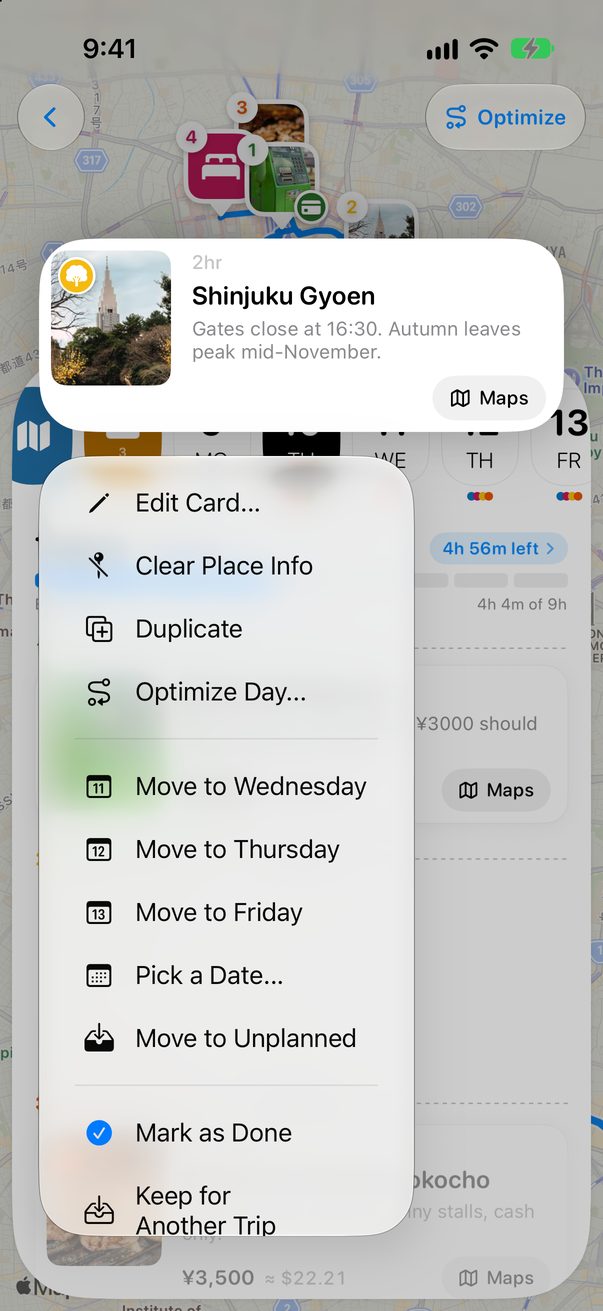
Touch and hold an idea and choose a day, or Pick a Date…. Any card on a day can come back with Move to Unplanned.
 1
1
1Tap the day
1
Drag it onto a day
On the Mac, Unplanned has its own column. Drag an idea from it onto any day.
Good to know
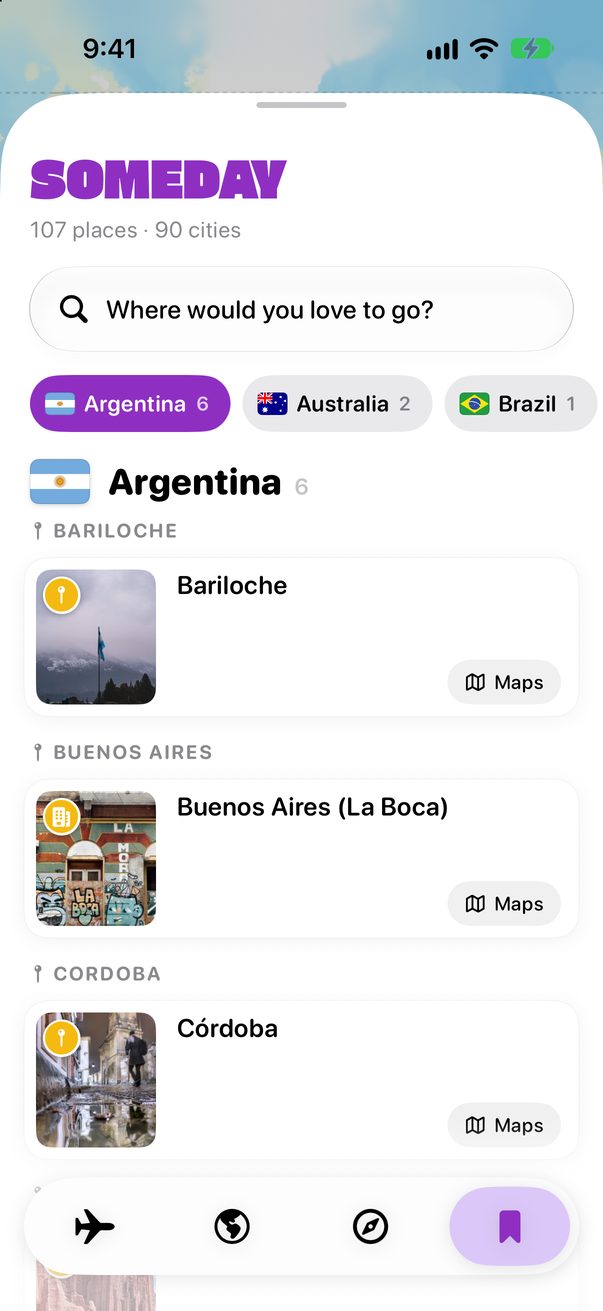
Ideas for a city you haven’t booked yet? Keep them in Someday instead.



Was this helpful?
Great, thanks! Happy travels.
Sorry about that. Tell me what was missing on r/trovelo and I’ll fix this page.
Keep going
Move a card to another dayBoard & cards
Save places for somedayGuides & Someday
Add places to your daysBoard & cards