Paste a list from a blog
Got a list from a blog, a friend or ChatGPT? Paste it, and each place lands on your day with its spot on the map.
1
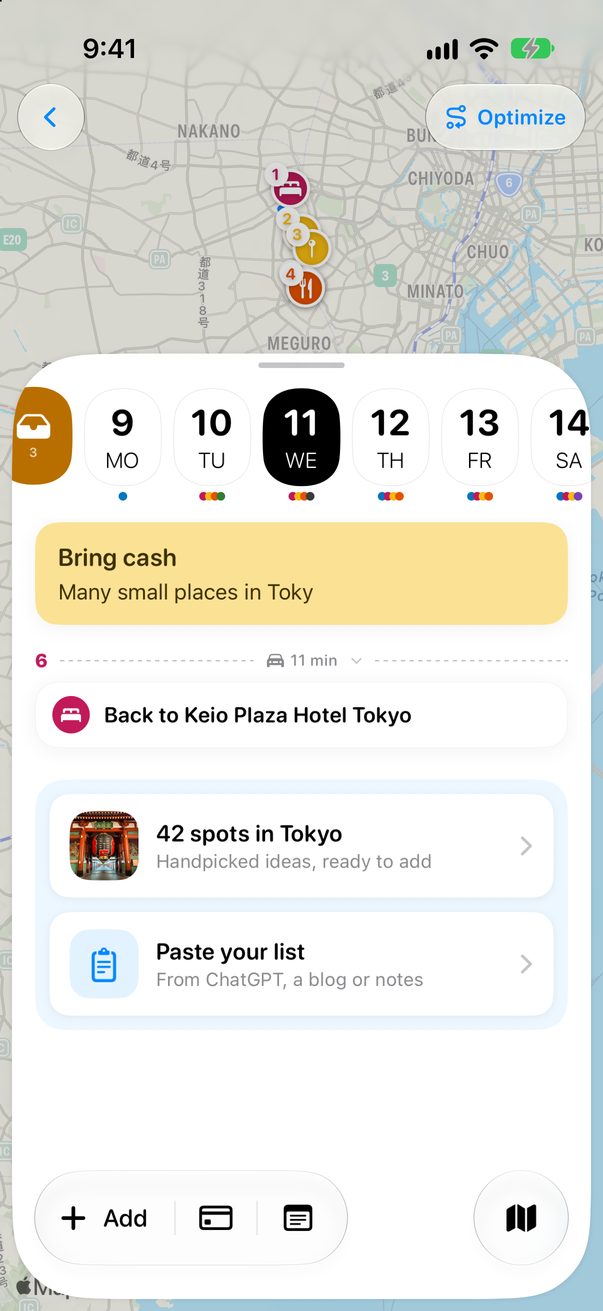
Tap Paste your list
Open the day and scroll to the end. Tap Paste your list.
 1
1
1Paste your list
2
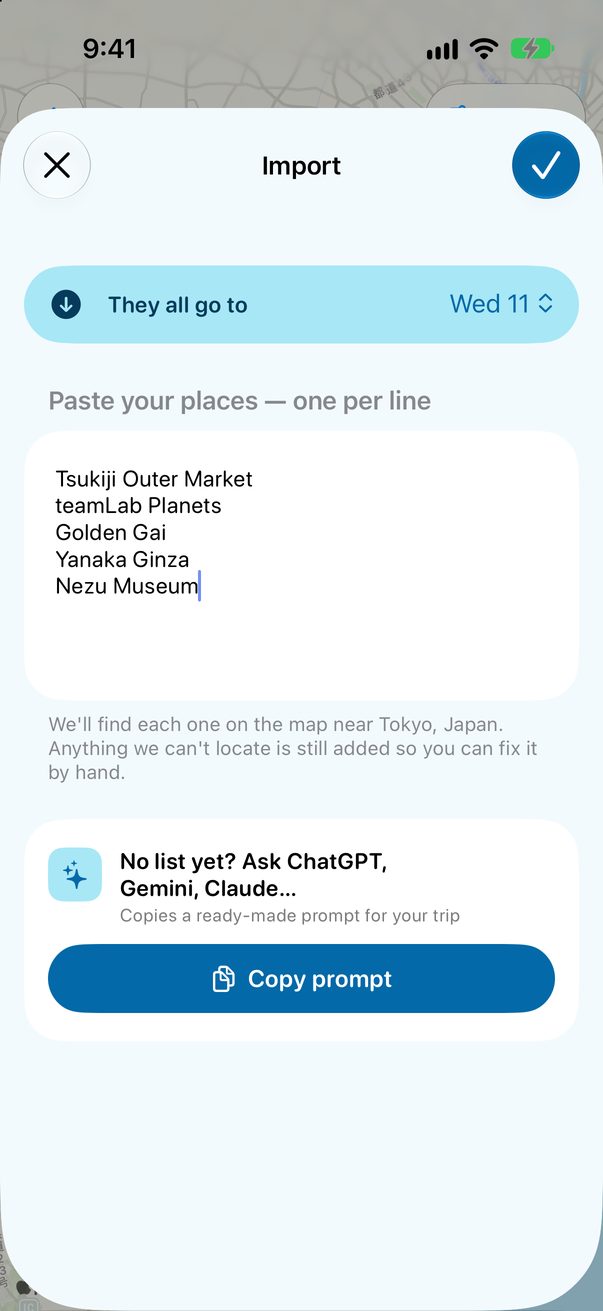
One place per line
Paste the names, one per line. Check the day at the top, then tap ✓.
 1
2
3
1
2
3
1The day2Your list3Add them
3
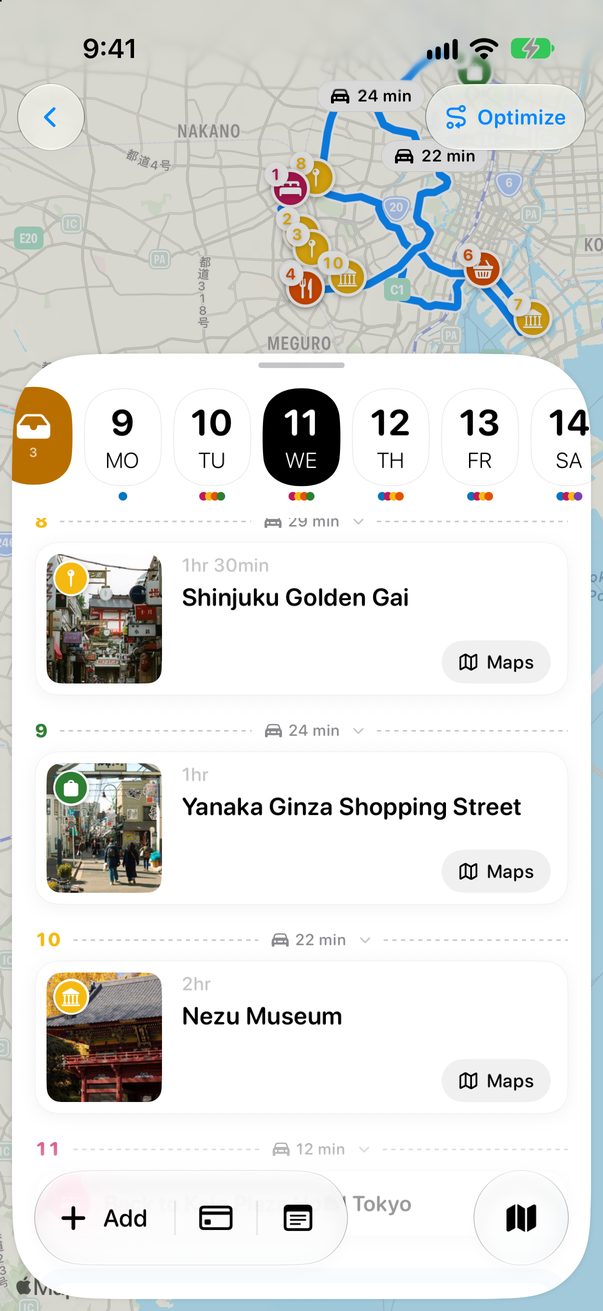
Find them on your day
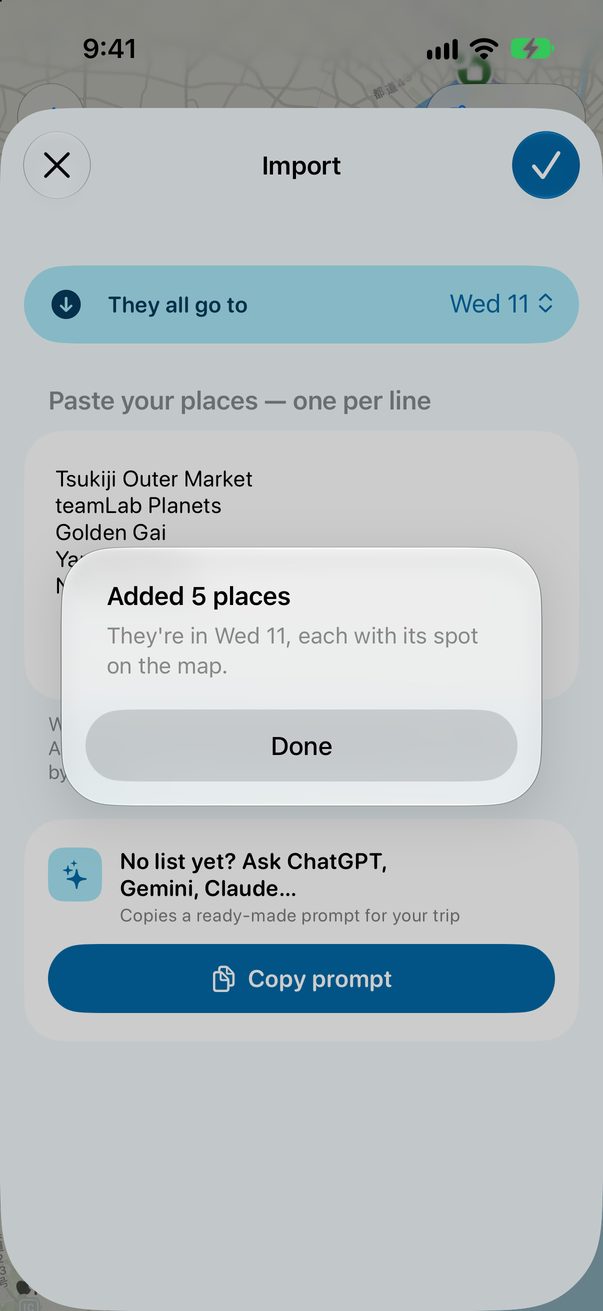
Trovelo finds each one near your city and adds it with its spot on the map. One it can’t find is still added, so you can fix it by hand.
 1
1
 2
2
1Added2On your day
4
No list yet?
Copy prompt copies a ready-made question about your trip. Paste it into ChatGPT, Gemini or Claude, and paste the answer back here.
1
1Copy prompt
1
Paste a list on the Mac
Copy the list, then choose Edit › Paste a List into Someday. The places wait in Someday, by city, until you plan a trip there.
⇧⌘VPaste a list into Someday



Was this helpful?
Great, thanks! Happy travels.
Sorry about that. Tell me what was missing on r/trovelo and I’ll fix this page.
Keep going
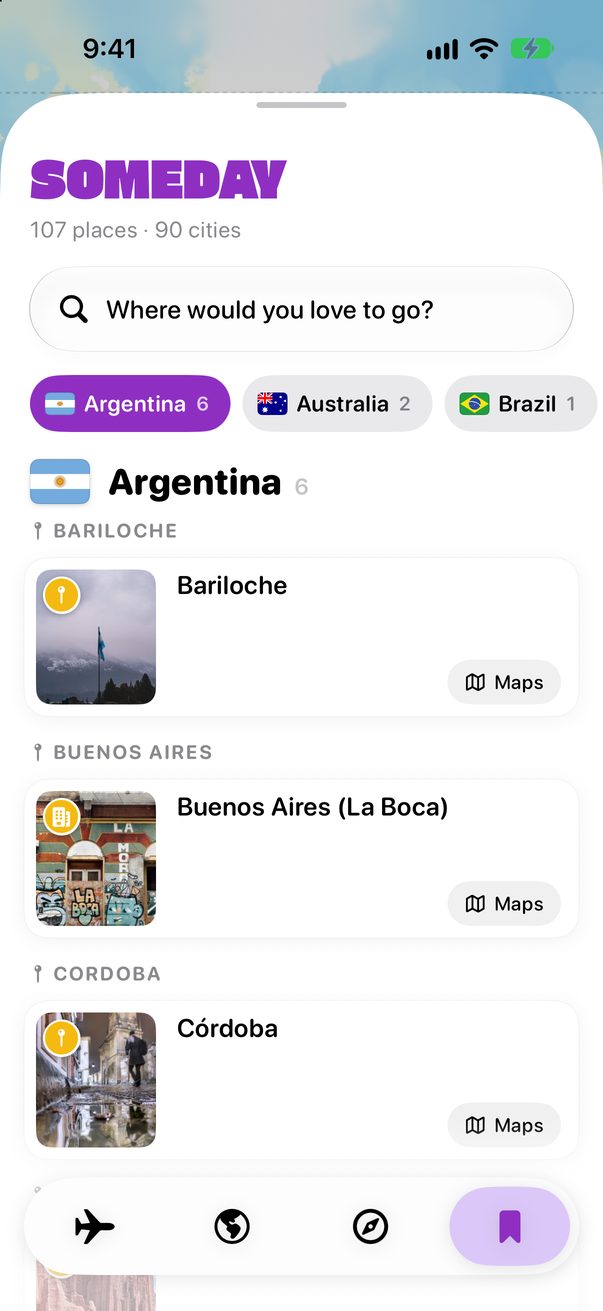
Save places for somedayGuides & Someday
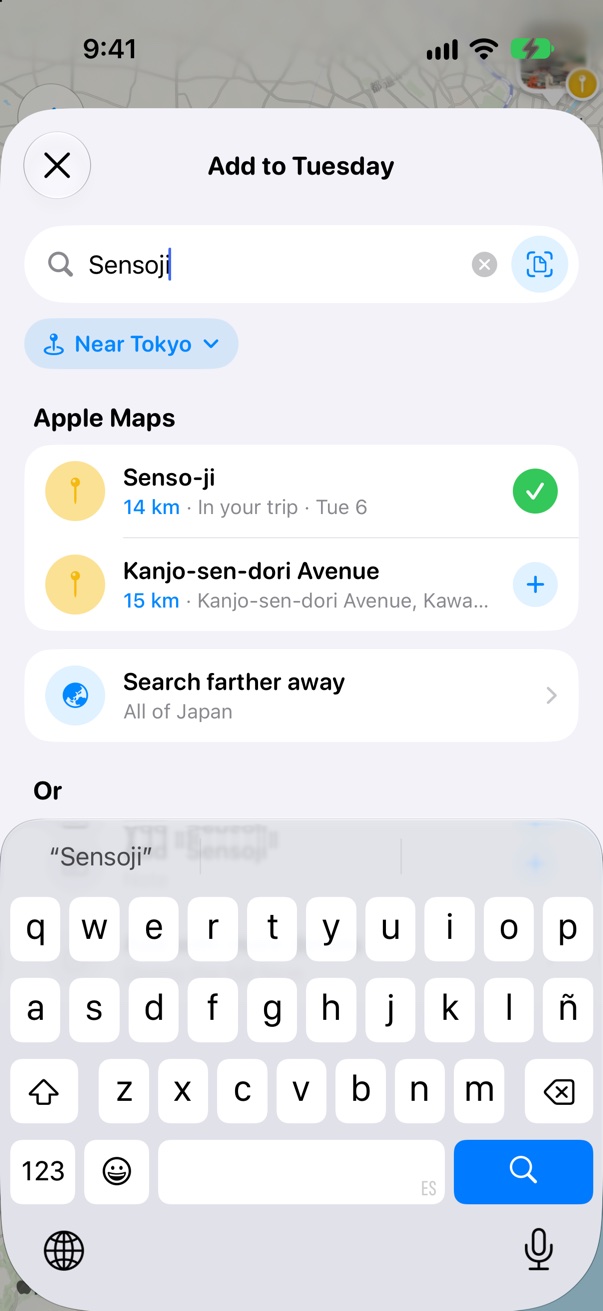
Add places to your daysBoard & cards
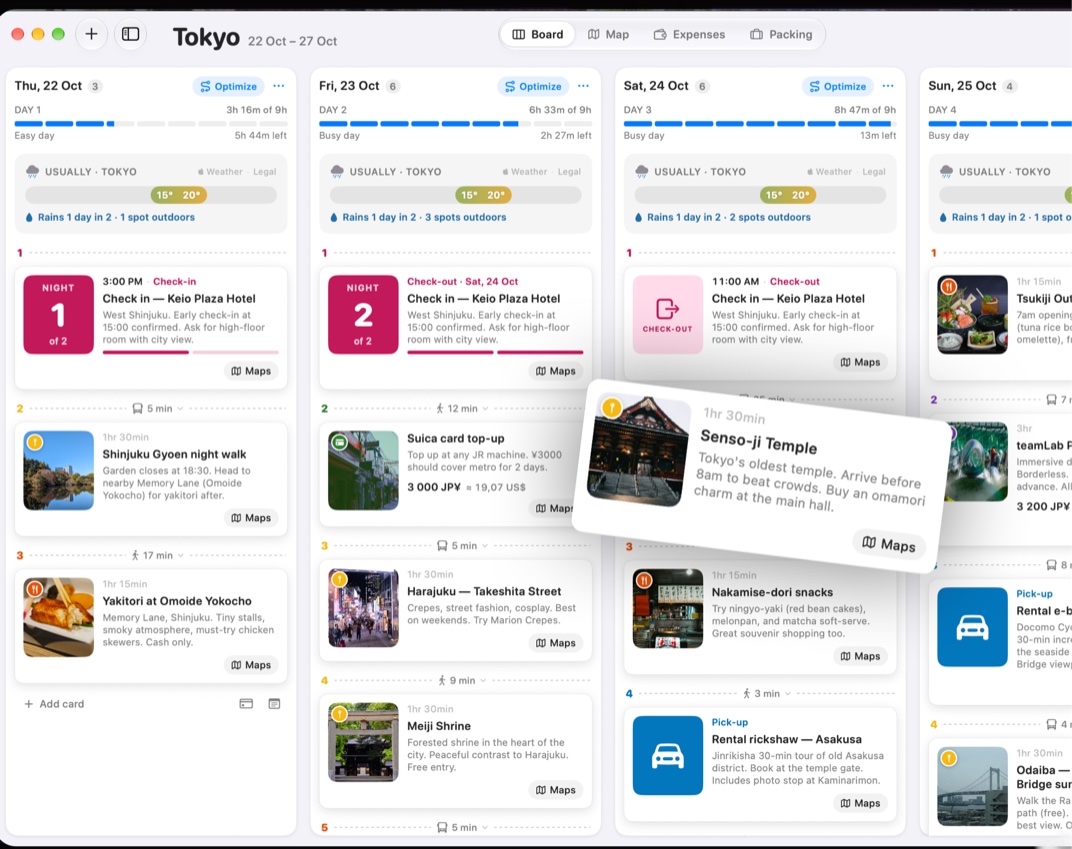
Plan with your AI assistantMac & AI Plan