Start a trip from a guide
Guides are ready-made trips, day by day. Pick one, choose the day you start, and it becomes your own trip to change as you like.
Open Guides
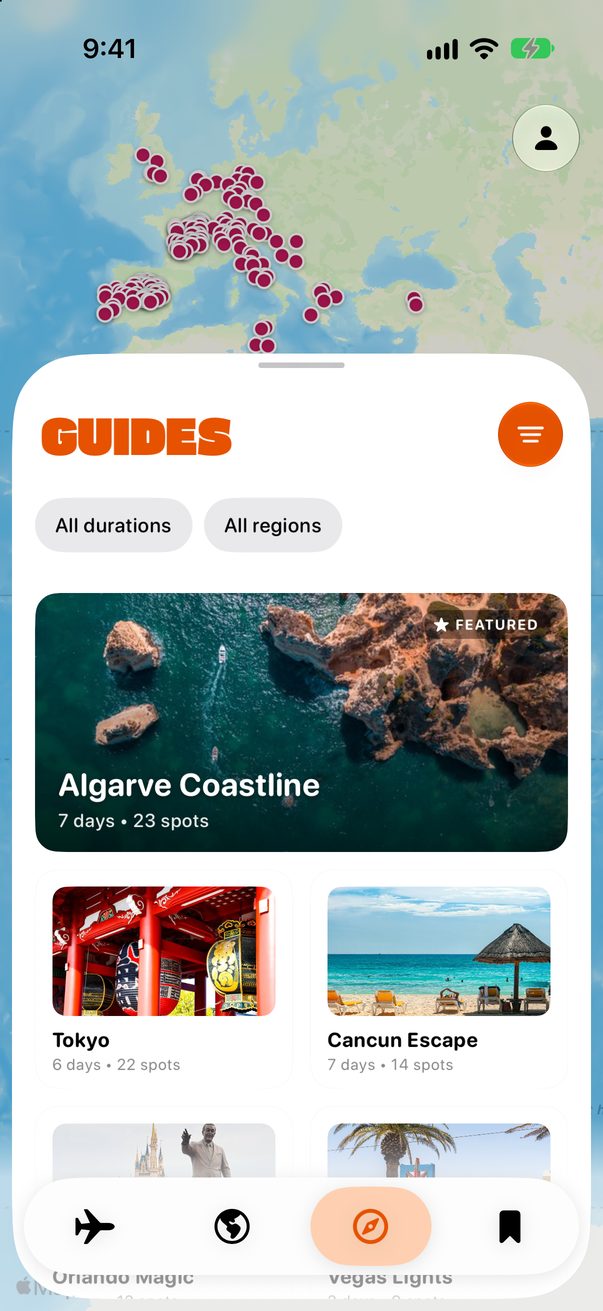
Tap the compass in the bar at the bottom. Filter by how many days you have, or by region.
 1
2
1
2
Look inside first
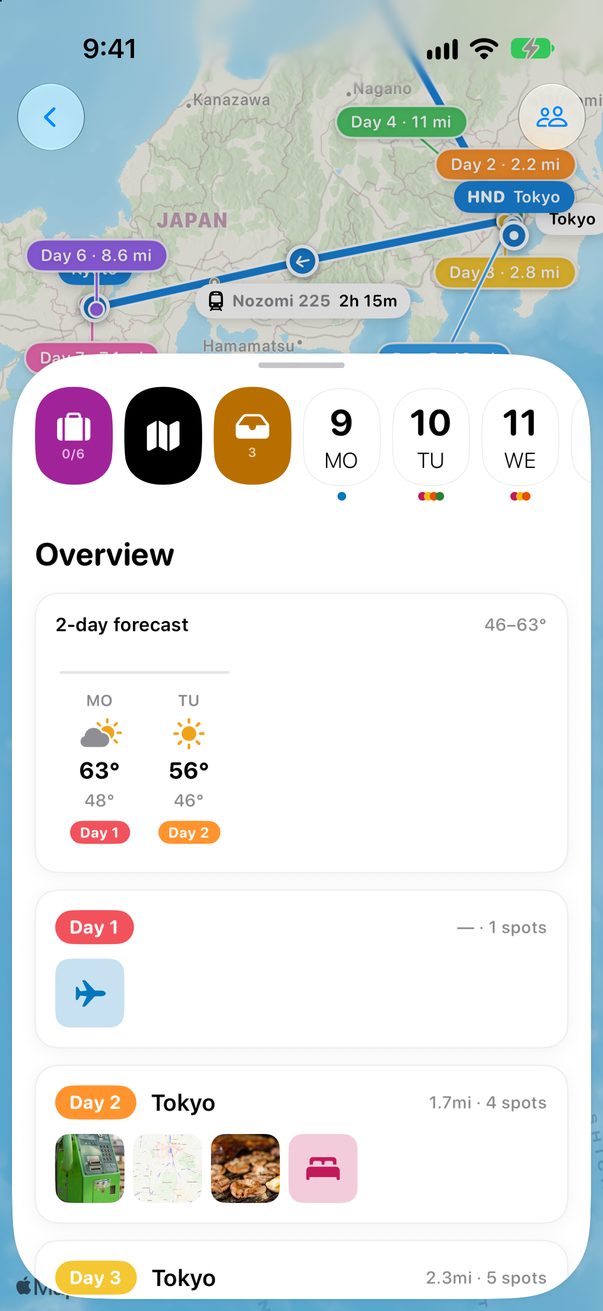
Tap a guide to see the route on the map and every stop, with its photo and its note. Tap a day in the strip to jump to it.
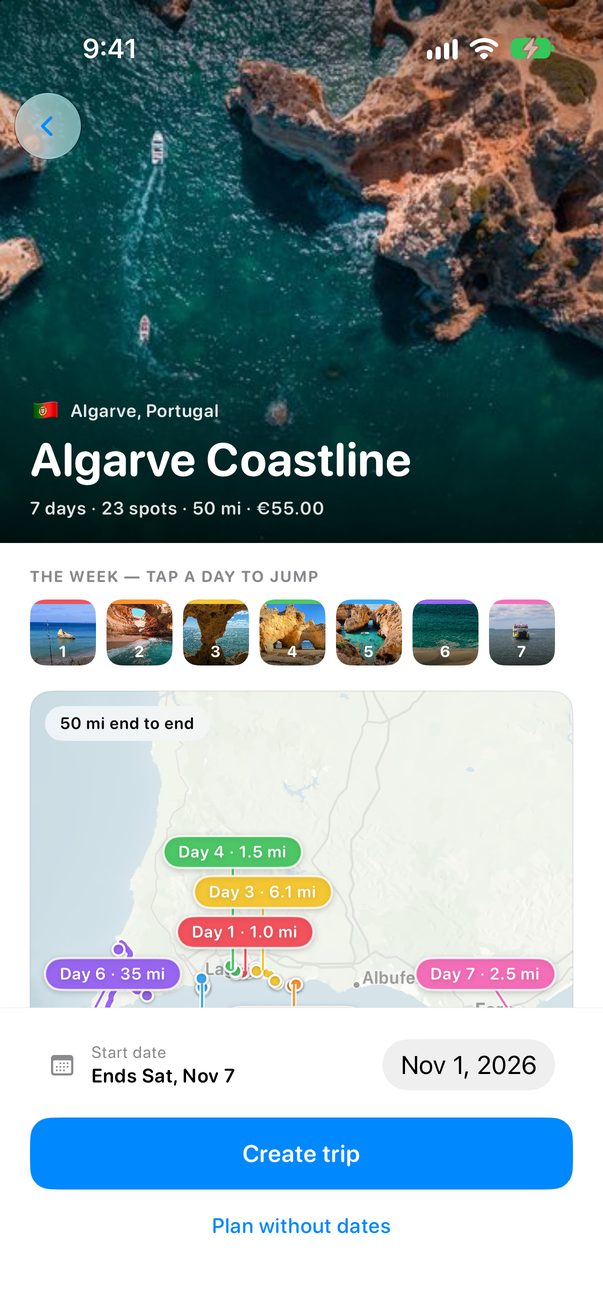 1
1
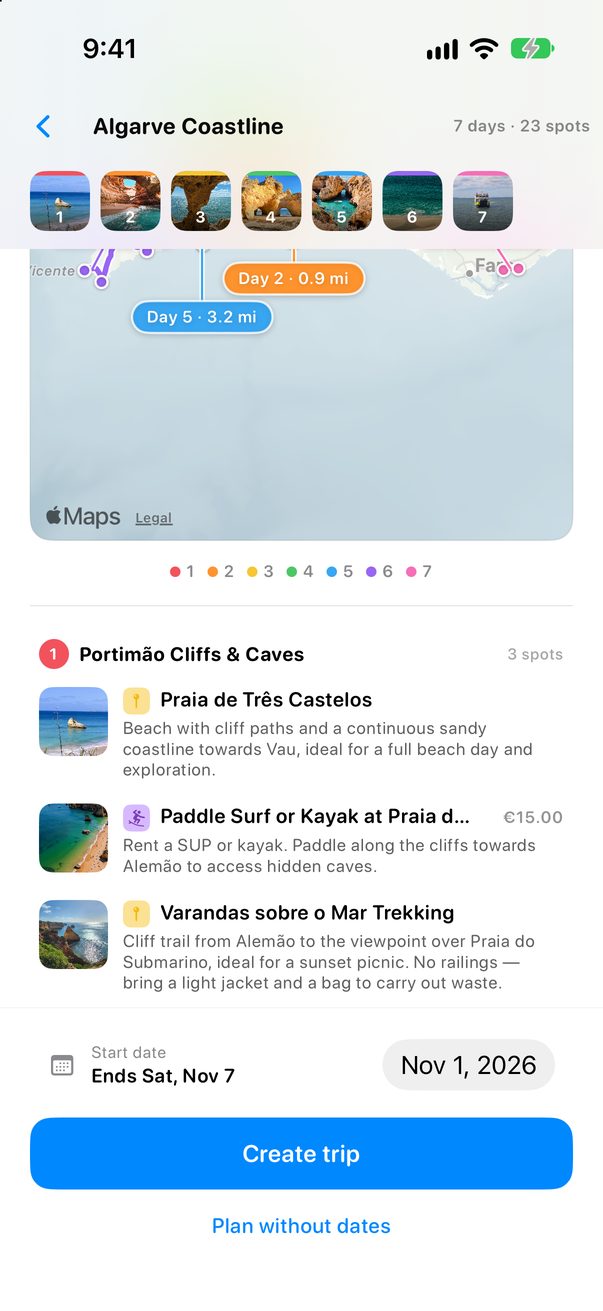 2
2
Choose the day you start
Pick your start date and tap Create trip. Every day, place and note is copied into a trip of your own.
1
2
No dates yet?
Tap Plan without dates to start it with Day 1, Day 2 and so on.
Guides on the Mac
Choose Guides in the sidebar. A guide opens with its map on one side and every stop on the other, so you can read it all before you create the trip.
Good to know
It’s your trip now: move, delete or add anything. The guide stays as it was.
Guides marked PRO come with Trovelo Pro.



Was this helpful?
Great, thanks! Happy travels.
Sorry about that. Tell me what was missing on r/trovelo and I’ll fix this page.
Keep going