See costs in your own money
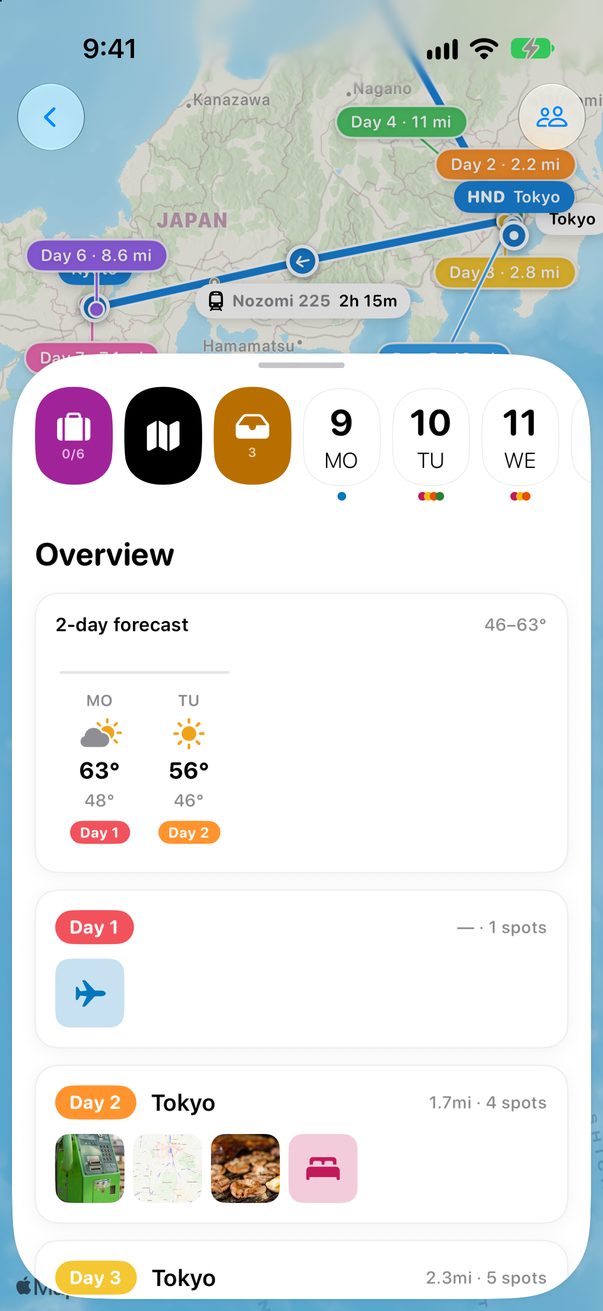
Type prices in the local money. Trovelo shows you what they are in yours.
1
Two currencies per trip
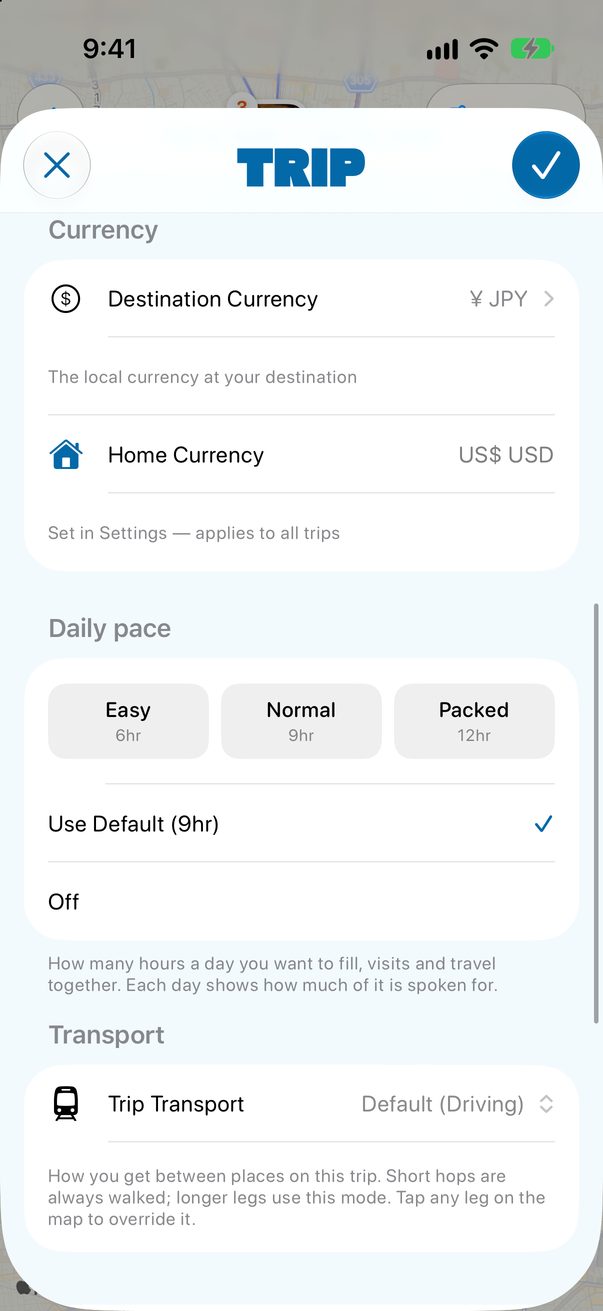
In the trip’s settings, Destination Currency is the money where you’re going. Home Currency is yours: you set it once in Settings, for all your trips.
 1
2
1
2
1Where you’re going2Yours
2
Every price, in both
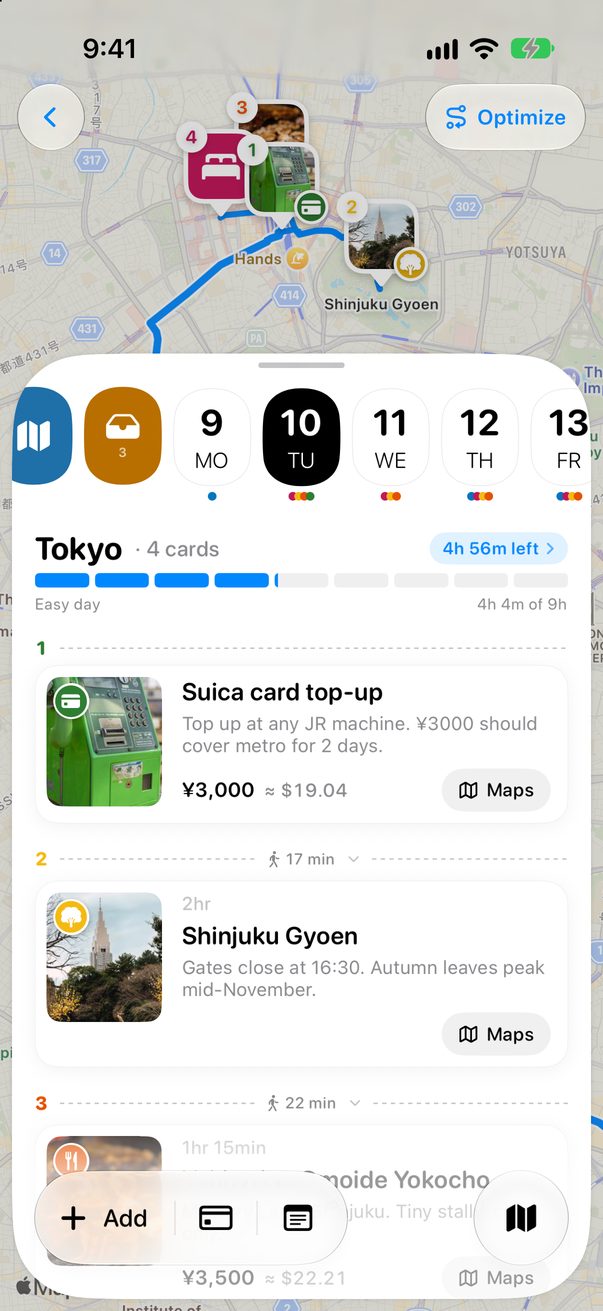
Type a price in the local money and the card shows what it is in yours.
 1
1
1Local, and yours
3
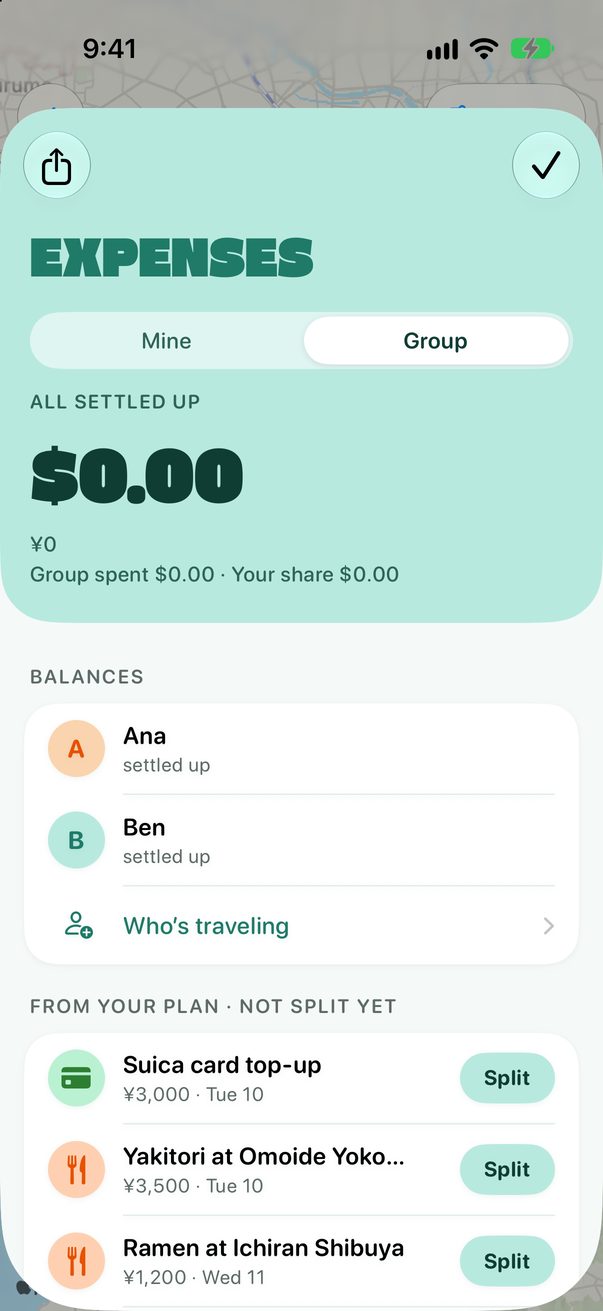
Totals in your money
Expenses adds everything up in your home currency, with the local total under it.
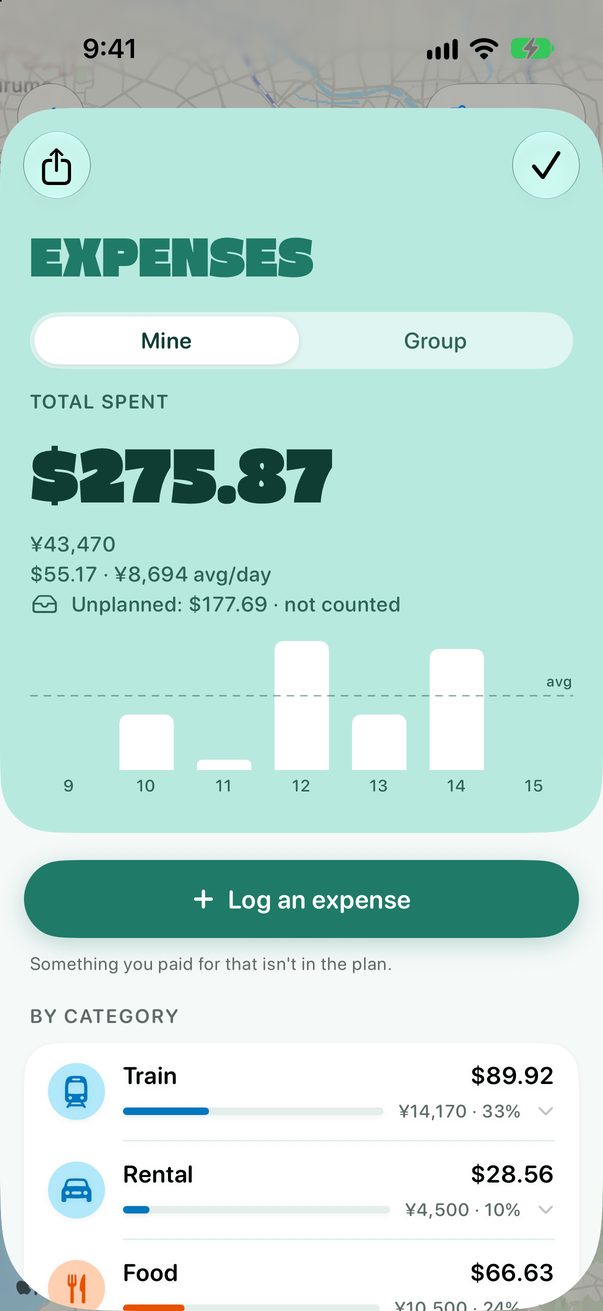 1
1
1Total
4
Paid in another currency?
When you log an expense, tap another currency, or Other for any of them.
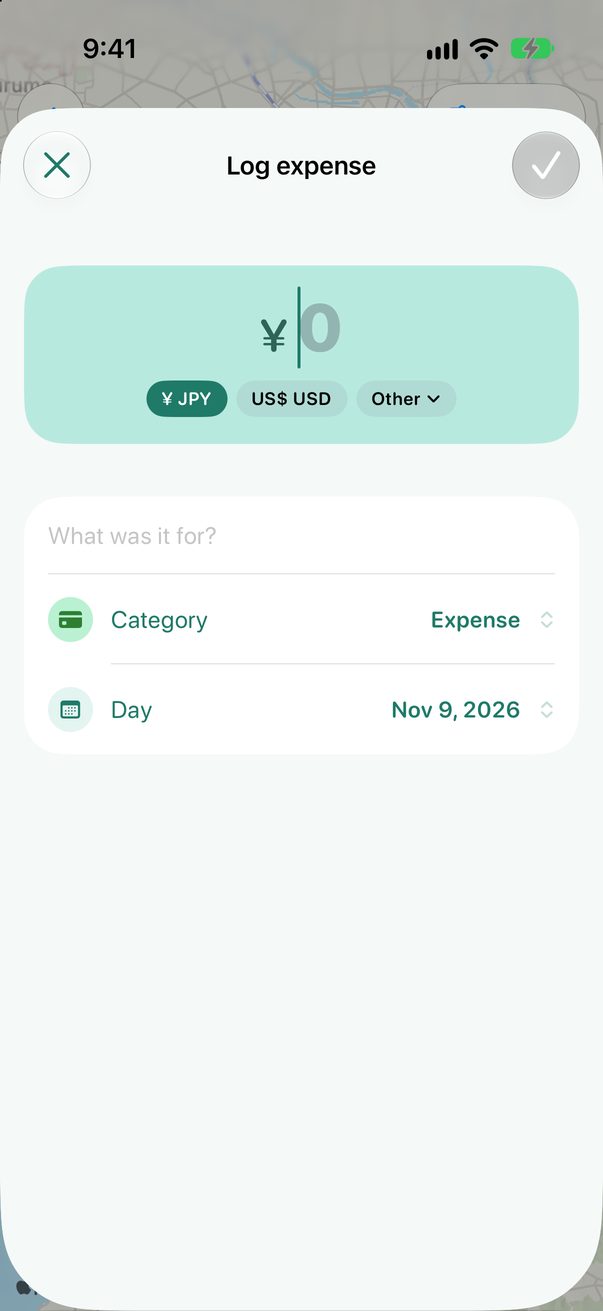 1
1
1Pick the currency
Good to know
Rates are updated once a day and cover more than 200 currencies.
Offline with no rate saved yet? The amount is kept as you typed it.



Was this helpful?
Great, thanks! Happy travels.
Sorry about that. Tell me what was missing on r/trovelo and I’ll fix this page.