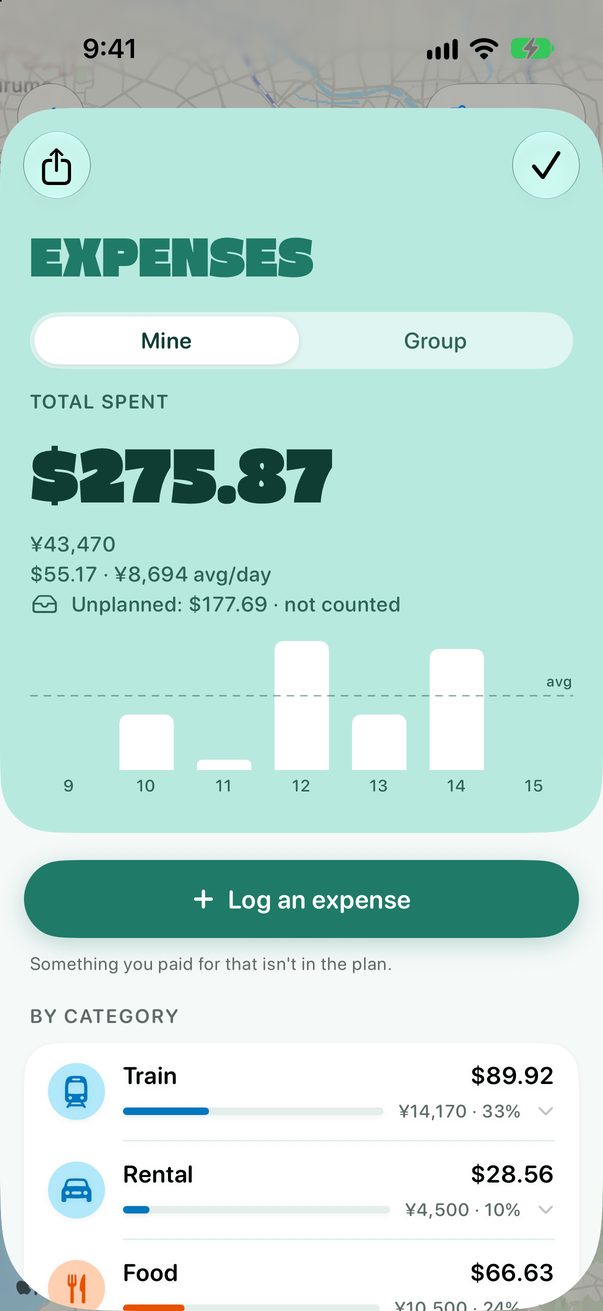
Split costs with your group
Travelling with friends or family? Log who paid, and Trovelo works out who owes whom.
Open Group in Expenses
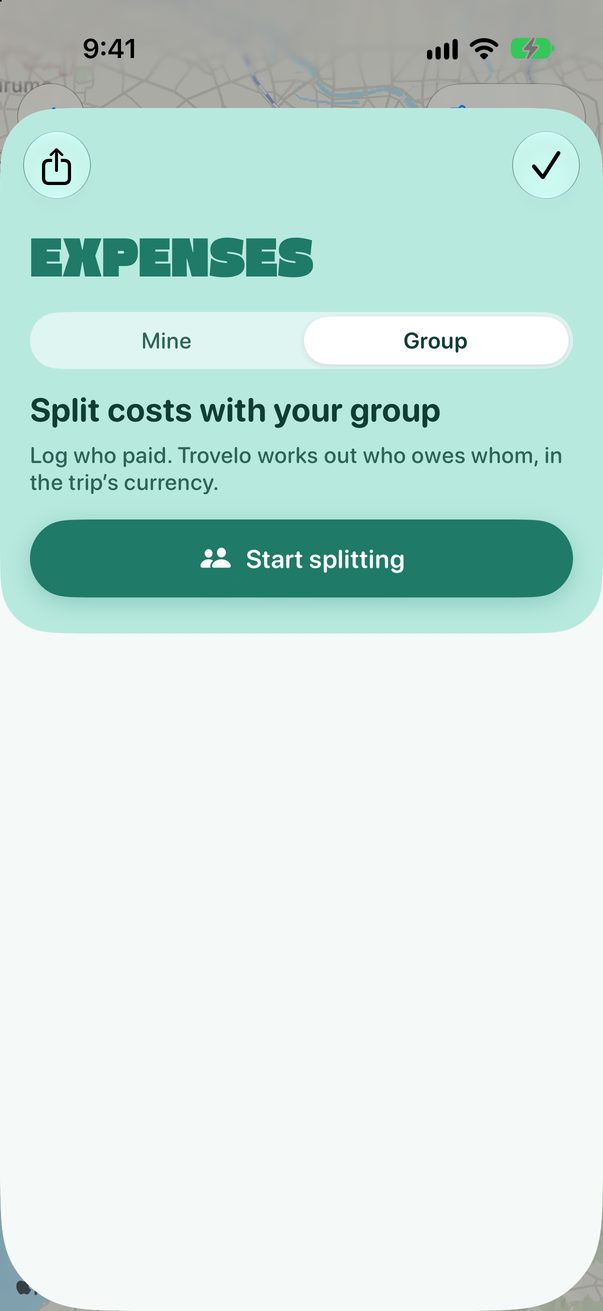
Open Expenses, tap Group and then Start splitting.
 1
2
1
2
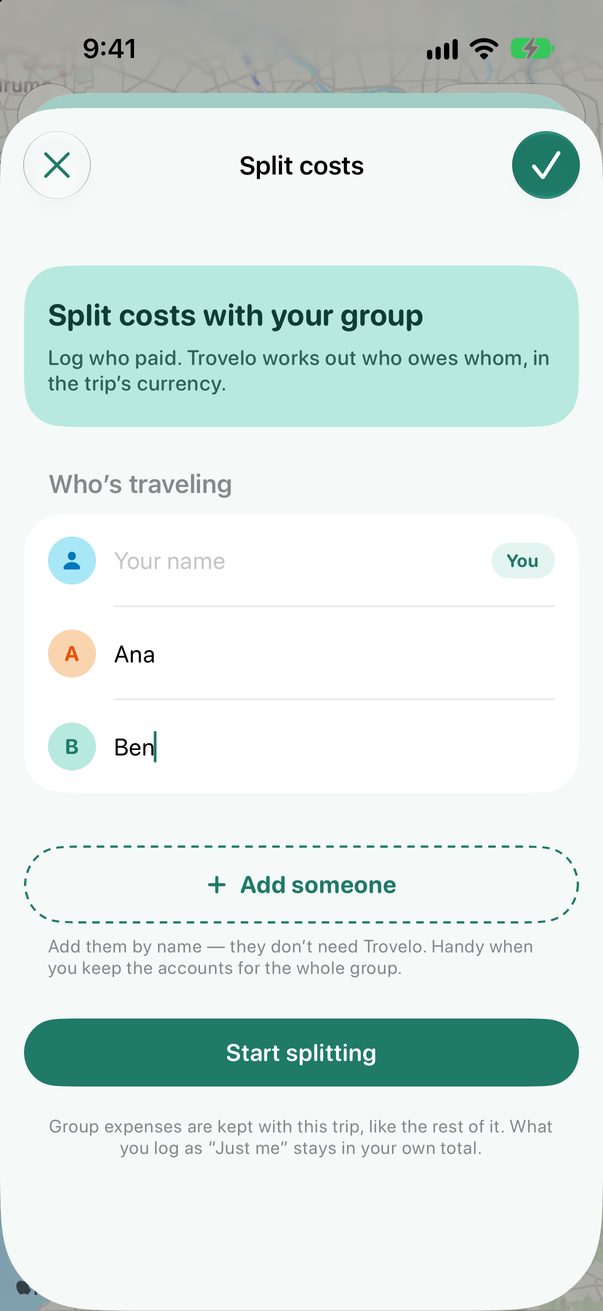
Say who’s travelling
You’re in already. Add the others by name: they don’t need Trovelo. Then tap Start splitting.
 1
2
3
1
2
3
Log a group expense
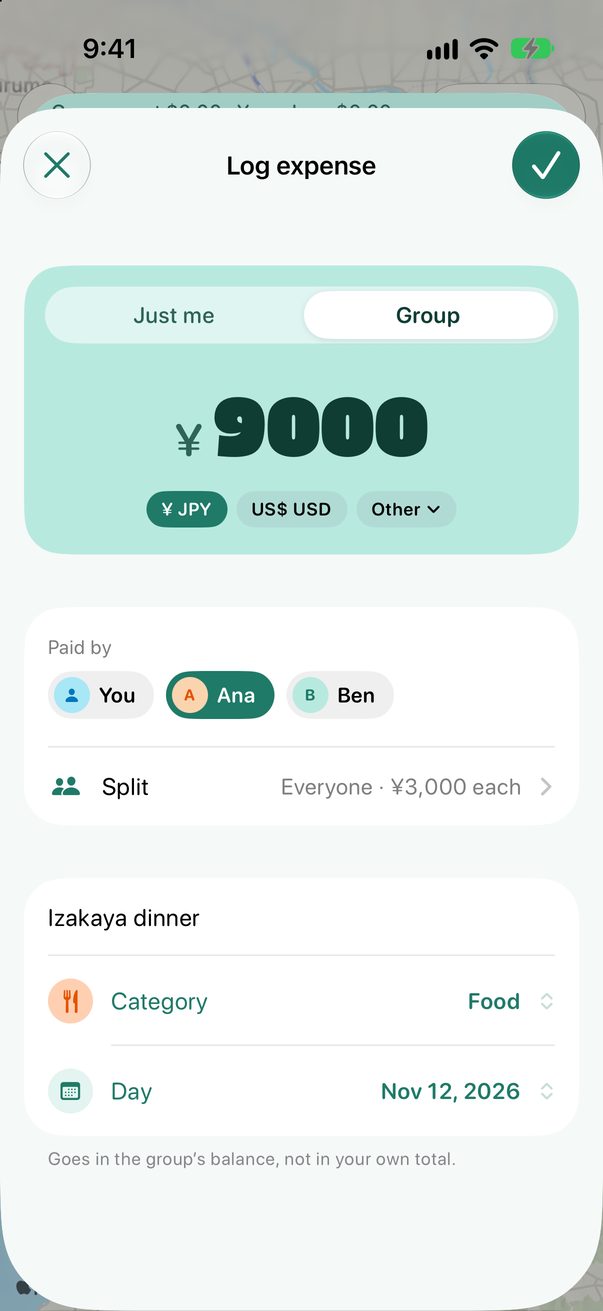
Log an expense as usual and choose Group at the top. Say who paid, and who it’s for: everyone, some of you, or exact amounts.
 1
2
3
1
2
3
See who owes whom
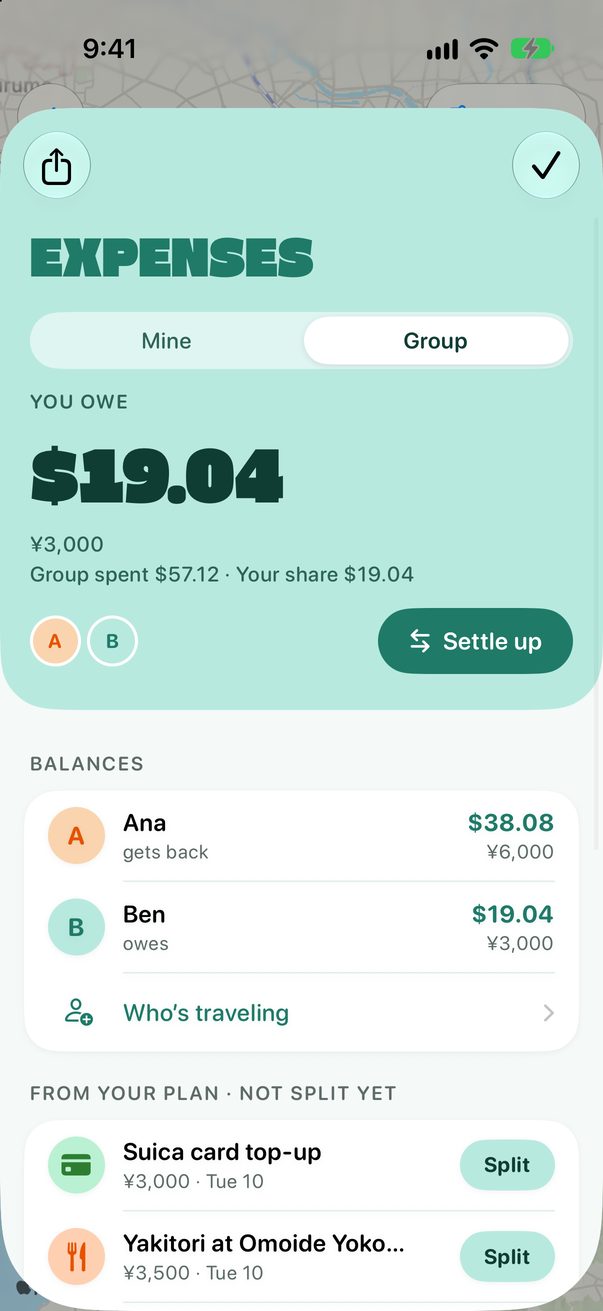
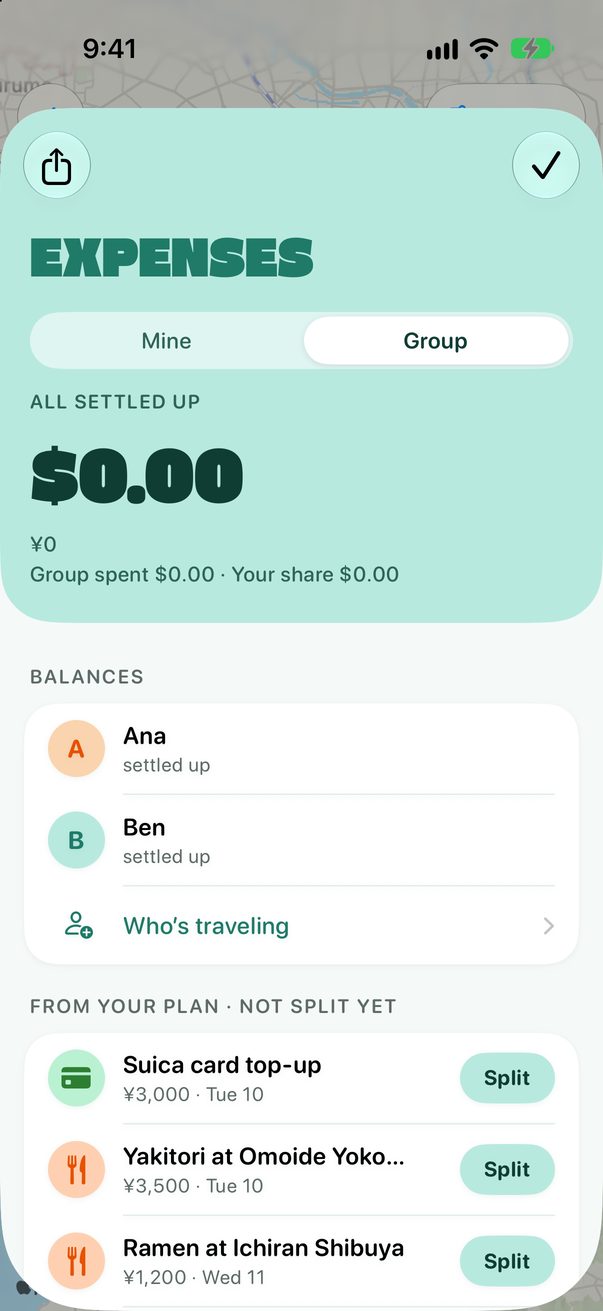
Group shows what you owe or get back, and each person’s balance. Prices already in your plan wait under Not split yet: tap Split to share one.
 1
2
1
2
 3
3
Settle up
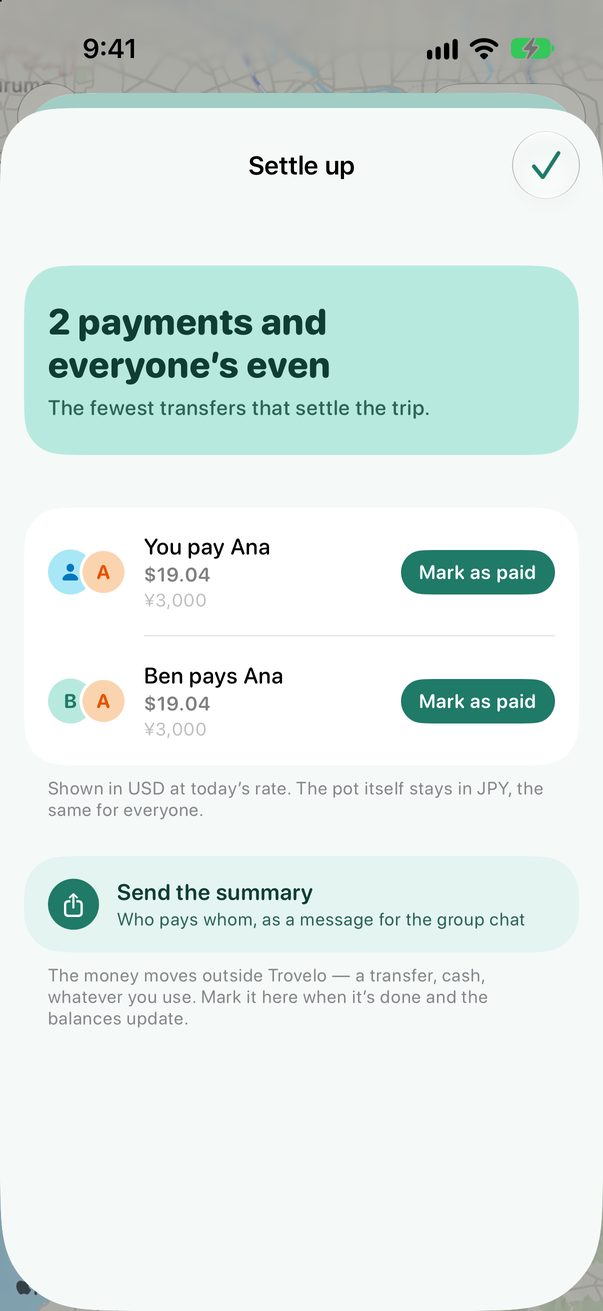
Tap Settle up for the fewest payments that make everyone even. Pay outside Trovelo, then tap Mark as paid. Send the summary shares it with the group chat.
 1
2
3
1
2
3
On the Mac
Expenses on the Mac has the same Mine and Group tabs. Open it with ⌘2.
Good to know
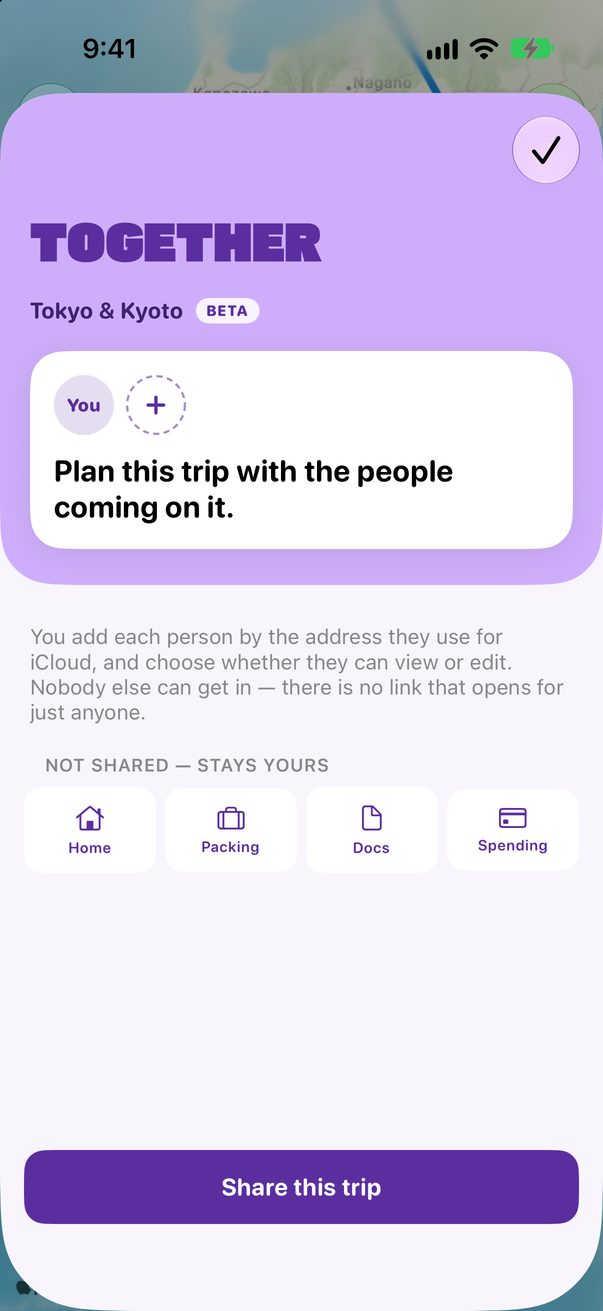
In a shared trip, everyone sees the same group and its balances.
What you log as Just me stays in your own total, and nobody else sees it.



Was this helpful?
Great, thanks! Happy travels.
Sorry about that. Tell me what was missing on r/trovelo and I’ll fix this page.