Trovelo on Apple Watch
While you travel, what’s now and what’s next show on your Apple Watch too. There’s nothing to install on it.
1
Open today’s trip on your iPhone
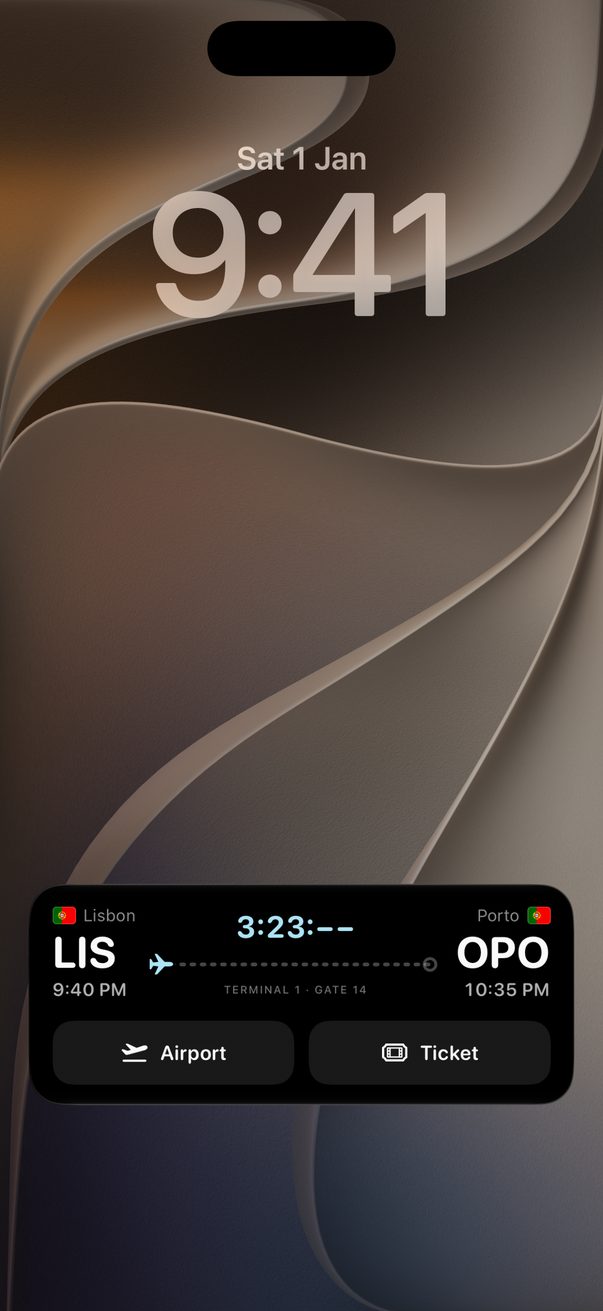
The card that appears on your iPhone’s Lock Screen goes to your watch as well.
2
Find it in the Smart Stack
On the watch face, turn the Digital Crown or swipe up. Trovelo shows what’s now, how long is left, and what’s next.
3
Not there?
On your iPhone, open the Watch app, tap Smart Stack, then Live Activities, and make sure they’re turned on.
Good to know
It needs watchOS 11 or later, and an iPhone with Trovelo nearby.
Everything on the watch comes from your Lock Screen card.



Was this helpful?
Great, thanks! Happy travels.
Sorry about that. Tell me what was missing on r/trovelo and I’ll fix this page.
Keep going
Your trip on the Lock ScreenWidgets, Watch & Calendar
Your trip in CalendarWidgets, Watch & Calendar
Add a flight with layoversFlights & transport