Use Trovelo with Siri
Ask Siri to add a card, log what you paid or open today’s plan, in any of the languages Trovelo speaks.
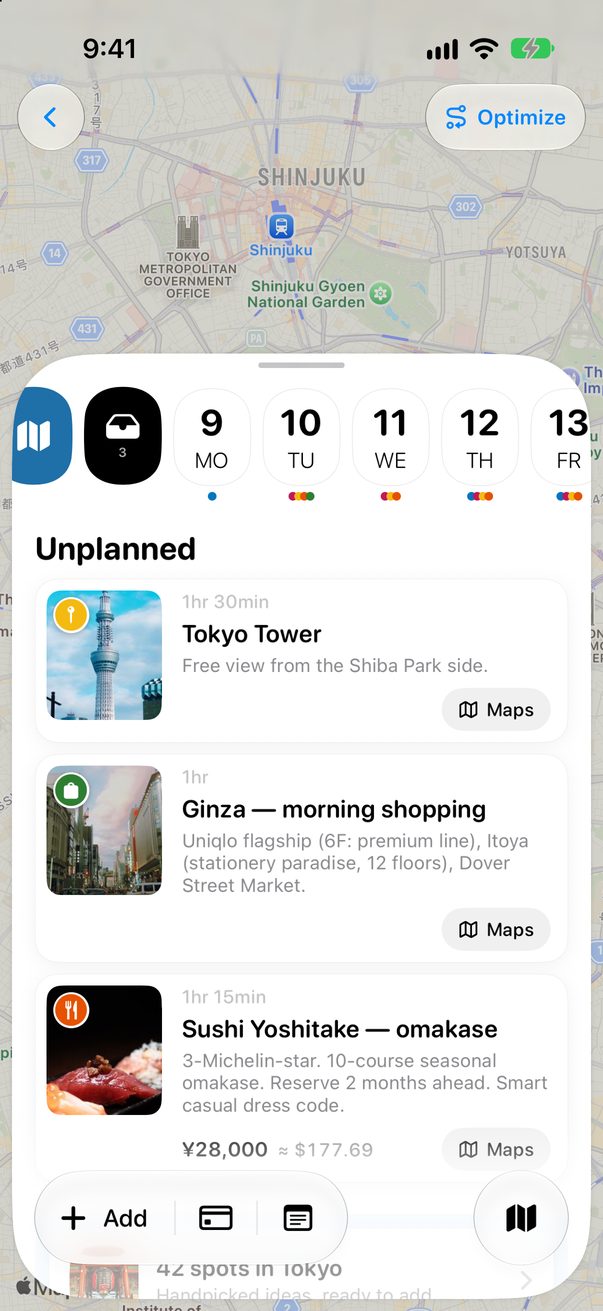
Add a card
Say “Add something to Trovelo.” When Siri asks what to add, say it all at once, like “dinner at Da Enzo tomorrow at 9 pm.” Trovelo works out the category, the time and any price, then Siri tells you where the card went.
Which trip and which day
It goes to the trip you’re on, or your next one. Today, tomorrow and the day after tomorrow work. With no day, or a day like “Friday”, the card goes on today if you’re on the trip, and in Unplanned if you’re not.

Log what you paid
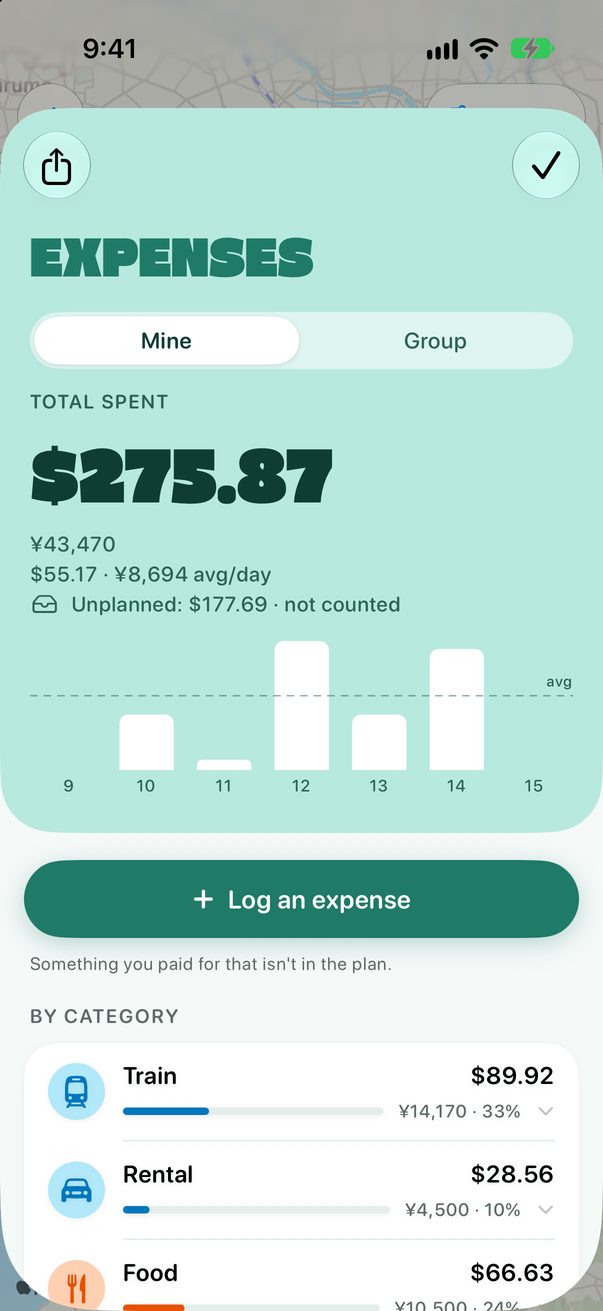
Say “Log an expense in Trovelo.” When Siri asks how much, say the amount and what it was for, like “12 euros for coffee.” It goes into Expenses, and your day’s plan stays as it was.
Open today or a trip
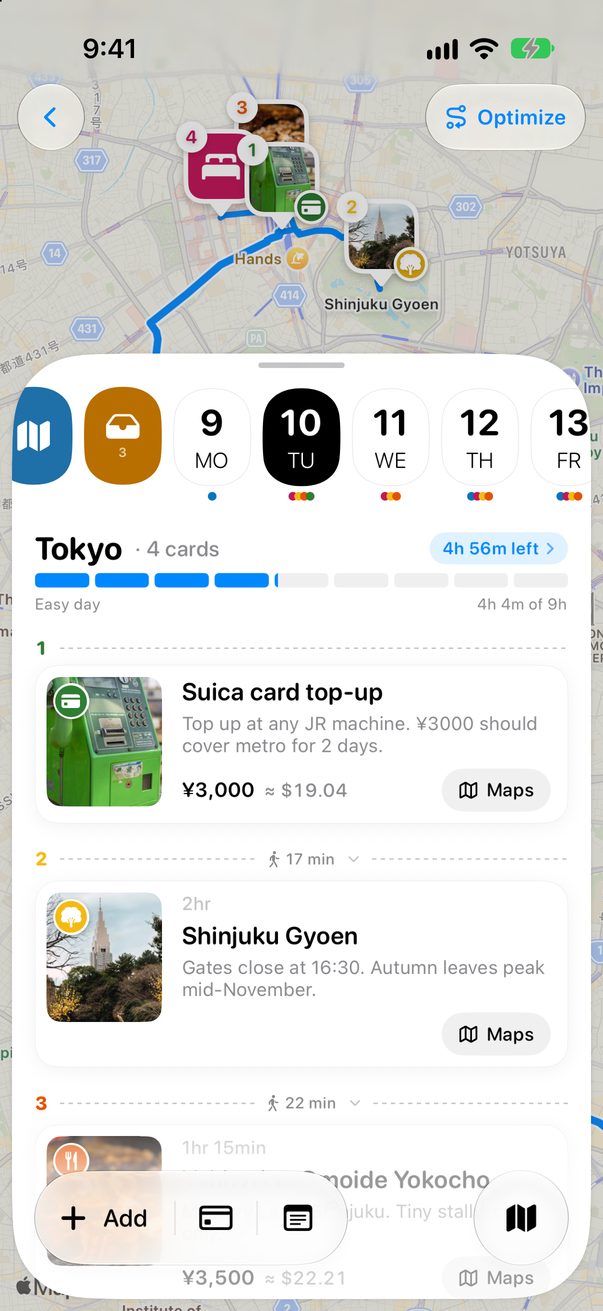
“What have I got today in Trovelo?” opens today on the trip you’re on. “Open Tokyo in Trovelo” opens that trip. Siri opens the app for you, but it doesn’t read your plan out loud.
Other ways to say it
Siri listens for these phrases, so say them as they’re written:
- What’s on today in Trovelo
- Open today in Trovelo
- Show me today in Trovelo
- Show me Tokyo in Trovelo
- Open my trip in Trovelo
- Add a card to Trovelo
- Add to my trip in Trovelo
- Add an expense to Trovelo
Good to know
Siri AI can’t work with your trips yet. For now, use these phrases.
Expenses need a trip under way: if you’re not on one, Siri tells you. No currency in what you say? It uses the trip’s.
Siri works with Trovelo on iPhone and iPad. On a Mac, you can plan with your AI assistant.



Was this helpful?
Great, thanks! Happy travels.
Sorry about that. Tell me what was missing on r/trovelo and I’ll fix this page.
Keep going