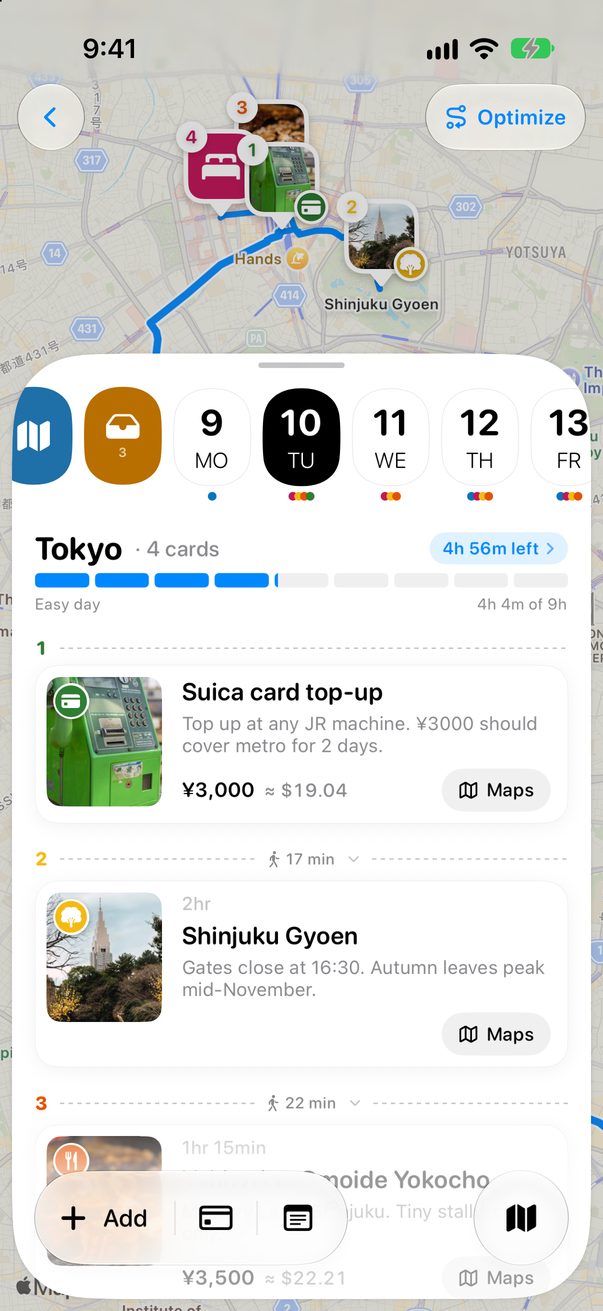
Log Apple Pay payments automatically
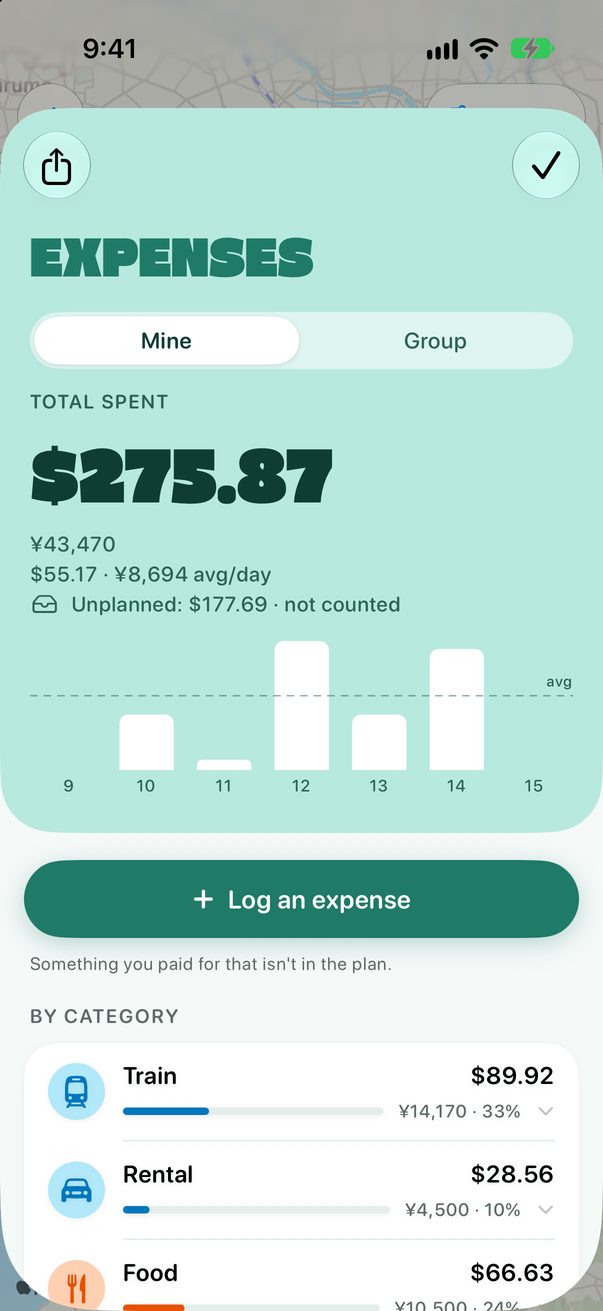
Pay with Apple Pay on a trip, and the amount and the shop land in Expenses on their own. At home, nothing happens.
Add the shortcut
On iOS 27, open the Trovelo shortcut on your iPhone and tap Add Shortcut.
Check it’s on
Touch and hold the shortcut and tap Edit. Tap the › in the first row and make sure Automation is on. It works with any card in Wallet and any kind of purchase.
Pay as usual
Next time you pay in a shop with Apple Pay on a trip, the payment lands in Expenses with the amount and the shop’s name. Your day’s plan stays as it was.
On iOS 26, build it yourself
In Shortcuts, open Automation, tap + and choose Wallet. Pick your cards and choose Run Immediately. Then tap Next and Create New Shortcut. Add Trovelo’s Log Wallet Payment action, and set Amount and Merchant to the ones from Shortcut Input.
Good to know
Only Apple Pay in a shop counts, not a physical card or an online purchase. Only a trip under way counts too, so nothing is logged at home.
Refunds aren’t logged, and neither is anything on a trip someone shared with you to view.
Pressing play in Shortcuts sends no payment, so it logs nothing. Try it with a real payment. Apple sometimes doesn’t run it, or runs it for a declined payment, so give your Expenses a look now and then.
Transport counts too. To leave it out, open that same row and take it out of Categories.



Was this helpful?
Great, thanks! Happy travels.
Sorry about that. Tell me what was missing on r/trovelo and I’ll fix this page.
Keep going